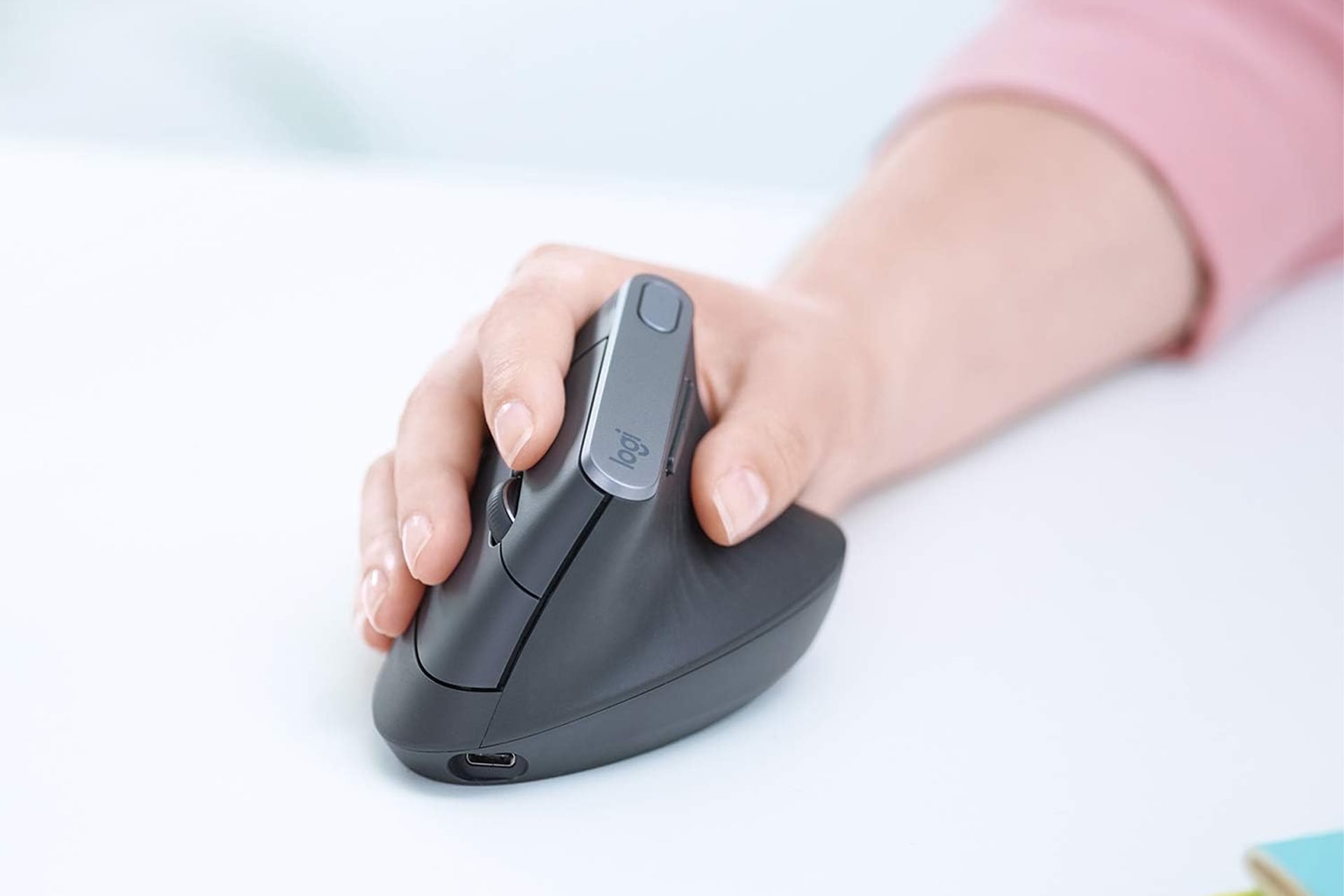
If you’re someone who finds themselves at the computer for much of the day—be that to get work done or just for leisure—you deserve to have some good equipment at your fingertips. That cheap bargain bin mouse you got at the checkout line just won’t cut it. Logitech has a mouse that is built specifically for extended use and right now Amazon has it for 41% off. Typically sold for $120, the Logitech MX vertical mouse has dropped in price to just $71. That makes for a savings of $49 for a limited time.
Vertical Angle for Improved Ergonomics
So right of the jump, you’ll notice this does not look like any ordinary mouse. It’s designed with a vertical grip. This ergonomic form factor allows for better wrist posture which can help to reduce muscle fatigue during long bouts in front of the computer. It keeps your wrist at a 57° angle while your thumb rests easily on the dedicated thumb rest. It mimics a typical handshake position which feels much more natural than over twisting your wrist so your palm faces down like you would with a standard mouse. The reduce wrist pressure can also lead to improved posture in addition to lower muscle strain.
As a mouse, it serves its purpose well. It has a 4,000 DPI high-precision sensor which can reduce hand movement by up to four times. You can adjust the DPI speed with just the touch of a button on the side of the mouse. This is much preferred to needing to dig into your device’s settings to adjust as different applications or workflows might be better suited for different speeds. This allows you to adjust on the fly.
In addition to the two standard left and right click buttons and scroll wheel, the mouse has two more customizable buttons that can be set to different keystrokes or macros. This can be helpful in streamlining different workflows. My mouse has similar side buttons and I uses one of them as a shortcut for pulling up the snipping tool as day job requires taking frequent screenshots.
Logitech Flow
The mouse can be paired with up the three devices at once, be it a Windows laptop, Apple MacBook, or Linux computer. Even cooler, you can actually move content from one device to another using the mouse. So long as the two computers are on the same network, just move your mouse to the edge of the screen to jump from one machine to another.