Customize your dashboard and organize all those games
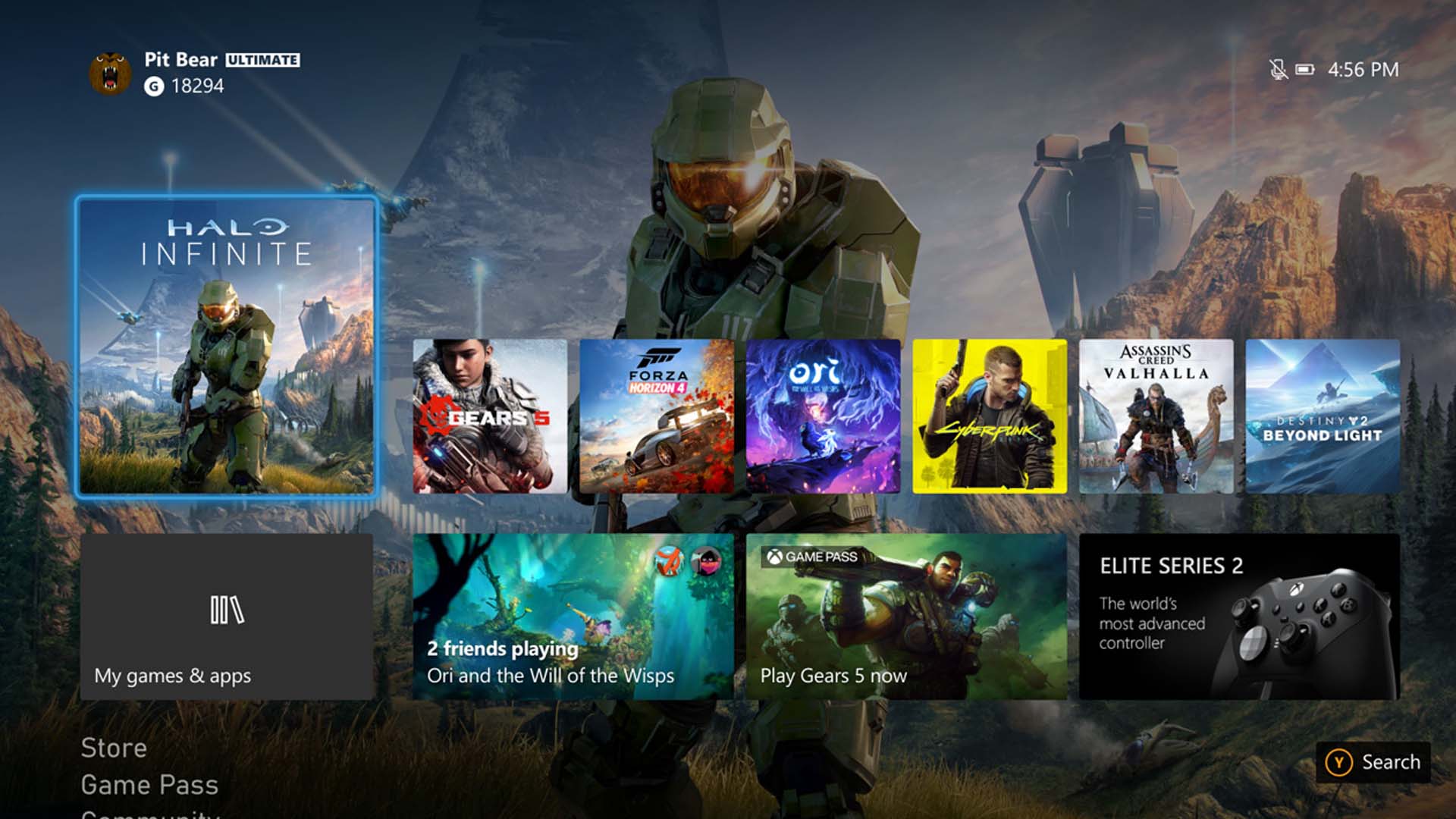
As you start downloading more games, your Xbox dashboard will start to get cluttered. A great way to fight this entropy is to create some new dashboard sections. Simply hit the controller’s “two squares” button (it’s called the “view” button, by the way…weird) and you’ll find the “Customize Home” screen. Here you can tweak your dashboard and console colors, theme, and background. More importantly, you can add and remove main screen content sections. For example, you can create a section called “Backlog” and stick all the games you want to play there. Or you could organize by genre. Or whatever else suits you. Even games you don’t currently have installed can be assigned to these sections.