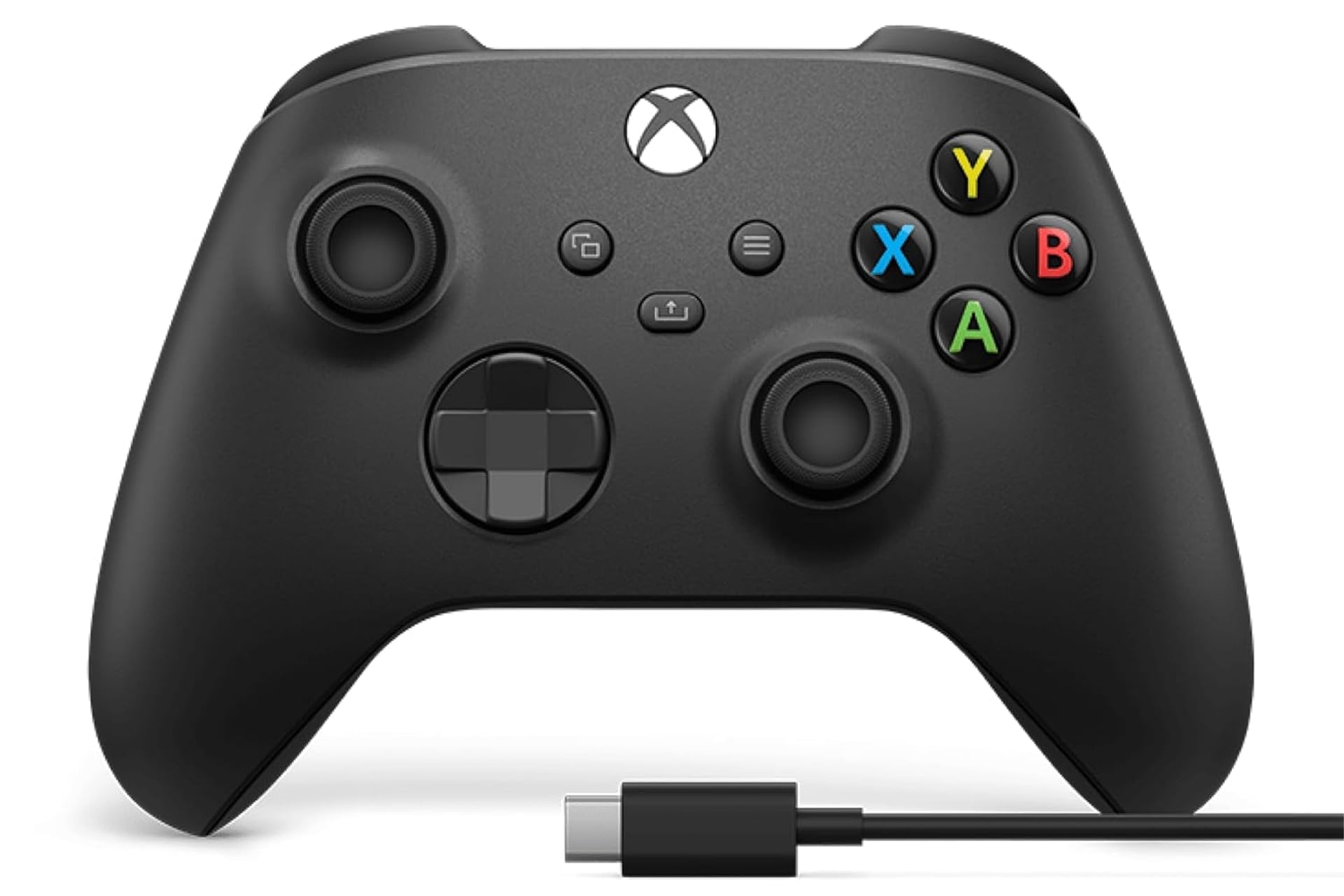
There is a clear winner in my eyes when it comes to picking out the best PC gaming controller. The choice is even easier if we’re just looking for the best Xbox gaming controller. Unsurprisingly, it’s the official Xbox controller. This design and build has stood up to the test of time, remaining mostly unchanged crossing over several console generations, and it’s also pretty affordable. Right now, even more so. Amazon has the Xbox wireless gaming controller plus a USB-C cable seeing for as low as $52. It’s normally sold at $65, so the sale ends up taking the price down by $13 for a limited time.
Modernized Design
When you compare Sony against Microsoft, you see that that PlayStation parent company has a very different approach when it comes to updating its controllers. The DualSense controller for the PS5 gave the primary controller a whole overhaul in its form factor while also adding in flashy features. It’s now got the haptic triggers than can adjust their resistance on a contextual basis, plus its got the touch pad in the center which was added last gen.
Microsoft, on the other hand, has stayed pretty consistent since the Xbox One in 2013. The controller has seen simple usability updates like added Bluetooth, a share button, and a switch over to the now standard USB-C charging. Beyond that, though, the controller is pretty much identical. That’s because Microsoft knows they nailed it over a decade ago and why fix what isn’t broken?
The Xbox official controller is comfortable for hands of all sizes and it’s layout just makes sense. You can go back and forth all day arguing over if it’s better to have the thumbstick aligned like they are here of asymmetrical like with the PlayStation’s history of controller, but I certainly prefer the way Xbox has done it. I’m also a big fan of it’s D-pad. It has a low travel distance and it is easy to roll your thumb against. This is my go to for bot fighting games and 2D platformers.
Xbox is the best controller for PC, mainly because it is the format that most Steam games have adopted as the default. While there are certainly games on the platform that will allows you to switch the controller buttons displays, a good chunk only showcase the A, B, X, Y buttons the way Xbox has it. Using an Xbox controller will allow for a more seamless experience when PC gaming. You can also customize your controls using the Xbox accessories app in order to remap buttons or to create personalized profiles which you can tailor to different games.