For all gamers whether you’re at your desk with your PC or on your couch in front of your console, we all know the pain of maxing out our storage. While it’s true the tech for file storage has only gotten better over the years—with manufacturers cramming higher and higher capacities into smaller and smaller forms—game developers has just been ballooning the requirements to download their games. Look at Forza Horizon 6, this newly released game looks absolutely stunning, but the unfathomable amount of high-resolution assets that make it looks that way end up bringing the game’s total download size for PC to come close to 160GB.
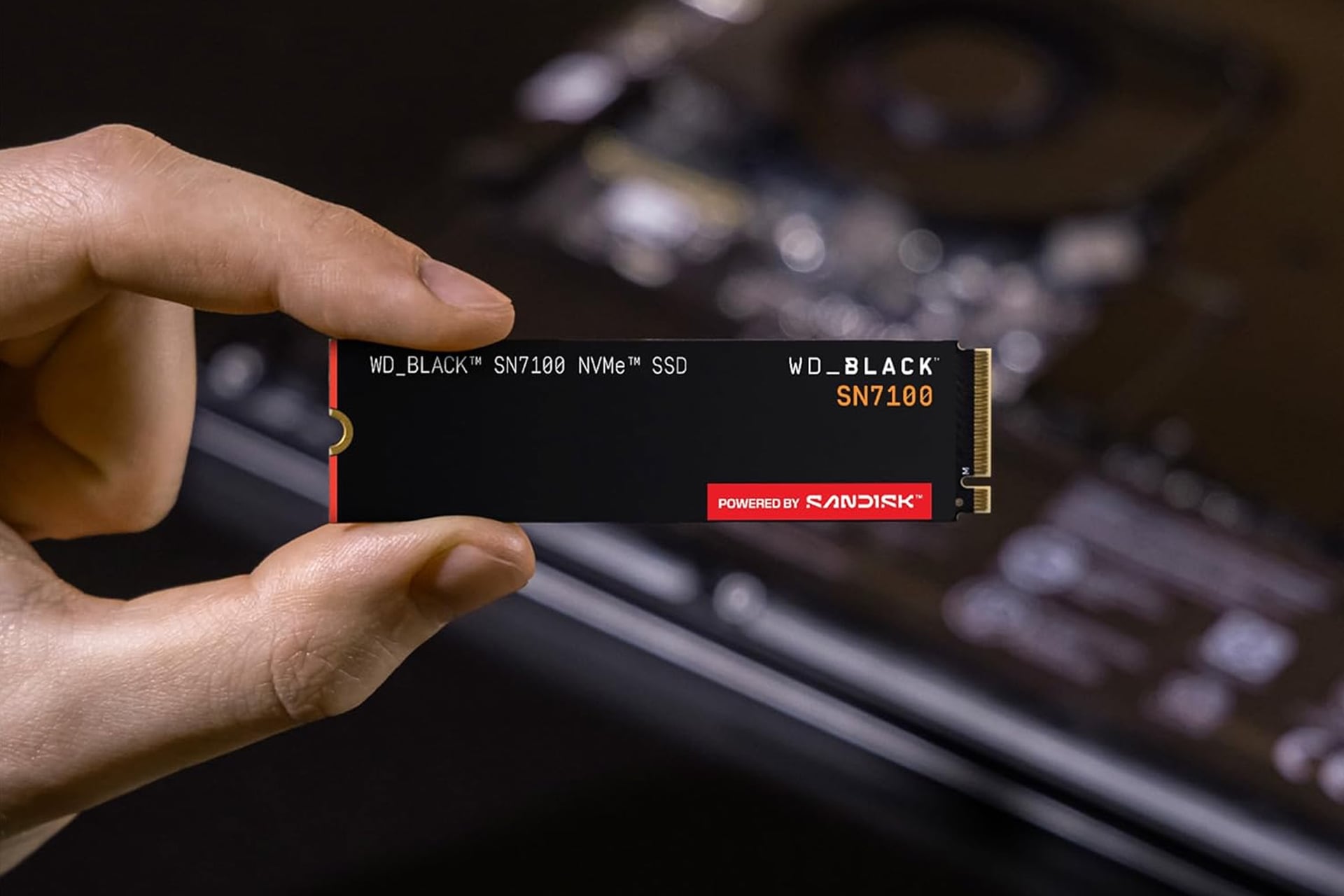
If you would rather avoid the dance of having to delete old files and games just to make room for this one game, you may want to consider upgrading to more storage. Western Digital has its WD_Black SN7100 gaming SSD on sale at the moment. This solid state drive comes in three different options for sizes. Amazon’s pricing looks a little wonky, as it’s list price for the 1TB is actually higher than the list price of the 2TB option. Everything makes sense after the discount though. Right now, you can get the 1TB SSD for just $188, the 2TB for $300, and the 4TB for $572.
Gaming on the Go
This particular SanDisk-powered model is made for laptop and handheld gaming. So if you plan on playing the new Forza on either your SteamDeck or a Lenovo Legion gaming laptop, this is what you’re looking for to upgrade. The SteamDeck only comes with options for 256GB, 512GB, or 1TB, so you can seriously expand the possible number of games you can have downloaded at a time by upgrading to the WD_Black SN7100’s 2TB or 4TB model.
This PCIe Gen4 interface SSD is made to keep up with all the needs of modern PC gaming. It’s got crazy fast read and write speeds, achieving up to 7,250MB/s reading and up to 6,900MB/s writing. This is 35% faster than the previous generation model form WD_Black. This will help support the quick-loading that’s requires to navigate through Forza Horizon 6‘s massive open world smoothly.
For Windows users, if you plan on using this with your gaming laptop, you can download the WD_BLACK Dashboard which can provide you with insights on how to optimize your performance. You’ll be able to get the most out of your SSD by tweaking your settings accordingly.