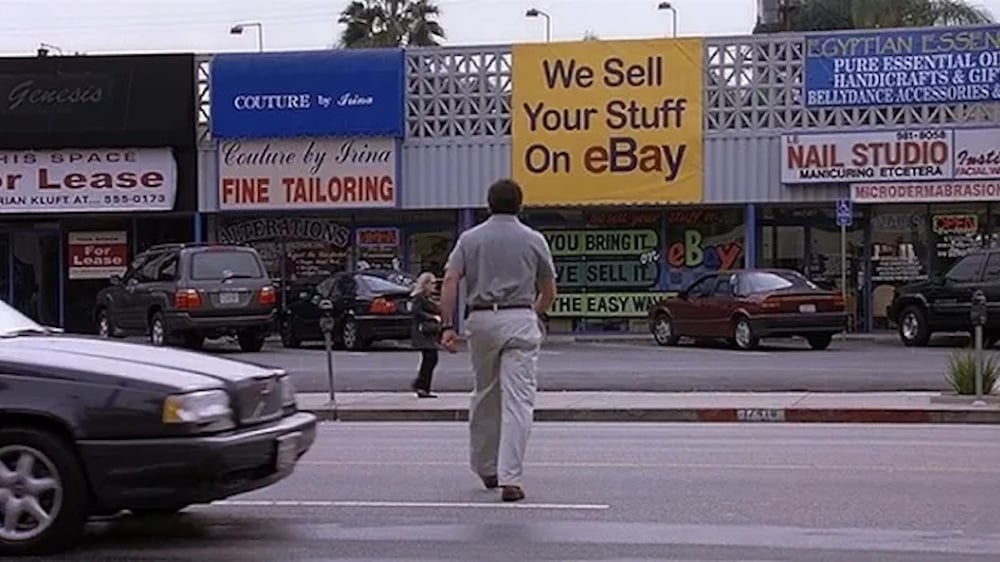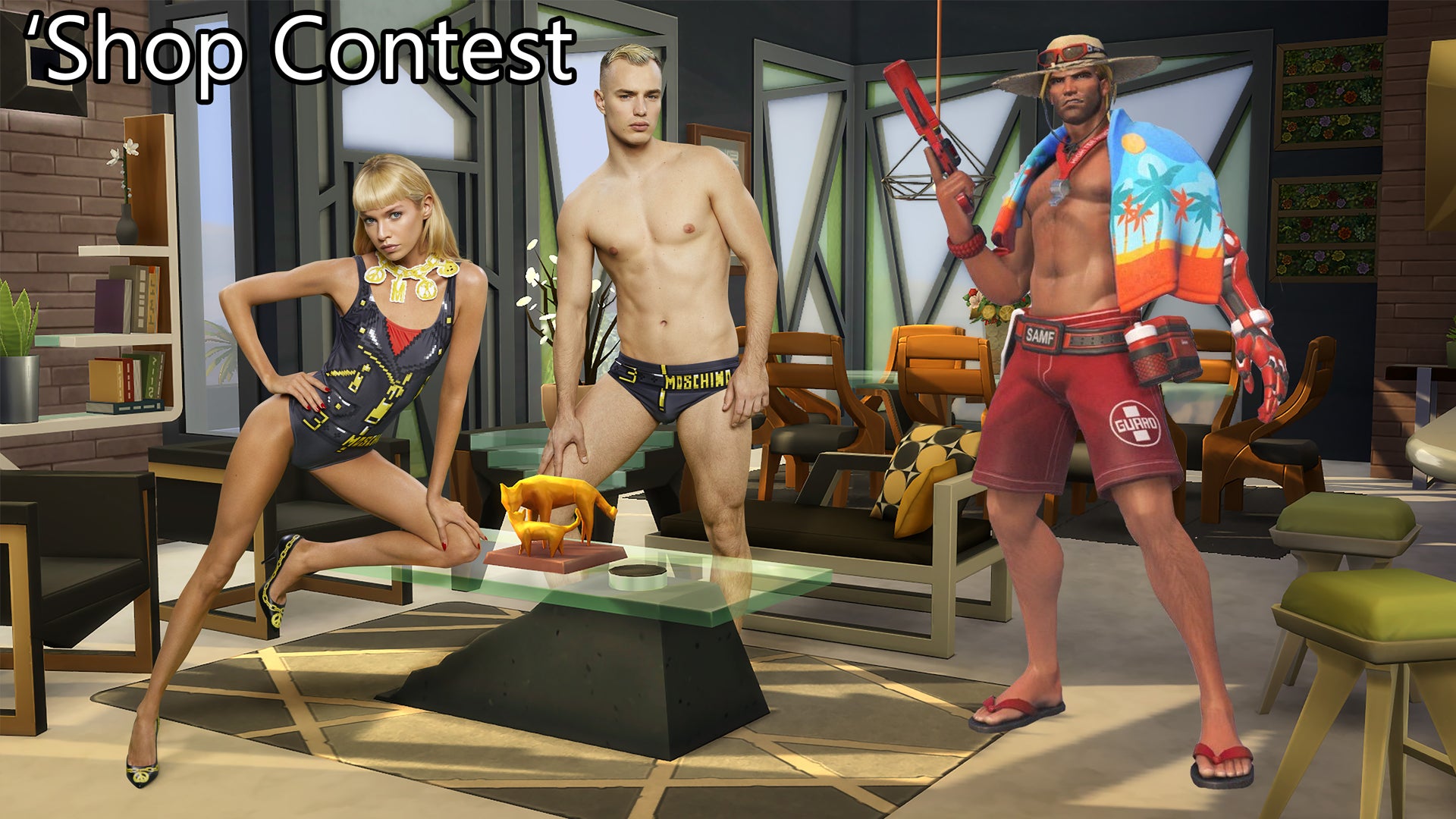
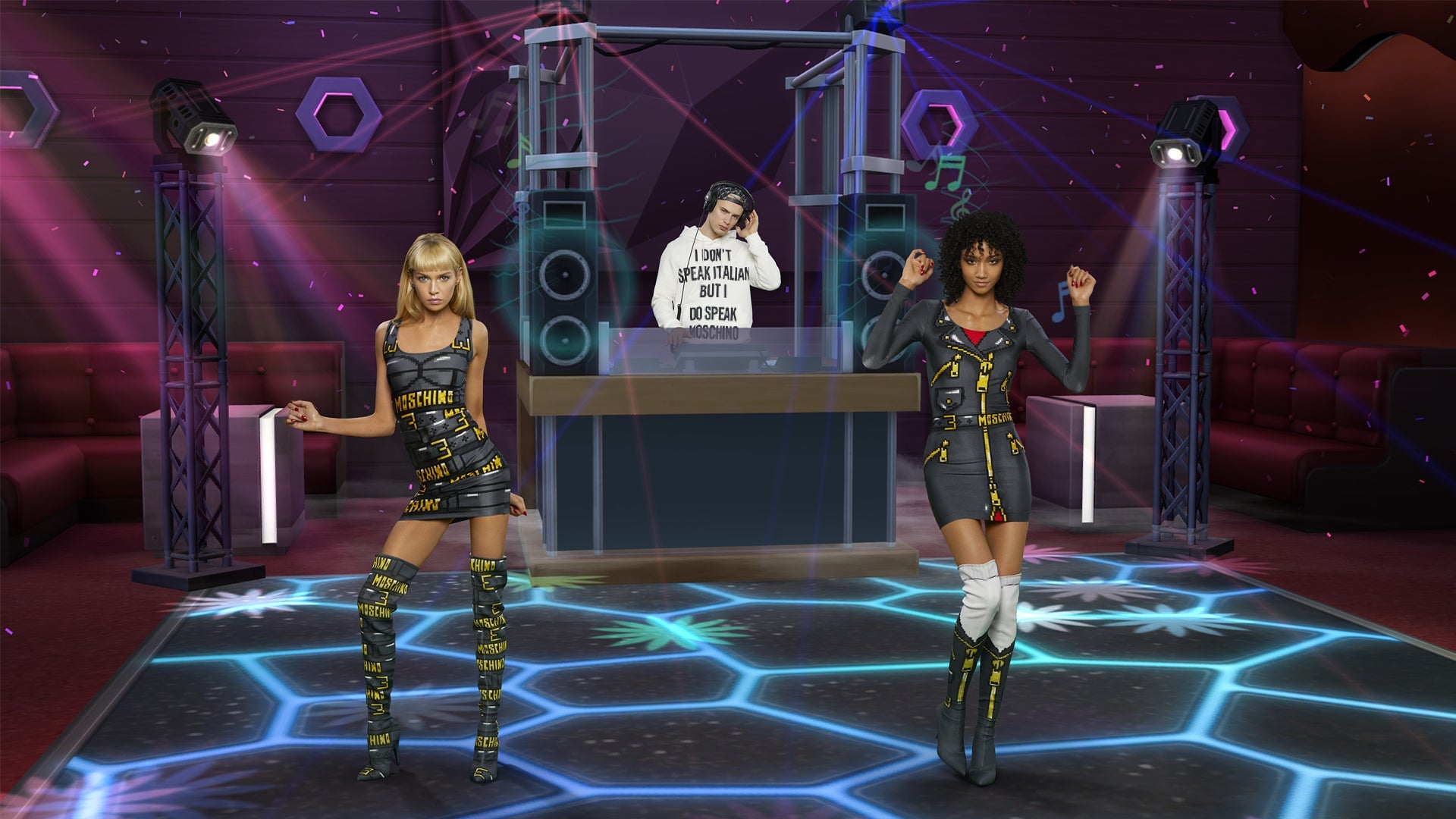
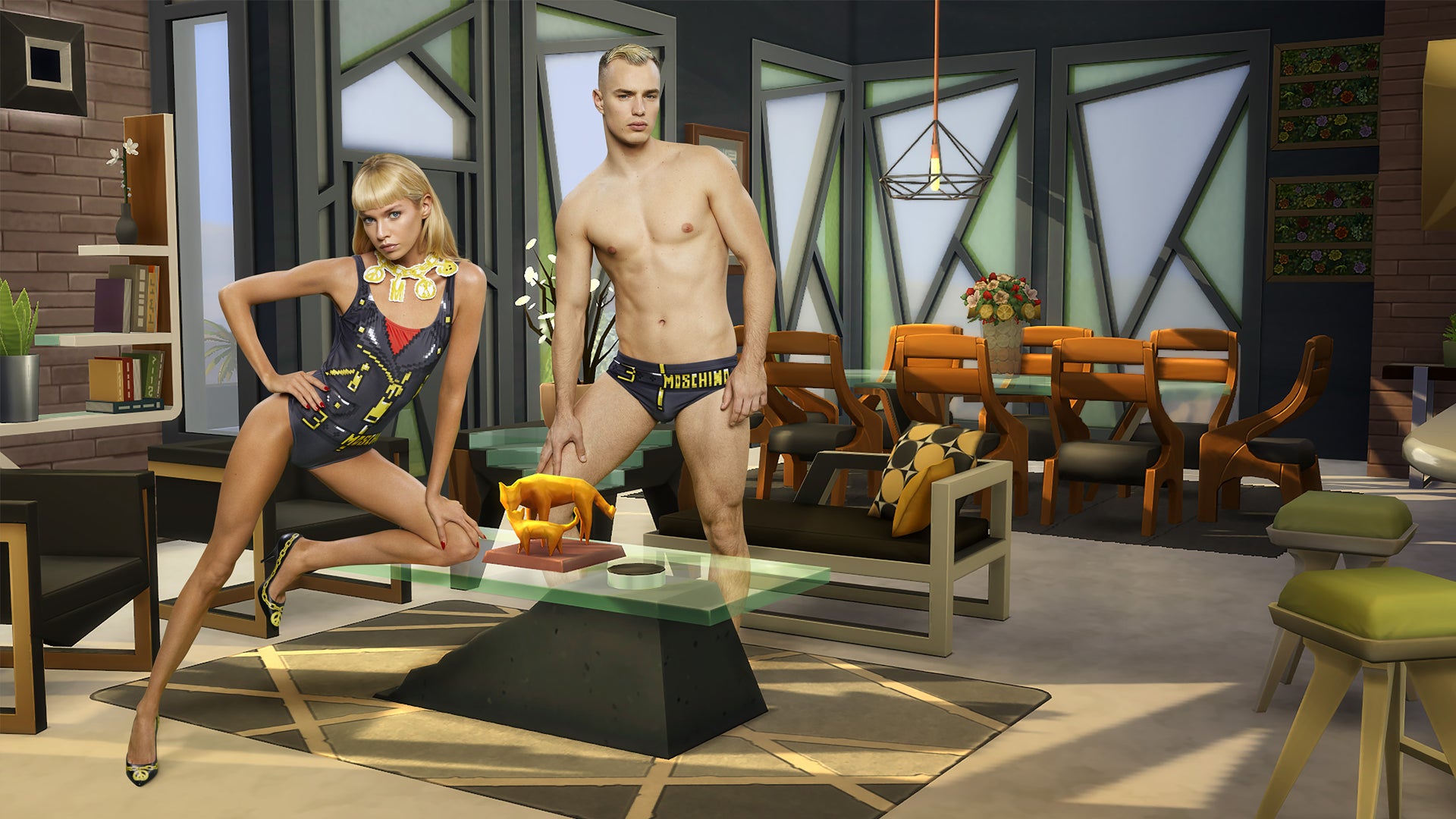
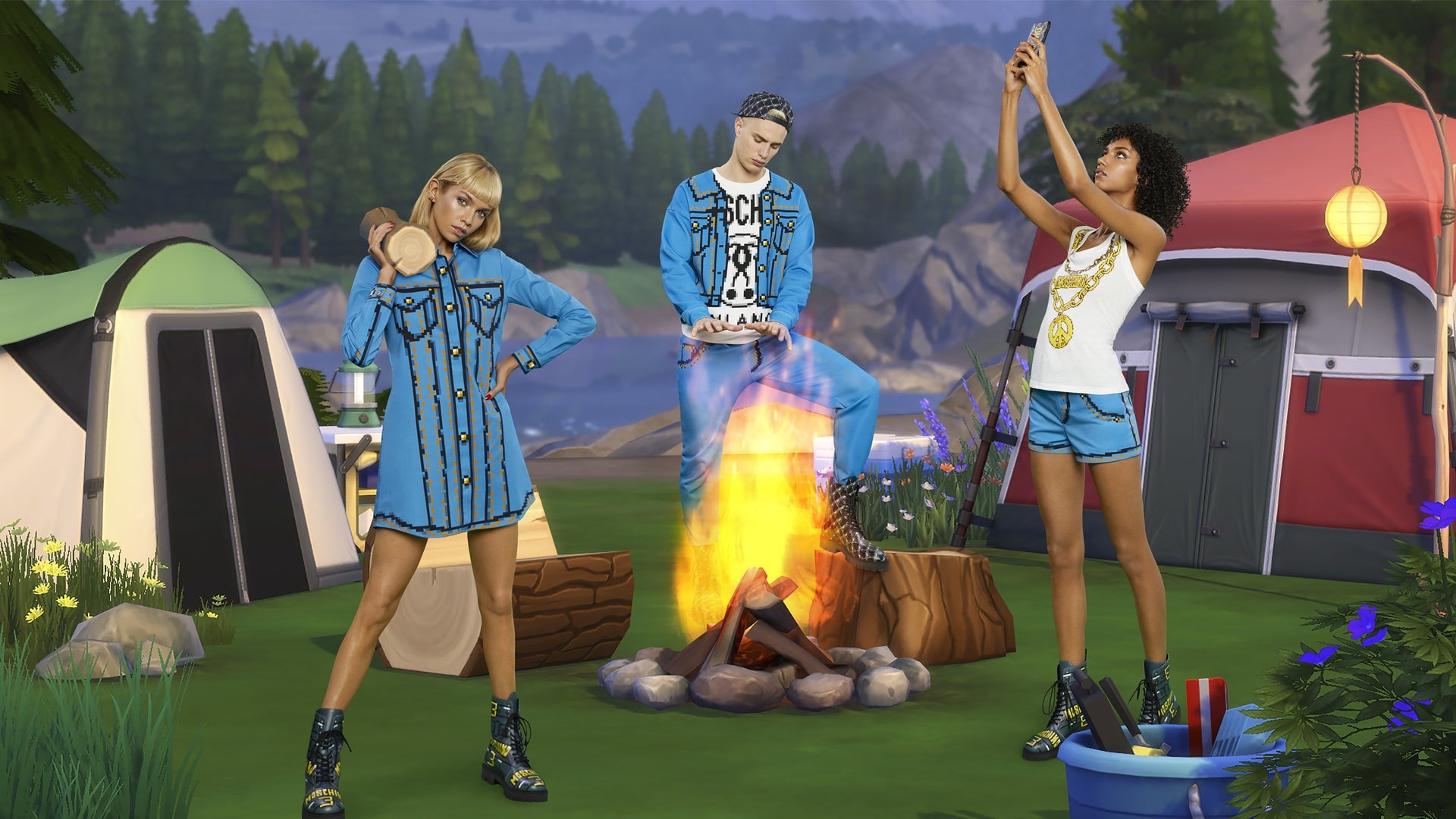
Recently, EA and clothing company Moschino revealeda new line of fashion items based onThe Sims 4. More importantly, to advertise this new clothing line, Moschino photographed their models in different virtual areas from The Sims 4.
Your challenge this week: Add more video game stuff to these fashion photos.
I love The Sims, don’t get me wrong, but I want more video games added to these images. Why only limit these models to living in a world where everybody speaks in Simlish and nobody knows how to get out of a pool without a ladder? Bring some other video game characters into these photos and help them out.
Here are some photos to work with, but if you want to see all the images click here. But be warned, these are some REALLY big images. I would recommend shrinking them down!
(Which I already did for the images below. You’re welcome.)
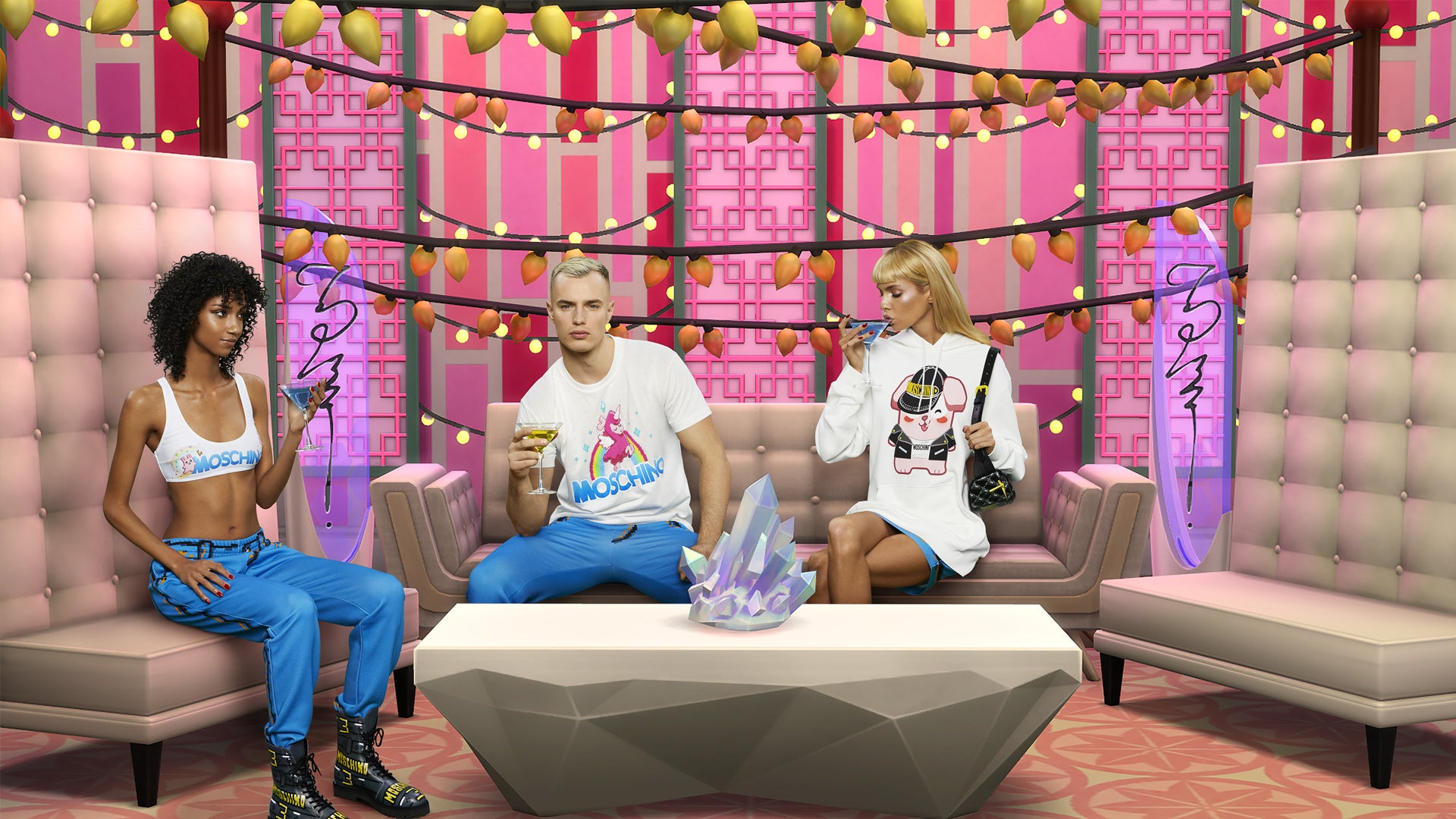
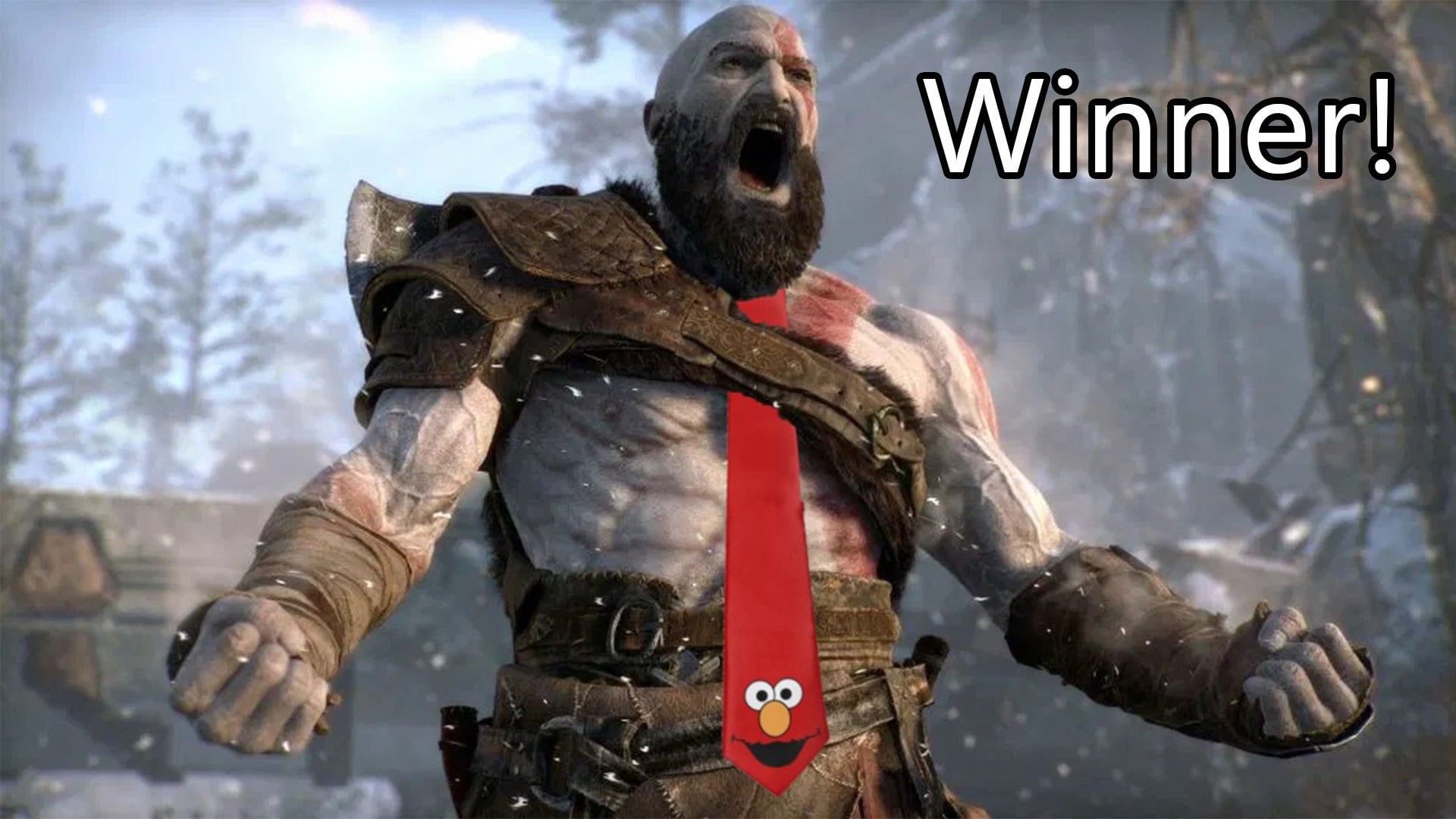
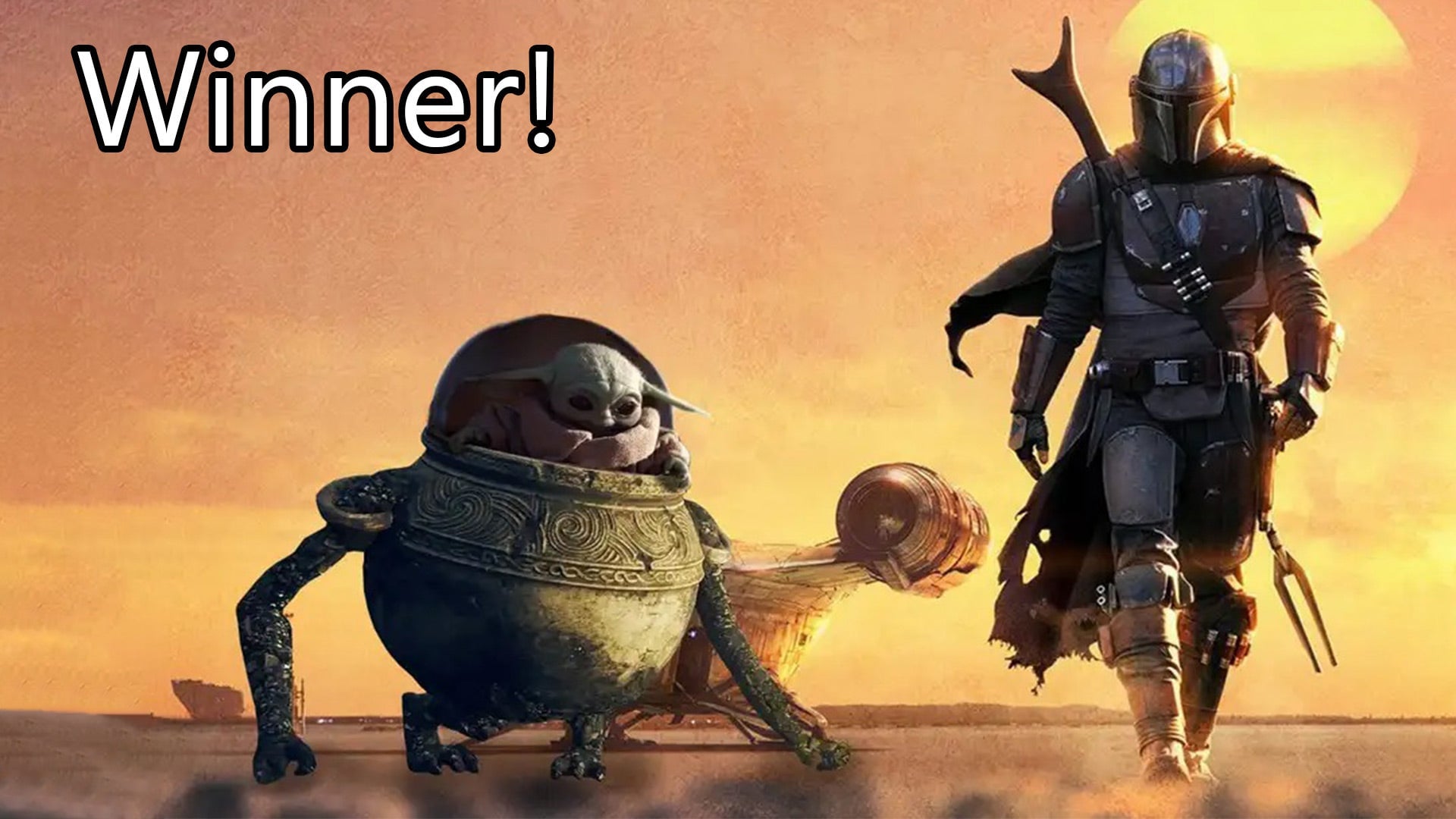
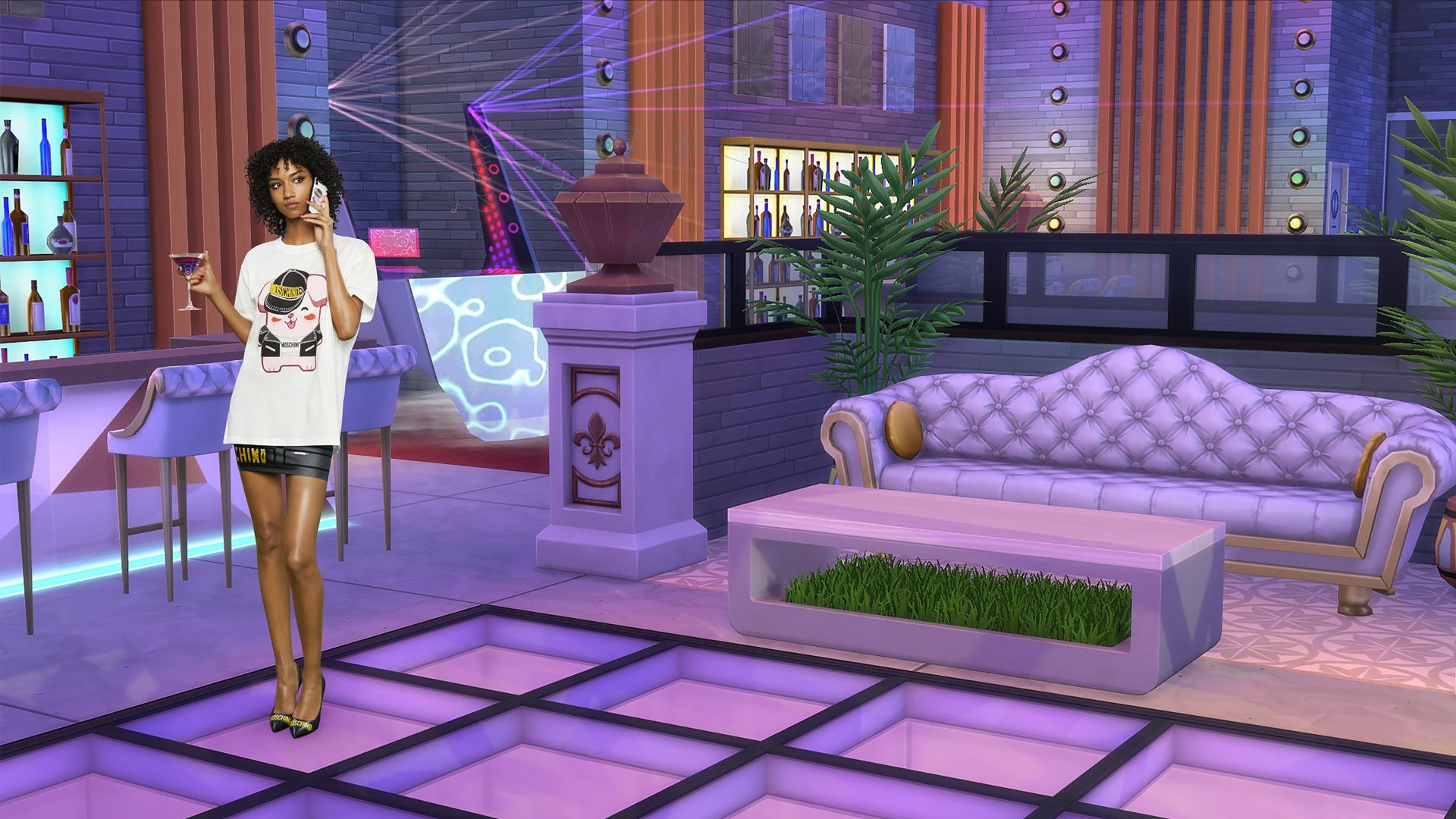 Next week I’ll pick a winner and hand out some awards!
Please note that the image submissions rules have changed just a little bit. We’re looking for images that are 800 pixels wide now!
How To Submit — Instructions
1. Create your ‘Shop and save it to your desktop. Images must be at least 800 pixels wide.
2. Go to the bottom of this post
3. This brings up a comment window. Click “Choose file” if you’re uploading your ‘shop from your desktop
4. Alternatively, you can upload the ‘Shop to a free image hosting service. I suggest imgur. Then paste the image’s URL into the field that says “Image URL.” Note: this must be the URL of the image itself, not the page where it is displayed. That means the URL ends in .jpg, .gif, .png, whatever.
5. Add editorial commentary and hit submit and your image will load. If it doesn’t, upload the image to imgur and paste the image URL as a comment. I will look at it.
6. Large-size images may not upload properly, though we have seen some animated .gifs upwards of 5 MB. If you’re still having trouble uploading the image, try to keep its longest dimension (horizontal or vertical) under 1000 pixels, or the whole thing under 2 MB.