Yesterday was a great day for King Shark fans, like myself. We got two different digital King Sharks. One from the recently announced game Suicide Squad: Kill The Justice League and one from the upcoming Suicide Squad movie. This is a good thing. Let’s celebrate.
Your challenge this week: Have some fun with King Shark!
I became a big King Shark fan after he became a regular in the fantastic Harley Quinn show. But he’s also great in the comics and after being left out of the last Suicide Squad film, it’s nice to see him finally getting his spot on the team.
Here are two different King Sharks that you can use.
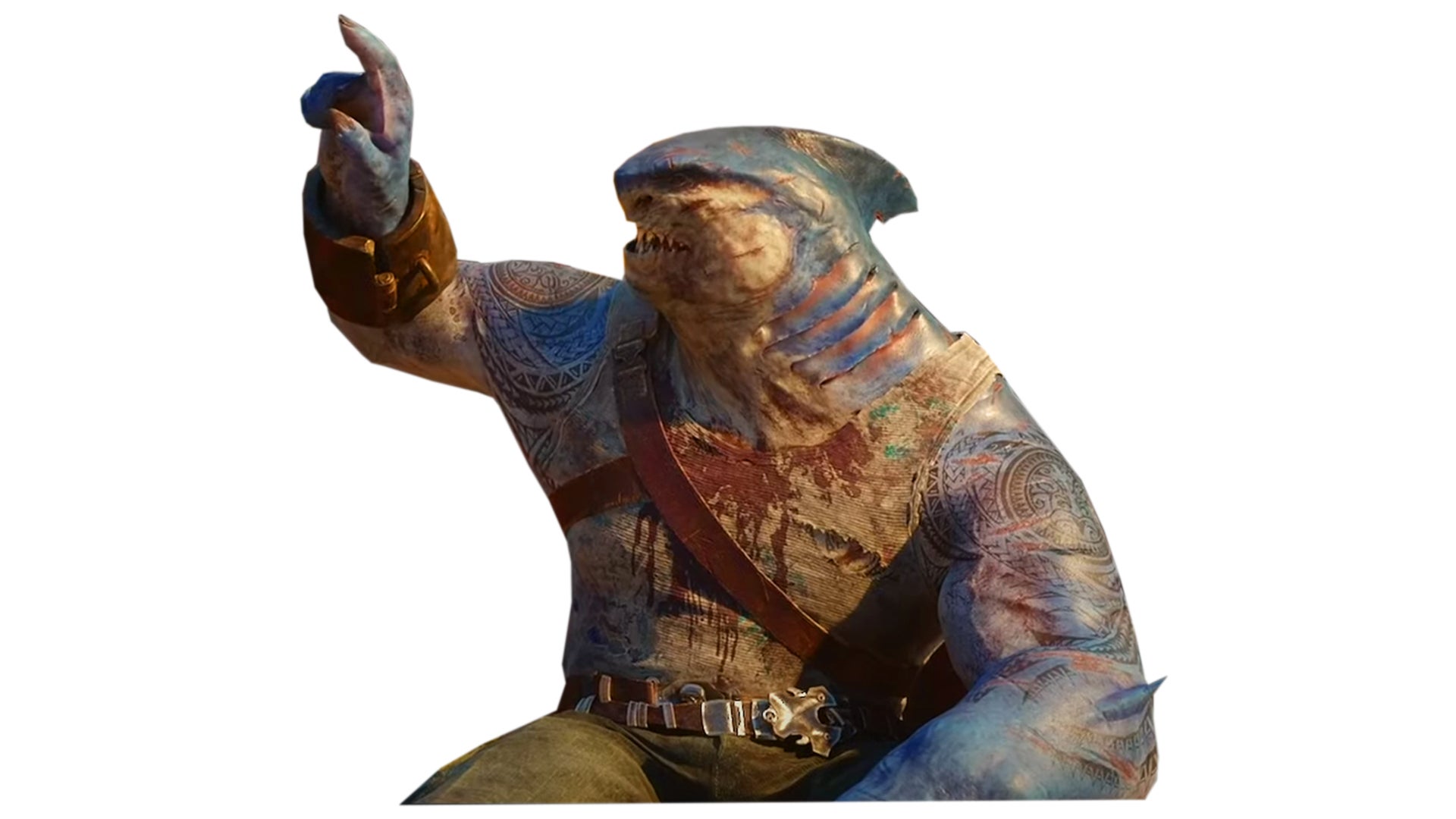
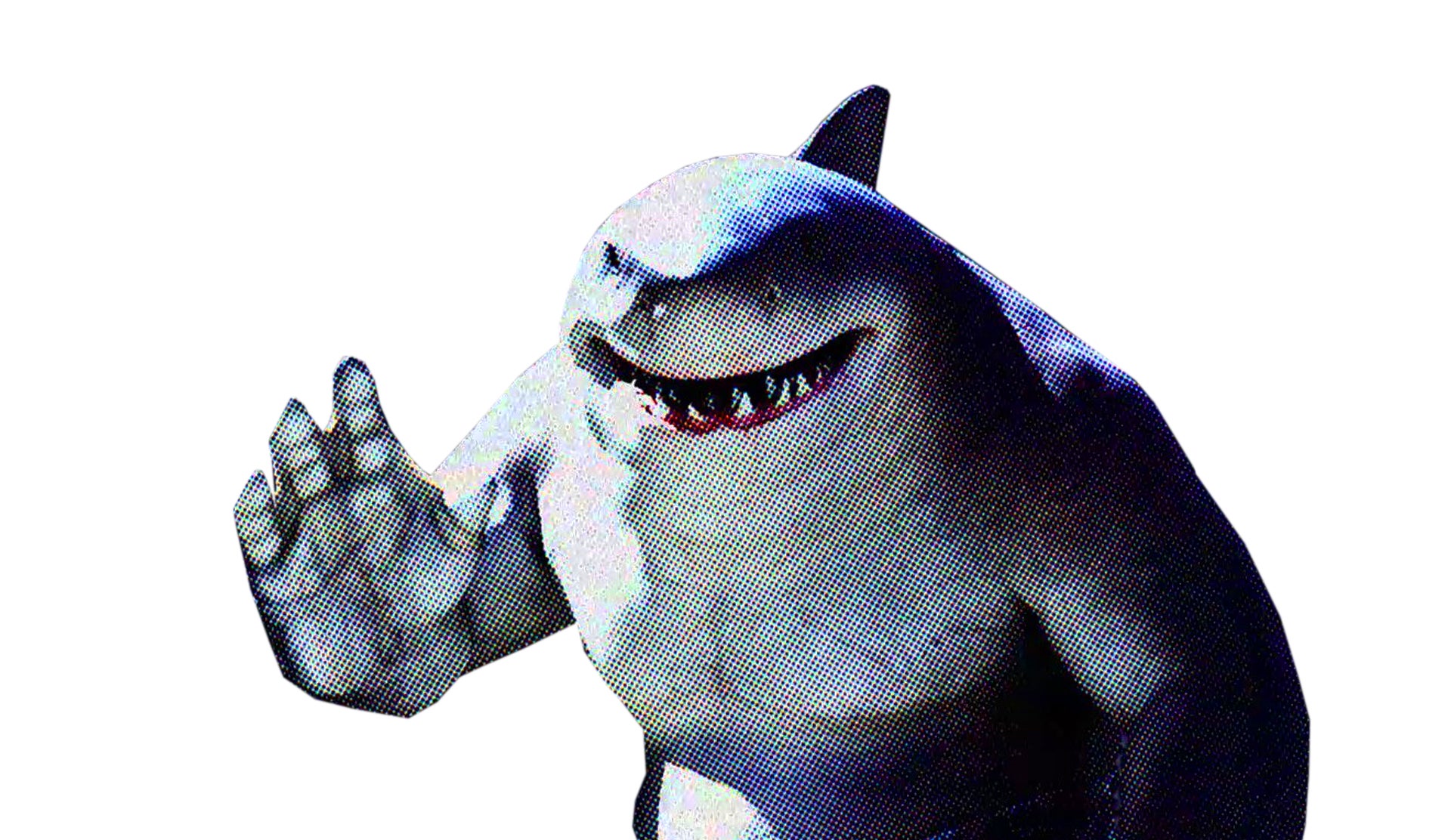
Next week, I’ll pick a winner and some of my favorites.
Please note that the image submissions rules have changed just a little bit. We’re looking for images that are 800 pixels wide now!
How To Submit — Instructions
1. Create your ‘Shop and save it to your desktop. Images must be at least 800 pixels wide.
2. Go to the bottom of this post
3. This brings up a comment window. Click “Choose file” if you’re uploading your ‘shop from your desktop
4. Alternatively, you can upload the ‘Shop to a free image hosting service. I suggest imgur. Then paste the image’s URL into the field that says “Image URL.” Note: this must be the URL of the image itself, not the page where it is displayed. That means the URL ends in .jpg, .gif, .png, whatever.
5. Add editorial commentary and hit submit and your image will load. If it doesn’t, upload the image to imgur and paste the image URL as a comment. I will look at it.
6. Large-size images may not upload properly, though we have seen some animated .gifs upwards of 5 MB. If you’re still having trouble uploading the image, try to keep its longest dimension (horizontal or vertical) under 1000 pixels, or the whole thing under 2 MB.