Congratulations! You’ve just bought your very own Nintendo Switch 2. Now you’re looking forward to playing all the awesome new exclusives that came out in the last year. Games like Mario Kart World, Donkey Kong Bananza, Metroid Prime 4, Pokémon Pokopia, Mario Tennis Fever, Kirby Air Riders, and—if you’re feeling really crazy—Nintendo Switch 2 Welcome Tour are all now right at your finger tips.
But you can also load up the handheld Nintendo console with all the greatest hits of its predecessor. The Nintendo Switch launched nearly a decade ago, and in that time, we’ve gotten some of the best games Nintendo has put out yet like The Legend of Zelda: Breath of the Wild, The Legend of Zelda: Tears of the Kingdom, and Super Mario Odyssey—each even now have their own Nintendo Switch 2 Editions which grant them higher resolutions and better performance.
However, in order to keep up with all these games, you might end up needing more than the space available on the internal hardware. Now, Nintendo has greatly expanded the on-board storage capacity when compared to the original Nintendo Switch. In 2017, that only launched with a measly 32GB. The Switch 2 now ships with 256GB, and while that’s substantially more than had been available on a Nintendo console previously, it’s still pretty abysmal when stacked up against the industry standard.
Expand Your Gaming Library
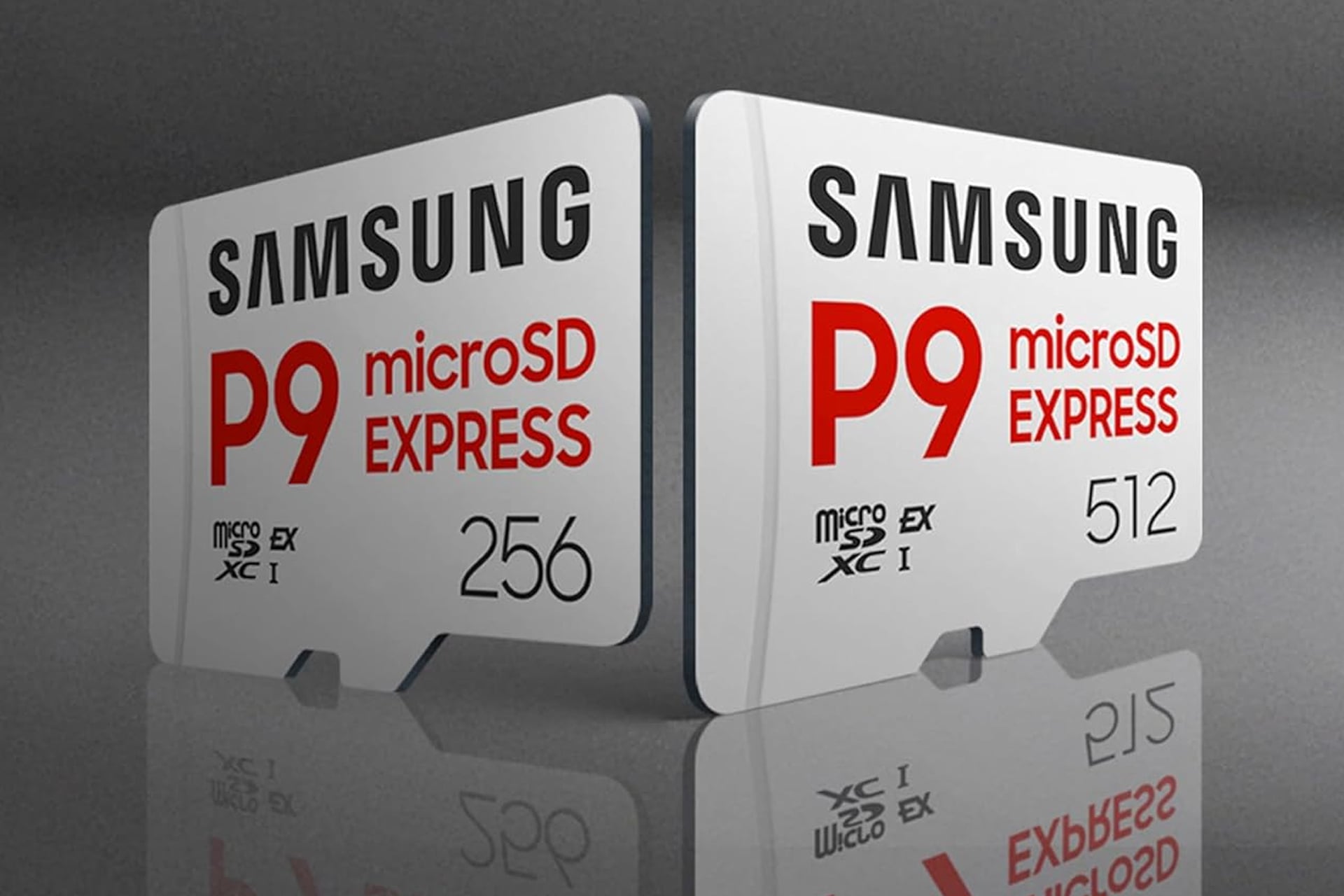
You can ensure you have all the room you need to download and install whichever and however many games you’d like. Samsung’s P9 Express microSDXC memory card comes in sizes of either 256GB or 512GB. That means you can double or even triple the amount of space you have for all your favorite titles. The better value, though, is actually the smaller 256GB model. It’s on sale right now. Normally sold for $80, the 40% discount takes it down to just $48. The 512GB version is sitting at a full $200 at the moment.
When upgrading your storage on your Switch 2, any old microSD card won’t due. Nintendo’s new architecture on its latest console require much fast read and write speeds than the original Switch required. As long as you find one labeled, “Express,” you are good to go. This one which does fall under that umbrella support super fast speeds of up to 800 MB/s for both reading and writing.
Installation is easy. There’s a slot on the back of you Switch you can just plug it into, then follow the onscreen prompts and you’ll be good to go.