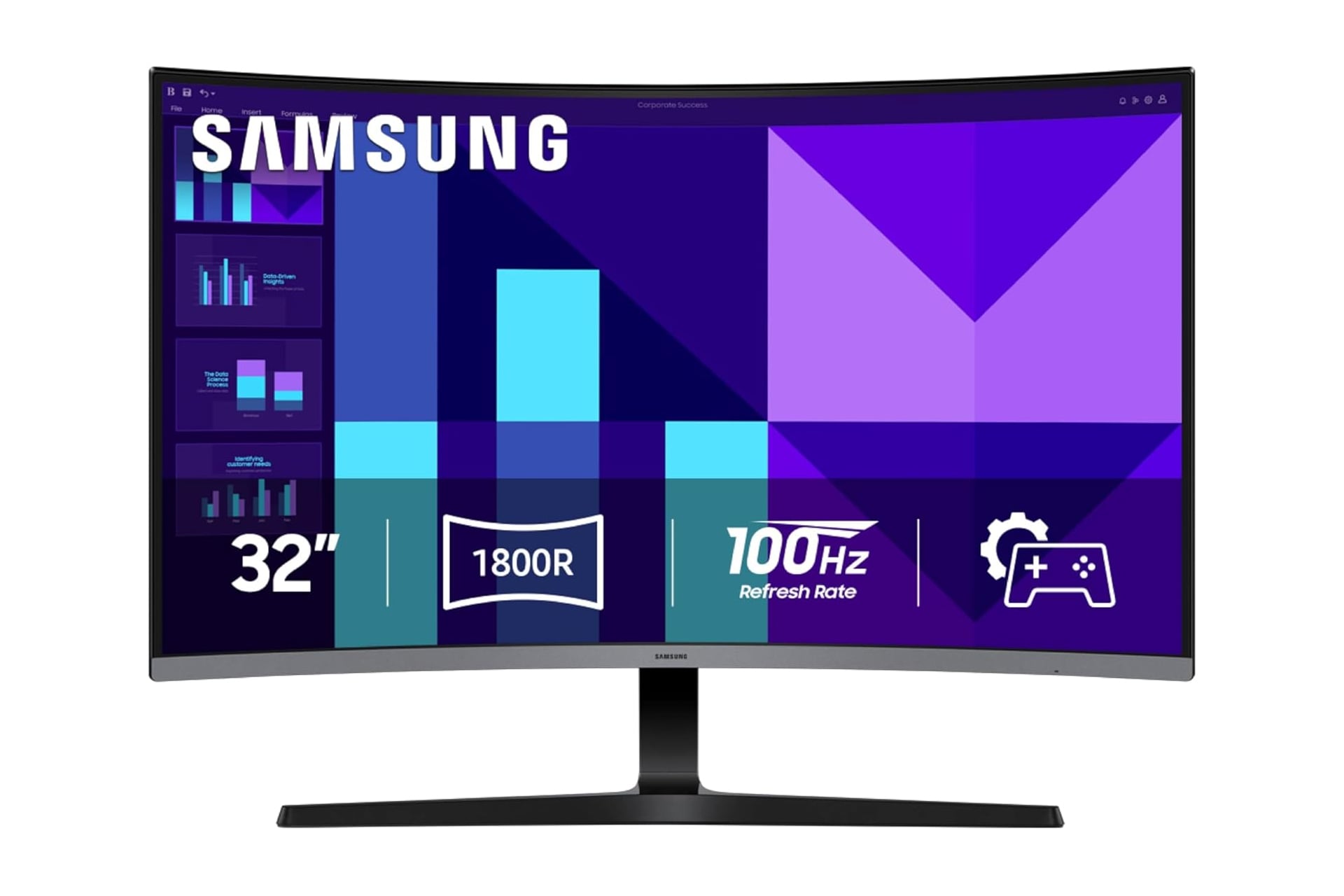
What kind of rinky dink monitor are you running your games on? You can set yourself up with something pretty good without spending a pretty penny. Consider upgrading to Samsung’s 32-inch S3 curved monitor. It’s on sale at the moment for 28% off. While it’s normally sold for $250, the $70 discount ends up taking it down to just $180 at Amazon. In fact, that leaves it $20 cheaper than the same monitor but in 27-inches. Amazon is basically paying you 20 bucks to take on an extra five inches. How generous of them?
Curved Is Better
So let’s dive into the specs of this unit. Samsung’s S3 monitor measures in at 32 inches and can display in a full HD resolution of 1080p. The screen itself is curved at 1800R. This kind of curved is designed to naturally wrap around your field of view. It gives the impression of a wider view, enhancing your depth perception while minimizes the distraction outside the bounds of the monitor. If you’ve never used a curved monitor and think they must just be a gimmick, think again. For many players—myself included—curved monitors are the preferred way to play.
This Samsung monitor is working with a refresh rate of 100Hz. Now there’s perpetual argument among the gaming masses as to whether your average player can even discern from anything above 60fps. In my opinion, that’s plenty smooth and the S3 can handle that no problem. You won’t experience lag or motion blur when whipping around your gun in a first person shooter.
The monitor also comes equipped with some additional settings intended to optimize the screen for gaming. Color and image contrast are easy to adjust so you can clearly see the details in dark corners of a game’s environment. It also has an array of features to help keep things easy on the eyes during longer sessions at your desk. The monitor has settings to reduce blue light and reduce irritating screen flicker so your eyes don’t feel dead after a couple hours of ascending in Slay the Spire 2.
As far as audio goes, this Samsung monitor does have its own built in speakers. So you can free up a bit of desk space by passing on separate speakers if you so please. For connecting to the monitor, you can do so over your choice of VGA or through the HDMI input. Next to those ports, you’ll also find an AUX output if you decide on using desktop speakers or wired headphones.