Zoom In on Tiny Text
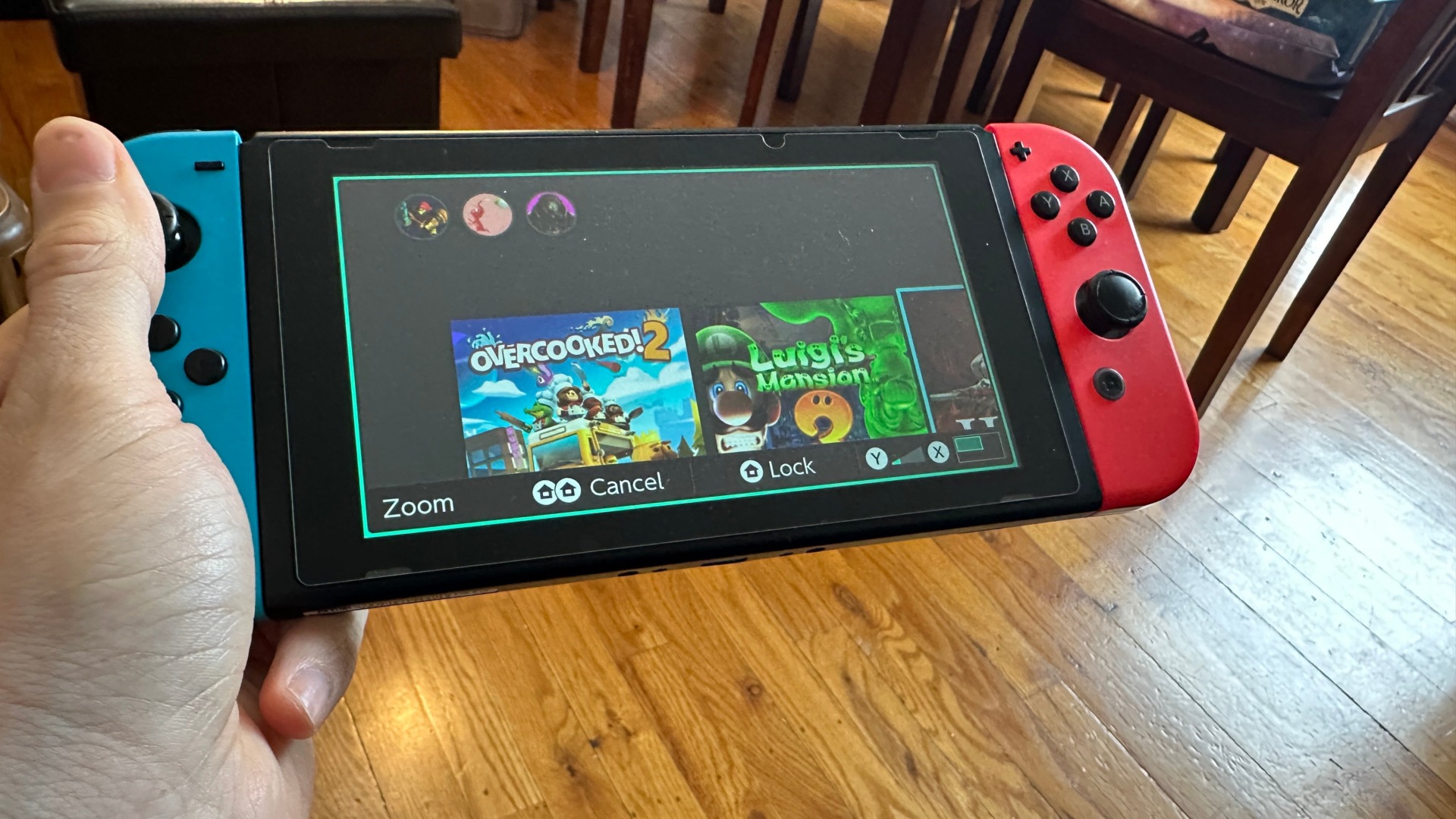
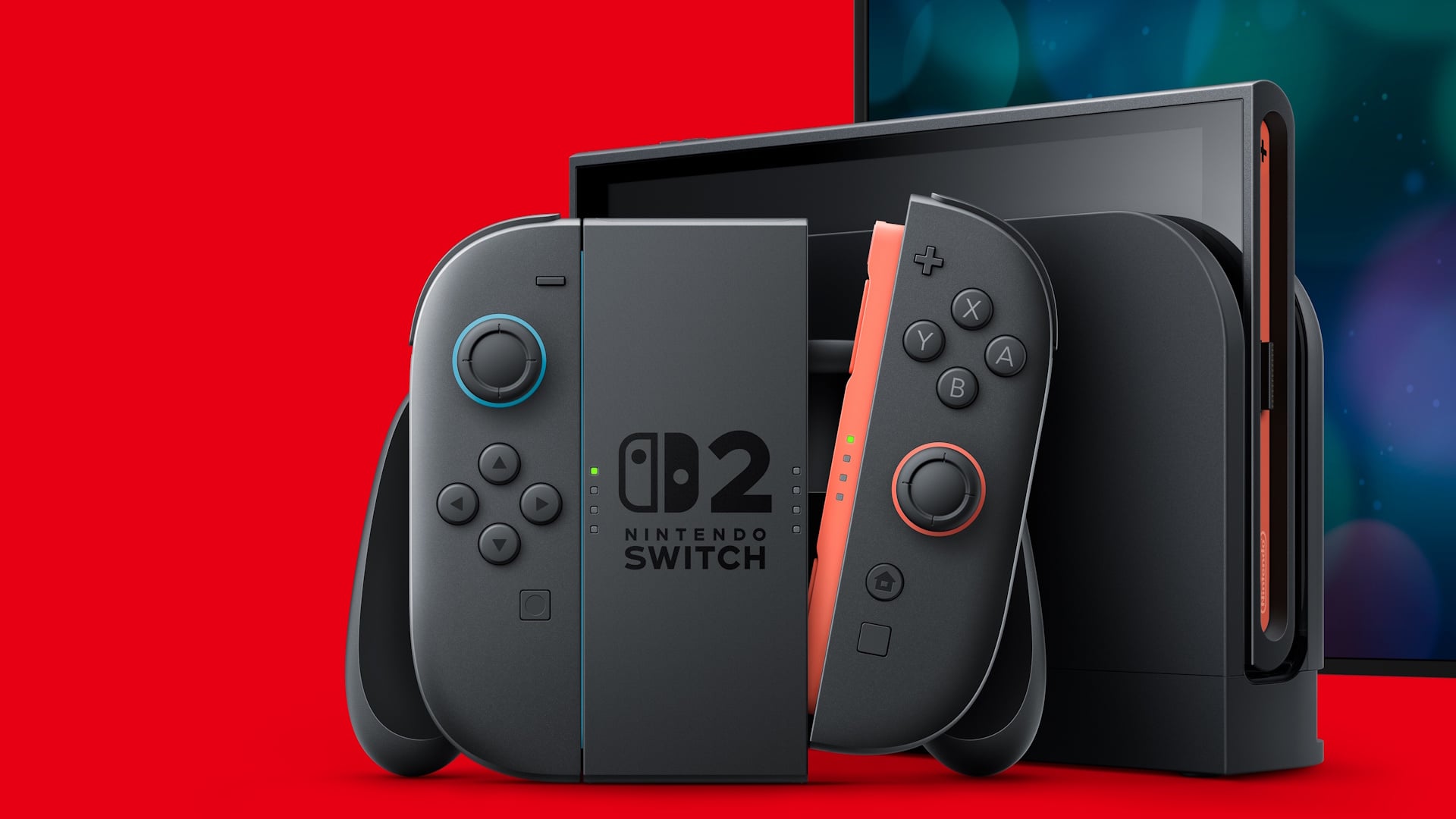
The regular Nintendo Switch has only a mere 7 inches of screen real estate, which could make it hard for those who struggle to read small text when it pops up on the screen. Squinters everywhere might not be aware that the console has a setting that cures this problem.
When you’re in the main menu, go to settings with the little gear icon, scroll down to System, and then find the Zoom toggle. Now, when you’re in any game or app, you can press the Home button twice to start a kind of magnifying glass view on your switch. Using the thumbstick, you can look around the screen and then use the Y and X buttons to zoom in and out. You can also lock the current view using the Home button, double-press it to cancel, and go back to the regular view.