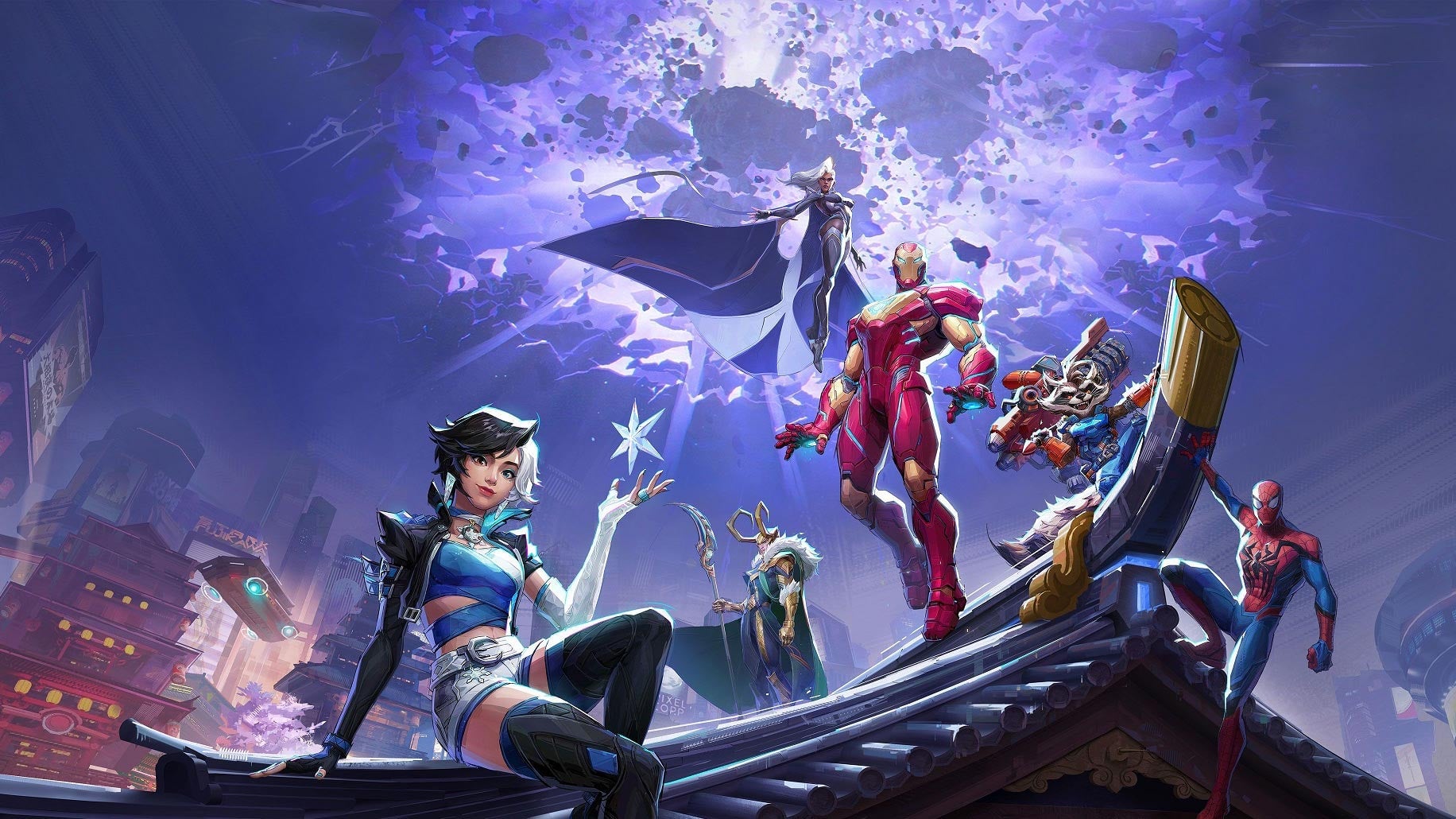
In an ever-growing platform agnostic world, crossplay in games like Marvel Rivals is more of an expectation than a feature. Even if your gaming friends branch paths from console to PC, or go to a different console, there’s usually a way to play together.
Luckily, Marvel Games’ new hero shooter makes crossplay quite easy, allowing you to play with your friends no matter what platform they’re on. Here’s how it all works.
How To Use Crossplay in Marvel Rivals
To add a friend in Marvel Rivals, regardless of which platform they’re playing on, the process is the same: Navigate to the small icon with two silhouettes in the top right corner of the screen. Type in the nickname of the friend you want to add. Their nickname is the one they chose when you loaded the game for the first time. You’ll, of course, have your own nickname that you chose when starting the game yourself.You can check a nickname at any time by looking at the profile icon in the top right corner of the screen. There’s no need to change any settings. Crossplay is good to go right out of the gate!
There is one caveat with this system, though: no crossplay between consoles and PC in competitive play. This is another feature that Marvel Rivals takes from Overwatch. The logic is sound: keep players on mouse and keyboard and players on controller separate. However, it’s a little frustrating that players can’t even opt-in to accept this extra challenge to be able to matchmake with friends.
Does Marvel Rivals Have Cross-Progression?
While the developers have confirmed that they’re working on implementing cross-progression, the feature isn’t currently in the game at launch, unfortunately. You’ll have to choose a platform and stick with it– at least for now. Luckily, it shouldn’t be too hard to stay on one with the game’s robust crossplay functionality.