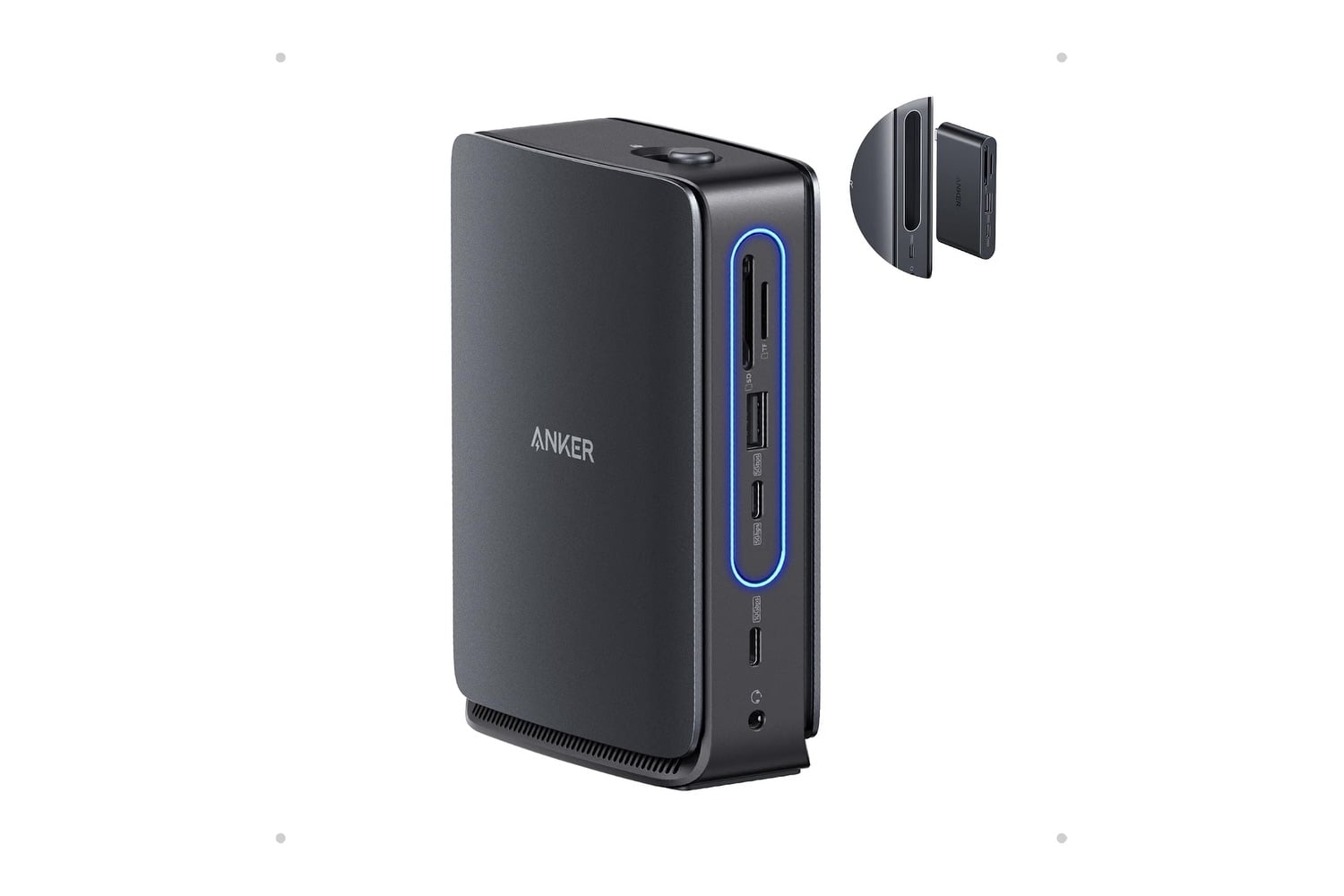
Anyone who has worked on a laptop at a desk knows the routine of hooking up four items each morning and unhooking them each evening. The Anker Nano Laptop Docking Station reduces that to one USB-C cord. It has an HDMI port and a DisplayPort that support two 4K displays, plus Gigabit Ethernet and USB-A and USB-C ports for a keyboard and mouse. Power delivery runs back to the laptop at 100W. The docking station is small enough to fit underneath most monitor stands and stay completely hidden.
Head over to Amazon to get the Anker Nano Laptop Docking Station for just $112, down from its usual price of $150. That’s a $38 discount and 25% off.
A useful dock to keep your laptop on while it charges and powers back up
The main functional difference between a docking station and a hub is the ability to deliver two independent 4K displays. Because they are independent displays, each operating at 3840 by 2160, you can view multiple displays side-by-side, viewing a spreadsheet on one screen while browsing the internet on another, and do so without constantly switching back and forth between applications.
Another important aspect of this product is its single 100W Power Delivery port. This differs from how most hubs operate; most hubs require you to choose either charging your laptop or connecting additional devices via the same port. Instead of being able to perform both functions simultaneously, you will typically be required to choose which function to use throughout your entire workday.
The USB-A and USB-C data ports handle peripherals that don’t require a network connection or a monitor. These include a keyboard, mouse, wireless dongle, webcam, and external hard drive. It’s advantageous to keep these devices permanently connected to the docking station rather than attaching them to the computer itself, for a couple of reasons. First, many peripherals people buy typically last longer than their computers. Second, when your computer eventually drops a particular type of connection, such as the USB-A port used by most keyboards and mice, a keyboard purchased five years earlier can still connect through the dock.
For those using newer, very thin laptops, there typically isn’t a place to connect via an Ethernet port. Wired connections provide much faster, higher-quality performance than wireless signals for transferring files and conducting long-distance video meetings. A docking station eliminates the need to bring an Ethernet-to-USB-C adapter back and forth between your office and home. A wired connection also reduces environmental variables, such as crowded networks, that can cause dropped calls when they can’t be tolerated.
This dock was also built to withstand the high temperatures of extended continuous operation, and it features a heavy-duty metal casing. Its compact size lets you place the dock virtually anywhere there is enough room, such as under a monitor stand or behind a closed laptop lid. Anker provides an 18-month warranty for this dock, and it works with any laptop with a USB-C port, including MacBooks, Dell XPS systems, Microsoft Surface systems, and Lenovo ThinkPads, among others.