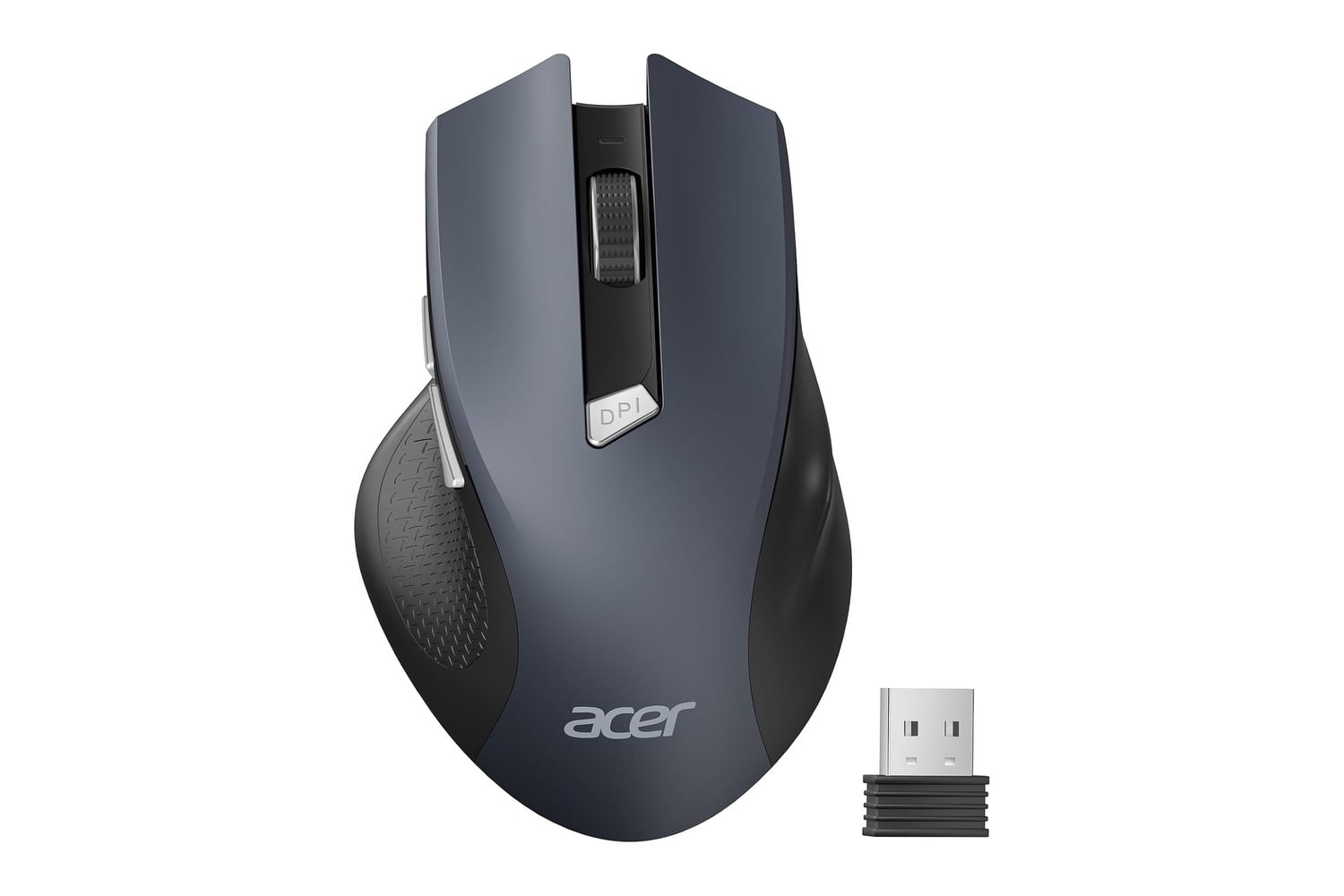
The Acer Wireless Mouse is the kind of product you grab when the trackpad on your laptop has finally worn out your wrist or when your old mouse has stopped tracking properly on a glass desk. It’s a basic 2.4GHz wireless mouse with three adjustable DPI settings. It has six buttons, including dedicated forward and back keys for browsing, and its USB-A receiver plugs into any laptop or desktop for instant pairing. There’s no Bluetooth to pair, no software to install, and no app to set up. You just plug the receiver in, drop in two AAA batteries, and start clicking.
A wireless mouse perfect for any situation
The mouse’s 2.4 GHz wireless connection works up to 32 feet from the receiver. So, unless your desk is huge, you shouldn’t have any issues. The DPI button, located below the scroll wheel, cycles through settings with a single press. A red indicator light flashes once for 800, twice for 1200, and three times for 1600 so you can confirm the setting at a glance. The 800 setting suits precision work like photo editing, 1200 handles general office work, and 1600 works for larger monitors where the cursor needs to cover more screen space per inch of mouse movement.
The six buttons on the Acer Wireless Mouse include left click, right click, scroll wheel click, DPI switch, and dedicated forward and back buttons on the left side near the thumb rest. The forward and back buttons handle browser and folder navigation in Windows File Explorer without having to mouse over to the back arrow on the toolbar every time. However, there is one caveat. The side buttons work on Windows and Linux, but may not function on Mac.
Smart sleep mode kicks in after 10 minutes of inactivity to save battery, and a couple of clicks wakes the mouse back up within a second. Acer rates the buttons and scroll wheel for 10 million clicks, which works out to several years of typical office use. The body is sized for medium to large hands, so anyone with smaller hands may find it slightly oversized.
USB receiver storage is built into the battery compartment, so when the mouse goes in a backpack for a trip, the receiver tucks inside the body where it won’t get lost. AAA batteries are not included, but the mouse runs on standard alkaline cells available at any drug store.
The Acer Wireless Mouse normally costs $14, and right now it’s $10. At ten bucks, the mouse covers basic wireless office use with adjustable DPI, six buttons, and 2.4GHz connectivity. It’s a no-frills accessory that does exactly what you expect it to and is incredibly reliable for the price.