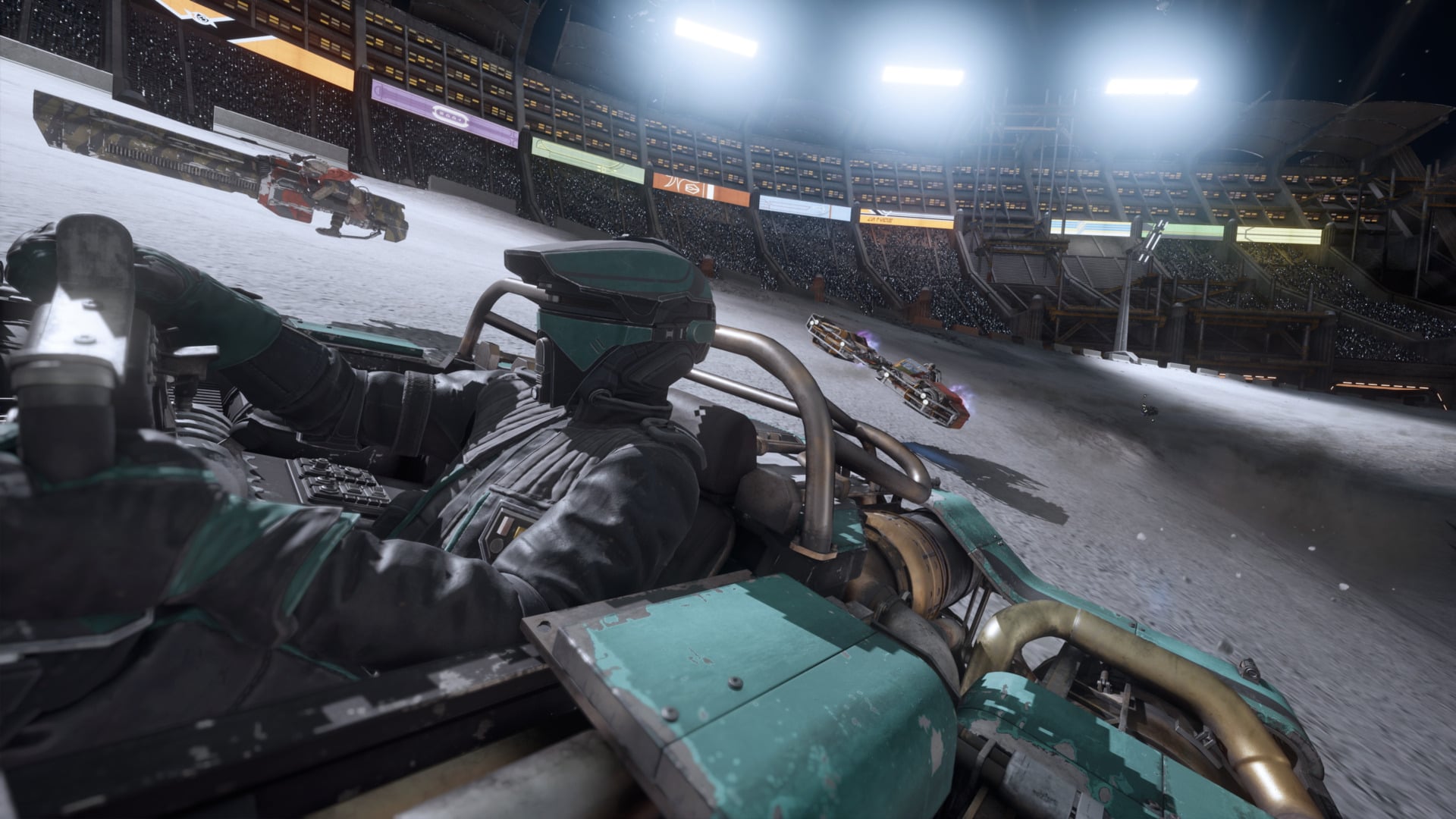
Star Wars: Galactic Racer is out now on PS5, Xbox, and PC. And it is one of the best games of 2026, combining fast racing, arcade action, and roguelike elements into one of the best Star Wars games around. However, Galactic Racer can also be a difficult game that doesn’t teach you everything about how it works.
So, to help you on your mission to take down smug champion Kestar Bool, I’ve rounded up a dozen spoiler-free tips for Galactic Racer. I can’t guarantee you’ll win every race, but hopefully I can help you make some credits and survive a few more laps.
Get comfortable with losing
Galactic Racer can be a challenging racing game where a single mistake can cost you everything. It also features NPC racers who will slam you off-track whenever they get a chance. Not to mention, you’ll need to understand all the various parts you can unlock, master different boosts, and learn shortcuts. It’s a lot! So, uh…be prepared to lose races in the campaign. It’s going to happen, and it’s okay, because…
Survival is more important
In Galactic Racer‘s main tour mode, surviving a race to continue the tour is more important than risking it all to try to win one event, because if, in the process of pursuing glory, you screw up and crash too many times, you’ll have to restart the whole thing. While there are times when you’ll have to win to keep going, most events and races in Galactic Racer‘s single-player mode aren’t that punishing. It’s better to finish 4th, collect some credits, buy a new upgrade or part, and live to race in the next event.
Choose the vehicle that best suits your playstyle
Star Wars: Galactic Racer has three types of vehicles you can choose from during the tour mode. There’s the reliable landspeeder, which can drift around corners easily and take a beating. Or you can choose the nimble and tiny speeder bike, which gets a turbo boost when you exit a drift. And lastly, there’s the skimmer, which isn’t the most nimble around the track, but it hits hard and can leave opponents in the dust on straightaways.
I spent a lot of time driving the landspeeder as it suited my more defensive playstyle. But all three can be powerful racing vehicles; you just need to pick the one that works best for you, and don’t be afraid to experiment with other options.
Improve the cornering and speed stats ASAP
As you complete events and win races in the main mode, you’ll have a chance to improve your speeder’s overall stats, including how well your vehicle drifts or how much damage it can take. Those are useful stats, sure, but the two I recommend upgrading whenever you can are cornering and speed. Improving your cornering skill will let you zip around turns faster and tighter, which can come in clutch in close races. And speed makes you go faster, which it turns out is good in a race.
Practice and learn the tracks in Arcade and Scenarios
While the main appeal of Star Wars: Galactic Racer will be the big story mode, featuring cutscenes and rivals, don’t sleep on the other single-player events available from the start. These include races and time trials where you get behind the yoke of different vehicles and play as different racers across the game’s various tracks. These aren’t just fun; they’re useful, too. They’ll help you learn tracks in a less demanding and stressful environment compared to the tour, where one bad crash or failure can screw you over in the long run.
Take shortcuts!
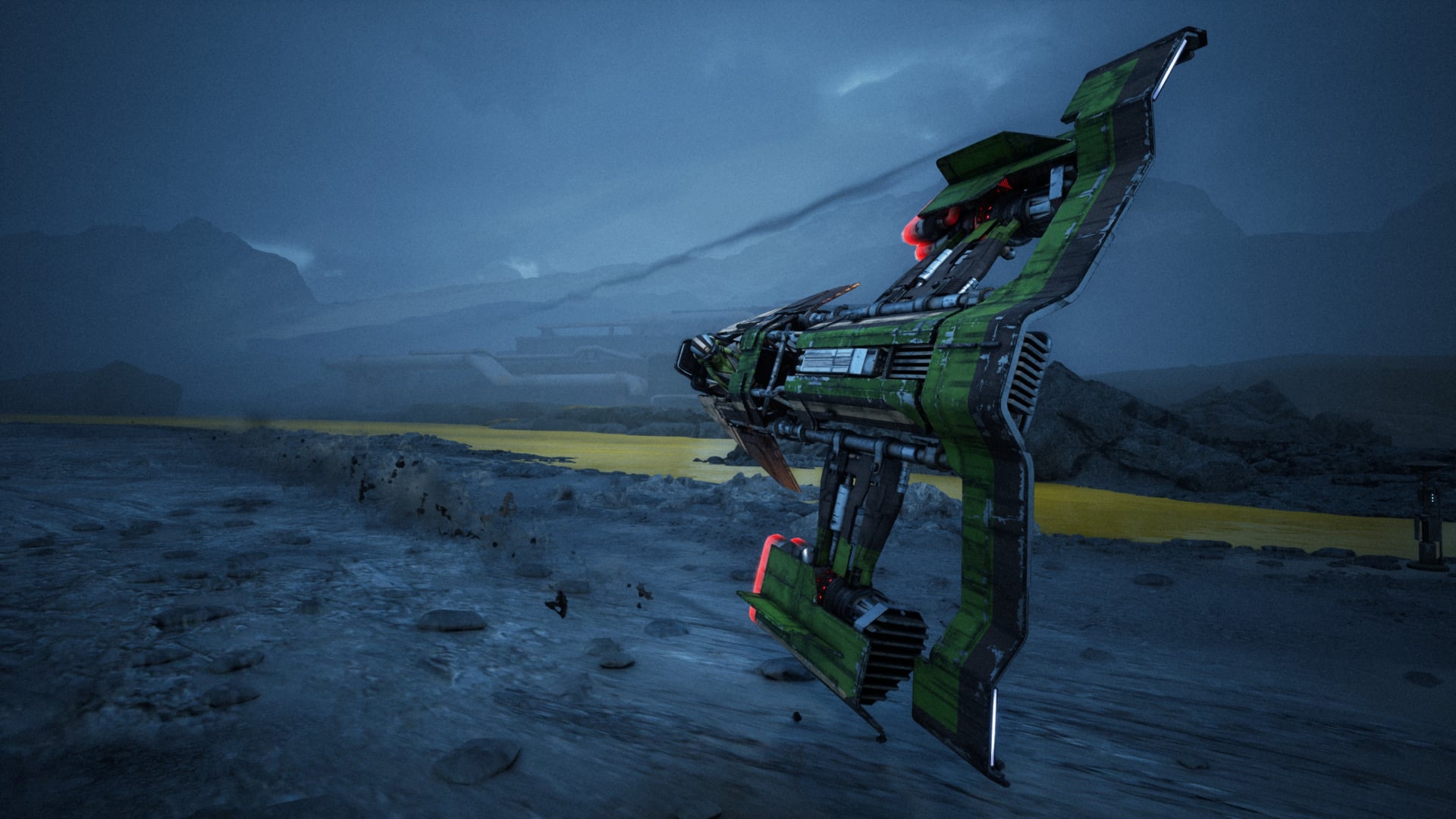
This isn’t the most groundbreaking tip to include on a list of tips for a racing game, but it’s worth mentioning: Look for and use shortcuts whenever possible. Some shortcuts in Galactic Racer are very minor and won’t give you much of an advantage. Meanwhile, other shortcuts are game changers that can help you hop to the lead or cut multiple seconds off a time-trial run. So learn those shortcuts and use them. Just be careful, as they can be dangerous at high speed.
Understand how speeder abilities work
As you upgrade your ship and win races, you’ll have chances to unlock and equip various speeder abilities. These are powerful gadgets that you can activate during a race to gain an advantage or protect yourself from damage. One of the best is the shield ability, which wraps your speeder in a protective energy bubble and lets you safely glide over hazards like lava and acid.
To use these abilities, tap the corresponding d-pad button (on controller), and that’s it. The only catch: Each one costs a battery charge, represented by dots in the bottom left. So pick when to use these abilities carefully, or you’ll have no juice and find yourself driving across lava without a shield.
You have two kinds of turbo boosts
Your speeder in Galactic Racer is equipped with two variants of a “Make this thing go faster” button. The first is very straightforward: An afterburner. You activate it by hitting a button, and then as long as you hold that button, you go faster. Your afterburner will quickly run out of energy, but refills during the race. The other way to go faster is the Ramjet. This works a bit differently.
Once your Ramjet is charged, which you can track via a meter in the bottom-right corner, you click the right stick (on controller) and that shifts you into “Ramjet mode.” Now, when you hit the boost button, you’ll use your Ramjet. This is much faster than the afterburner, but if you hold it too long and let it overheat, you’ll explode. So be careful and use water found in rivers and icy areas to cool the Ramjet faster.
How to fix broken parts
During some crashes, you might break a part and receive a nasty negative trait. These can be annoying, so between segments of the tour, make sure you track down the alien scrap dealer who will fix your parts for a credits fee. Though also consider if the negative trait is so bad it’s worth the high price for repair.

Focus your build
It can be very easy in Star Wars: Galactic Racer’s tour mode to just focus on getting the best, most awesome parts and upgrades and not think much about your speeder’s actual build. But this is a recipe for disaster. Instead, think about the kind of speeder you’re building and pick and buy parts between races and events that complement or enhance your build.
For example, during one tour, I didn’t have any ship abilities. So I avoided upgrades that improved my battery capacity, as I didn’t need ’em. Another time I crafted a dangerous build focused on making my ramjet increasingly fast as I got closer to blowing up. Risky, but it paid off and helped me win some hard races.
Plan your tour mode path ahead of time
Galactic Racer‘s story mode uses a large node-based menu to advance through the tour. While you’re on this screen and deciding what event to pick next, look ahead down the line to see what’s coming up and which nodes connect to other nodes. This can help you avoid races that might be too risky for your current build, or you can try to activate some of the random events that pop up from time to time to possibly get nifty advantages.
Time to do some podracing
When you boot up Galactic Racer, you might be disappointed to discover the main tour mode isn’t all about podracing. While it does factor into the tour mode eventually, it’s not the main focus. Instead, if you want to do some podracing, you’ll want to check out the Arcade section for podracing events. You can also hop online and do some podracing, though you’ll have to level up to unlock online podracing tours. And if you see Sebulba at camp during the main tour mode, chat with him to relive some of his glory days and drive his famous podracer yourself.