The long-awaited remake to one of the most beloved games of all time—The Legend of Zelda: Ocarina of Time—has been out for a little under a week. This Nintendo Switch 2 exclusive gives the 1998 classic more than just a fresh coat of paint. The new version is filled with tons of small changes. Some will only be noticed by longtime fans who have played the original dozens of times, or folks who decided to give it one last go in the weeks leading up to the remakes release and all the details are still top of mind. Other changes will become immediately apparent to anyone who has even played just a few minutes of the Nintendo 64 version. And one of those changes makes the best argument for finally upgrading to the Nintendo Switch 2 Pro controller.
Players familiar with the original will remember the countless amount of time spent rolling across Hyrule Field. On the N64, Link’s roll ability allowed him to move slightly faster than just holding forward on the joystick. As ridiculous as it would look and as tedious as it would feel to keep pressing the A button over and over, it does save enough time that for many players it become the more appealing option for movement.
In the new Zelda: Ocarina of Time remake, Nintendo has blessed new and returning players with a dash function. If you continue to hold the A button, Link will transition into a full sprint after his first roll.
While this very welcomed change feels much more intuitive, it introduces a new problem. When you are holding down the A button, your right thumb is now unavailable to operate the thumbstick. The right stick is now dedicated to free control of camera movement, another new and welcomed change to the control scheme. It just doesn’t mesh well while running.
Players must succumb to either keeping the camera in place while on the move, then slowing down to adjust your angle, or using the dreaded claw grip. This is when you grasp the controller with your thumb on the stick and your index finger on the A button (a hold very familiar to all the FromSoft-heads out there). Though, the Nintendo Switch 2 Pro controller introduces a solve for this.
Behold: The Nintendo Switch 2 Pro Back Buttons
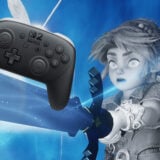
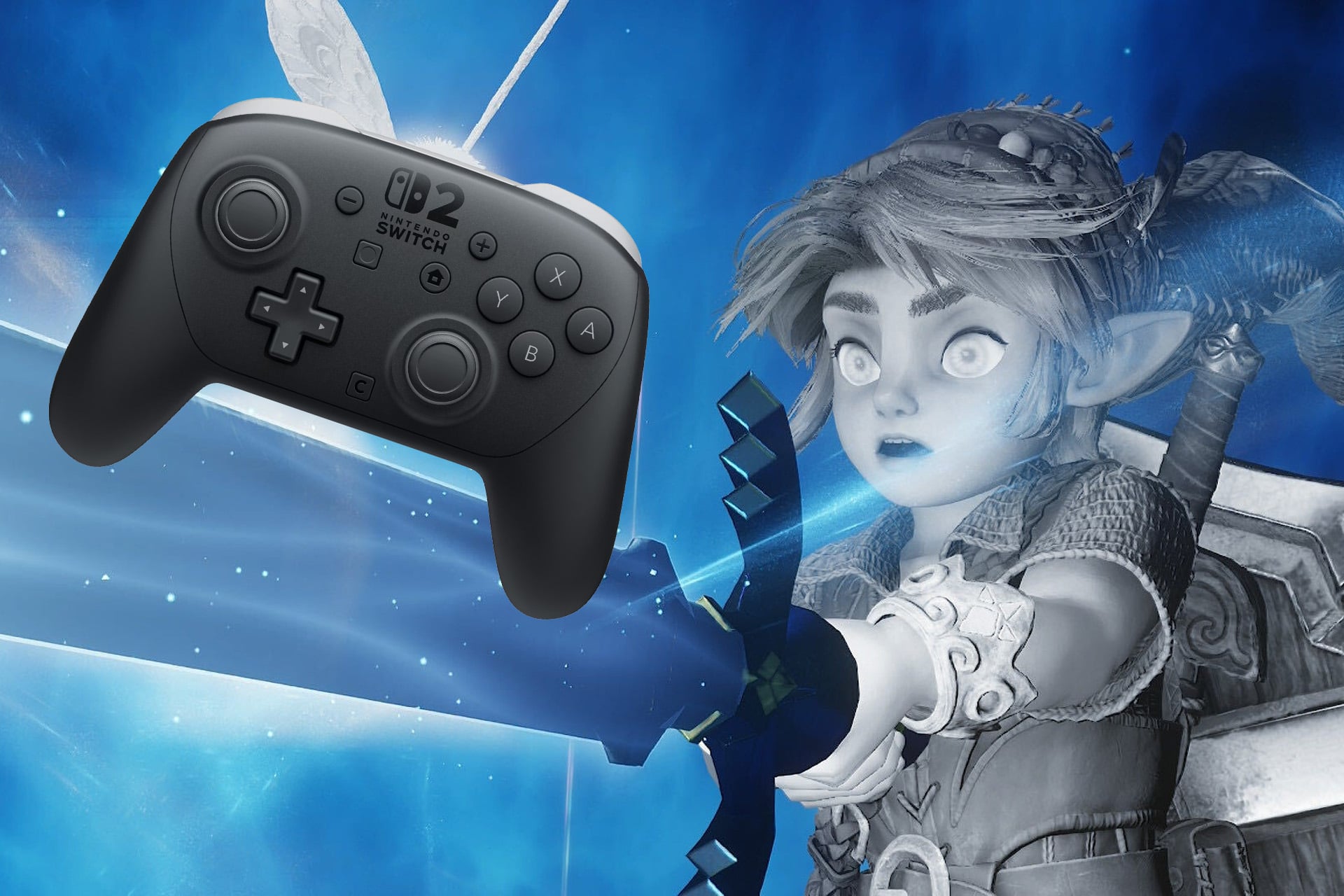
The Nintendo Switch 2 Pro controller is pretty similar in its form and function when compared to the predecessor console’s pro controller. It’s biggest new addition is the inclusion of two customizable back buttons. These buttons can be assigned behave as any other button on the face or top of the controller.
This means you can choose to make either of the back buttons a duplicate of the A button. Now you can just keep your controller in hand how you would normally without the claw grip. Pull on the back button with your index finger to make Link run while your thumb is free to control the camera.
It’s such a night and day difference, you’ll be hearing A-R-X-A-R-X in your head the first time you try it out. Amazon has the Nintendo Switch 2 Pro Controller in stock now for $89.
Did you get all that?