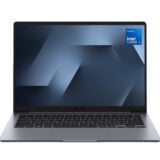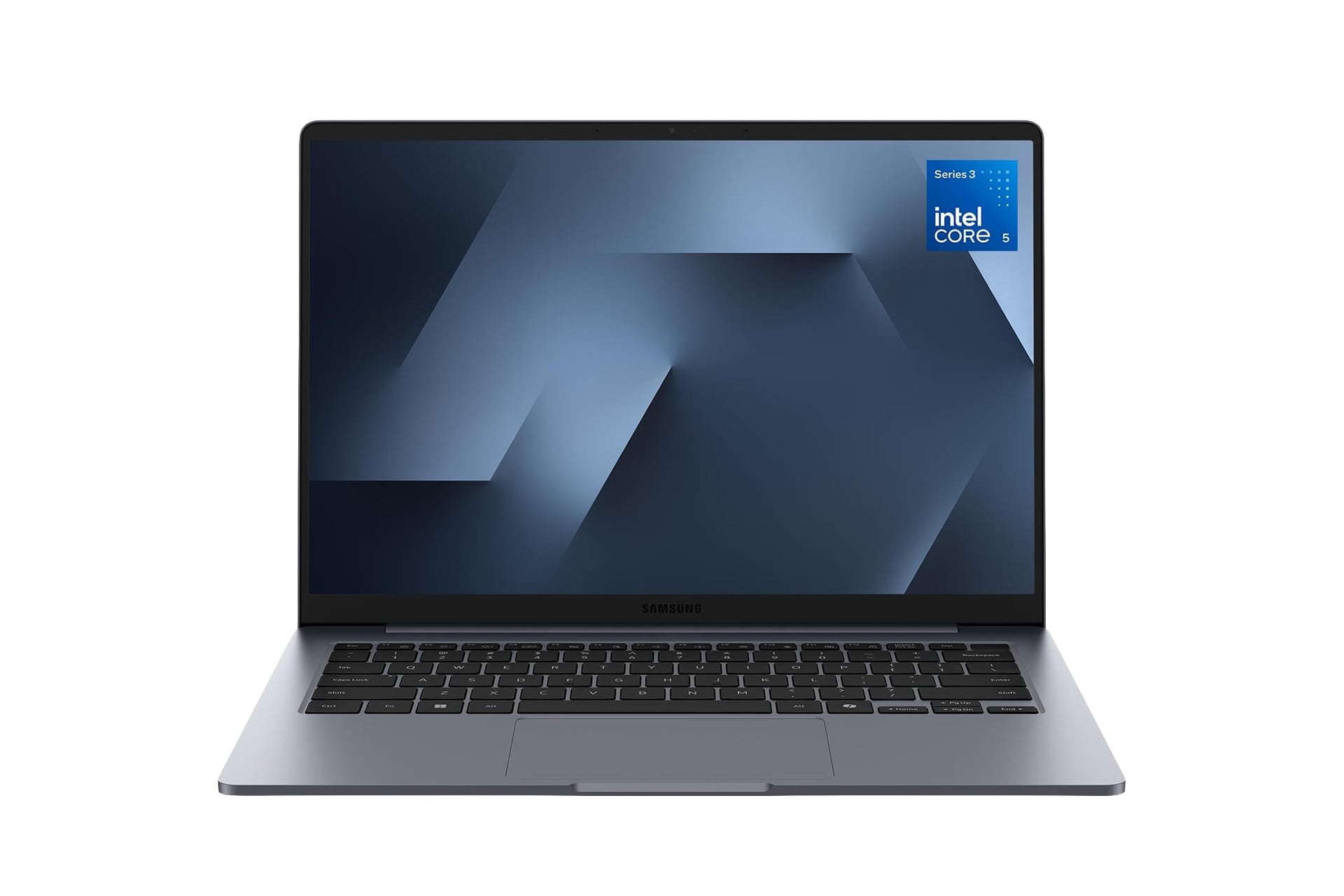
With Black Friday this week and Cyber Monday after that, you might be planning to carve out some time for yourself in order to save big on some tech upgrades. Whether you’re looking for a bigger TV in your living room, a replacement for your phone which has slowed down a bit over the years, or a new laptop, this last stretch of November after Thanksgiving tends to be a great time to find some huge opportunities to save some cash on big purchases. However, Amazon has decided to act early by publishing a number of deals across every product category ahead of schedule. So now you can save a ton on products like this Samsung Galaxy Book6 laptop well before your tummy is stuffed full of turkey.
Normally, you’d find this 14-inch laptop from Samsung selling for $800. Now thanks to the Amazon Black Friday sale, you’re able to take that number down by 25%. This will end up saving you a good $200 with you only having to pay $600 for a limited time.
Reliable Performance
So what exactly are you getting with the Samsung Galaxy Book6? Well, this particular configuration makes use of an Intel Core 5 processor and contains 8GB of RAM. The laptop has a 256GB internal SSD to photos, videos, and other file storage. It well-suited to take care of everyday tasks. Use it to browse the web, build out work documents, and to catch up on your email without issue.
The display stretches to a comfortable 14 inches, supporting a FHD+ resolution with a 16:10 aspect ratio which provides more vertical space to view documents or read web pages than you would be able to with the more common 16:9 aspect ratio. The screen supports a refresh rate of up to 60Hz, reaching a peak luminosity of 350 nits.
If you already are using a Galaxy phone, Samsung has made it real easy to have it and the laptop integrate together. Using Phone Link, you can access and respond to phone calls and text messages directly on your PC. You can also share large files, photos, and other documents from one device to the other using Quick Share, saving you the trouble of needing to email yourself or installing other extra third party software to make that possible. It’s a seamless experience. Just select a file and choose send. From the laptop you can even drag and drop files directly to your phone or tablet.