There’s no better time than right now to upgrade your desktop setup. Black Friday is finally here. For the next few days, you’ll be able to find all sorts of deals across PCs and PC accessories that can help you build out the home office or gaming space of your dreams. You can also use this time to shop for gifts for anyone in your family or anyone close to you that you still need to grab a holiday gift for. You might as well do that at a discount. But if you are shopping for yourself, you can really find some great savings across all sorts of upgrades, like with this LG monitor.
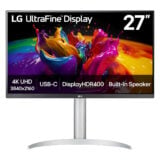
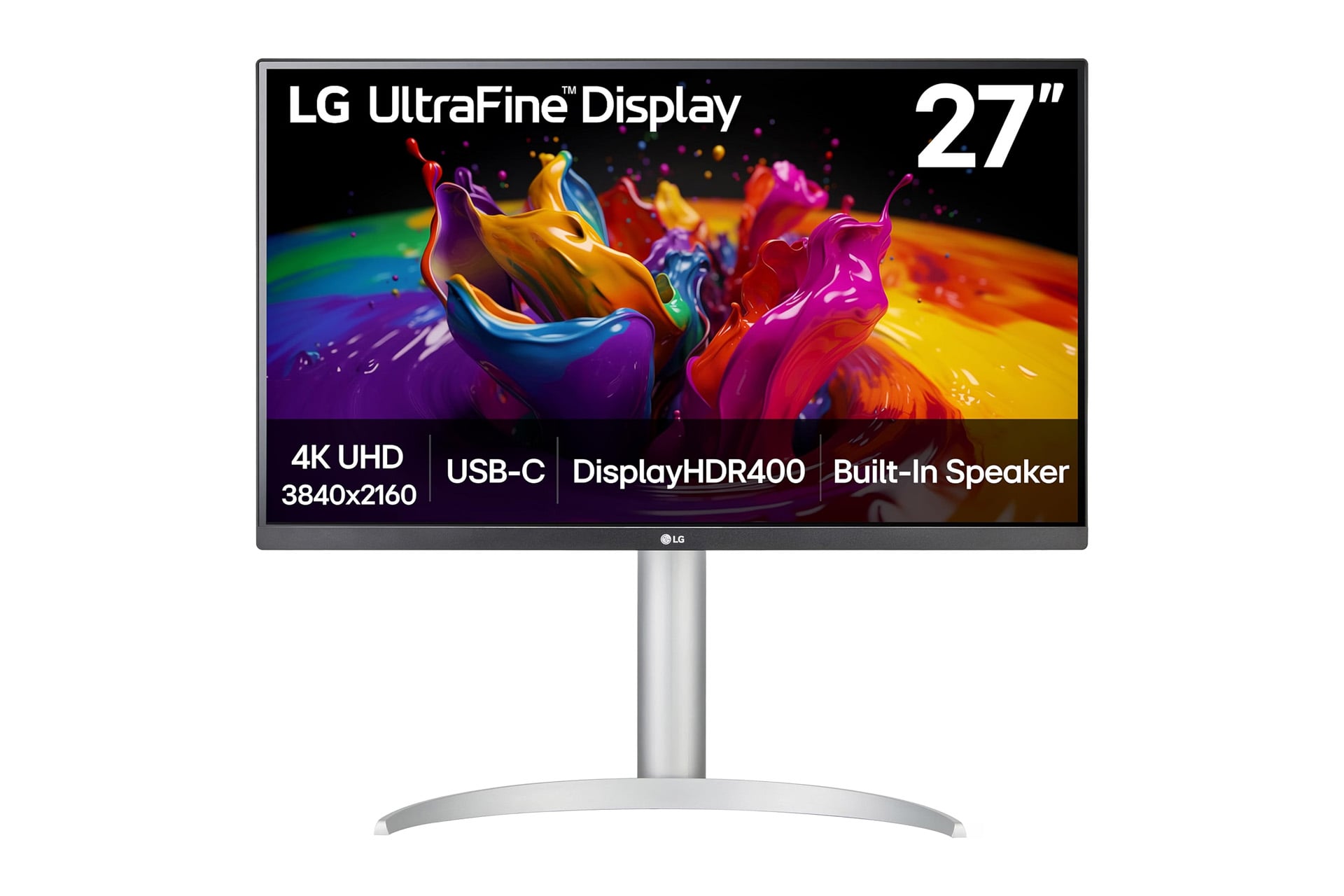
The LG 27UP850K-W 27-inch UltraFine 4K monitor normally sells for $350. However, thanks to Black Friday weekend, Amazon now has it at a reduced rate of 26% off. This ends up taking the price down by a good $90, leaving you only having to pay $260 for a limited time.
Stunning Image Quality in 4K Display
4K monitors can get stupid expensive, so seeing this already relatively affordable monitor comes down in price by this much means that folks who otherwise would have to settle for 1440p can now enjoy the full 4K experience at their desktop.
The LG 4K monitor stretches across at 27 inches. At this size, each pixel in a 4K resolution will be pretty imperceptible. It’ll just look like you are looking through a window. When GTA VI finally hits PC, I can only imagine what that will look like here with the proper setup. The monitor can produce true-to-life colors with up to 95% DCI-P3 color gamut expression. You’ll be able to fully immerse yourself in your games, movies, and shows.
It also supports HDR and is compatible with VESA DisplayHDR 400 high dynamic range. You’ll reach colors and brightness levels not available with ordinary monitors. That also makes this a great option for any creatives who work in video and photo editing a lot to take advantage of that range of depth.
The LG monitor comes equipped with its own built-in set of speakers. You can get true stereo sound with Waves MaxxAudio, not having to worry about setting yourself up with external speakers or using a pair of headphones. OF course, you always still have the option to do so if you want even greater sound quality.
You can connect to the LG monitor in several ways. It supports data transfer and power delivery over USB Type-C, or you can connect over its one DisplayPort or either of its two HDMI connections.