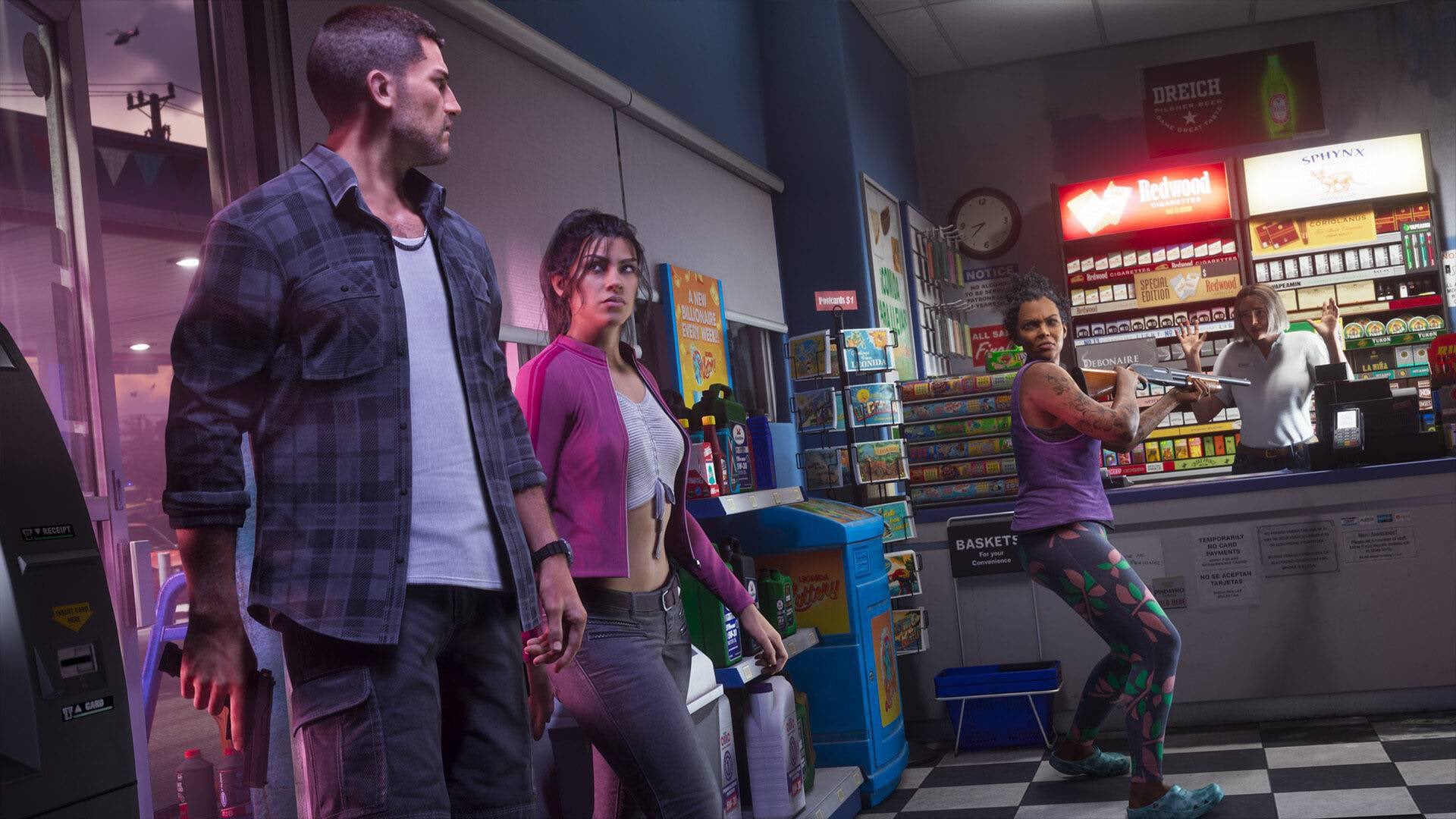
It’s very easy in 2026 to just assume your game is saving all the time. It’s rare to play a game that isn’t going to put you right back where your character was standing if you quit, even and especially with open-world titles. But Rockstar wants you to commit to every GTA 6 session, and that might mean choosing when and where you want to call it quits for the night.
Grand Theft Auto 6 does have an auto-save system, something the series started including with GTA 4 on the Xbox 360 and PlayStation 3, but it might not work as often as you think or hope. Players who decide to take a break from the main story missions and earn some money or do other optional things, only to shut their consoles off, have been waking up this morning to find that none of what they’d accomplished in the ten, fifteen, or sixty minutes prior to calling it a night had been retained.
So let this serve as a public service announcement that you probably should not rely on auto-save with GTA 6, as well as an explanation for what you should do when you’re ready to stop puttering around in Leonidas for the session.
How auto-saving works in GTA 6
The game does have auto-save, so on a broad enough time frame, your progress will be saved without you needing to do anything. But it depends a little bit on what you choose to do with that time. Based on our testing, GTA 6 will save after main story missions and larger side missions. Getting your neighbor some rum does not automatically save the game, but successfully stealing a car from the impound lot for Cal and escaping the cops as part of the main story campaign does.
But this does mean that if you decide you want to cool down after a main mission and knock over a liquor store or do some thoughtful errands, you should not be relying on autosave to do its thing. The game also just does not auto-save during missions, period, so anything you do between starting a mission and finishing it will not be retained if you turn off the console or lose power.
JasonTheWeen crashed out after losing 11 hours of progression on GTA VI by accidentally turning off his PS5 😭😭 pic.twitter.com/5tr7RM9cEl
— yoxic (@yoxics) November 18, 2026
This is why it’s generally a good idea to pause the game, manually save, and quit from there. Open the menu, go to the Game section, and you’ll see the option to load or save. You can’t do this during missions or when you’re in combat, so don’t go picking a fight right before you need to leave the house. Similarly, being pursued by the cops or doing anything that’s moving your character, like jumping off a bridge, will prevent you from saving. You need to be nice and calm before calling it quits.
All that said, there are reports online that maybe saving—even manual saving—isn’t working great. Over on X, user Shpeshal_Nick reports losing money despite manually saving the game, which both Nick and the replies attribute to a potential bug.
I think the money/save/autosave system is a bit busted? I found like $10K in bagged stash money, saved my game. Later reloaded the game and I was back at my house and the bagged stash money was gone and so was one of the collectible cards I found…the fuck man
— Shpeshal Nick (@Shpeshal_Nick) November 19, 2026
Streamer JasonTheWeen on YouTube claims he accidentally turned his PlayStation 5 off during a stream and lost 11 hours of progress, as reported by IGN. It’s unclear exactly how the streamer managed to lose all that progress unless the game’s auto-saving was broken, but he didn’t appear to be manually saving during his stream, so a combination of overreliance on auto-saving along with the feature not working as intended may have sealed his fate, assuming it’s legitimate at all.
Maybe just a lesson to take in about double-checking that you’re saving every so often. Lost progress sucks in any event, but you really don’t want to be the person who gets a news story written about you because of just how much progress you lost.