Avowed features very customizable characters, so you’ll likely spend quite a while in the character creation suite getting things just right. Granted, you won’t be able to see your character very often if you play the game entirely in first-person, but you’ll be able to admire them in all their glory if you switch to third-person. And if you opt for that camera mode, you’d probably also like for their gear to look, you know, cool.
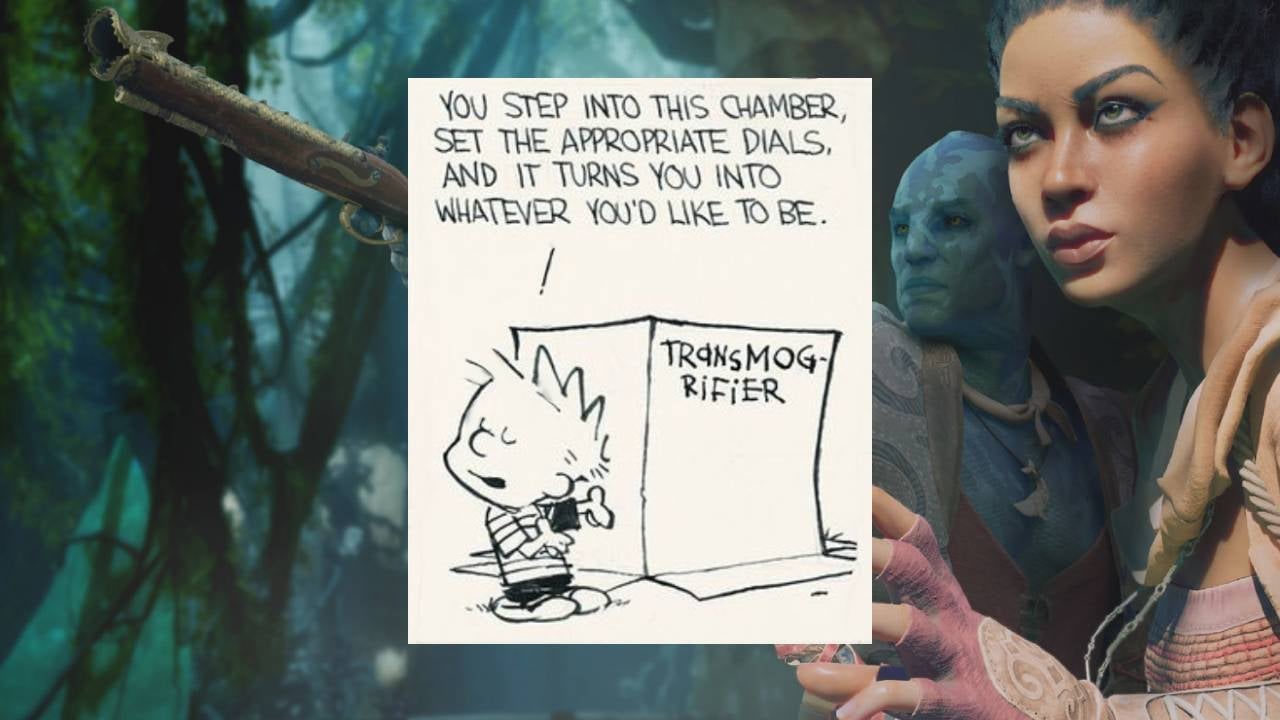
Thankfully, Avowed allows you to transmogrify (“transmog” for short) your gear, meaning you can take the look of one piece of armor and apply it to another. This lets you upgrade to gear with better stats while maintaining a fashionable appearance, or a preferred look. Here’s how you can transmog your gear in Avowed
How to transmogrify your gear in Avowed
If you want to transmog your armor in Avowed, make sure you’ve equipped the gear with the stats you want for your character, then open your inventory and navigate to whichever piece of gear you want to make your equipped piece appear as. Left click (or press RT on a controller) this piece of gear to complete the transmog
An important note, however, is to remember that you must actively own the gear that you’d like to use the appearance of. If you sell it or break it down, you won’t be able to use that look on your other armor sets. So be sure to hang on to any particularly rad pieces of armor you come across, so you can continue proving that you have killer fashion sense. Don’t let anyone tell you that you don’t look damn snazzy.
Avowed is available now on Xbox and PC. And before you ask, no, you can’t transmog one of those into a copy for PlayStation 5. But there are (currently unconfirmed) rumors that the game will also make its way to Sony’s console eventually.