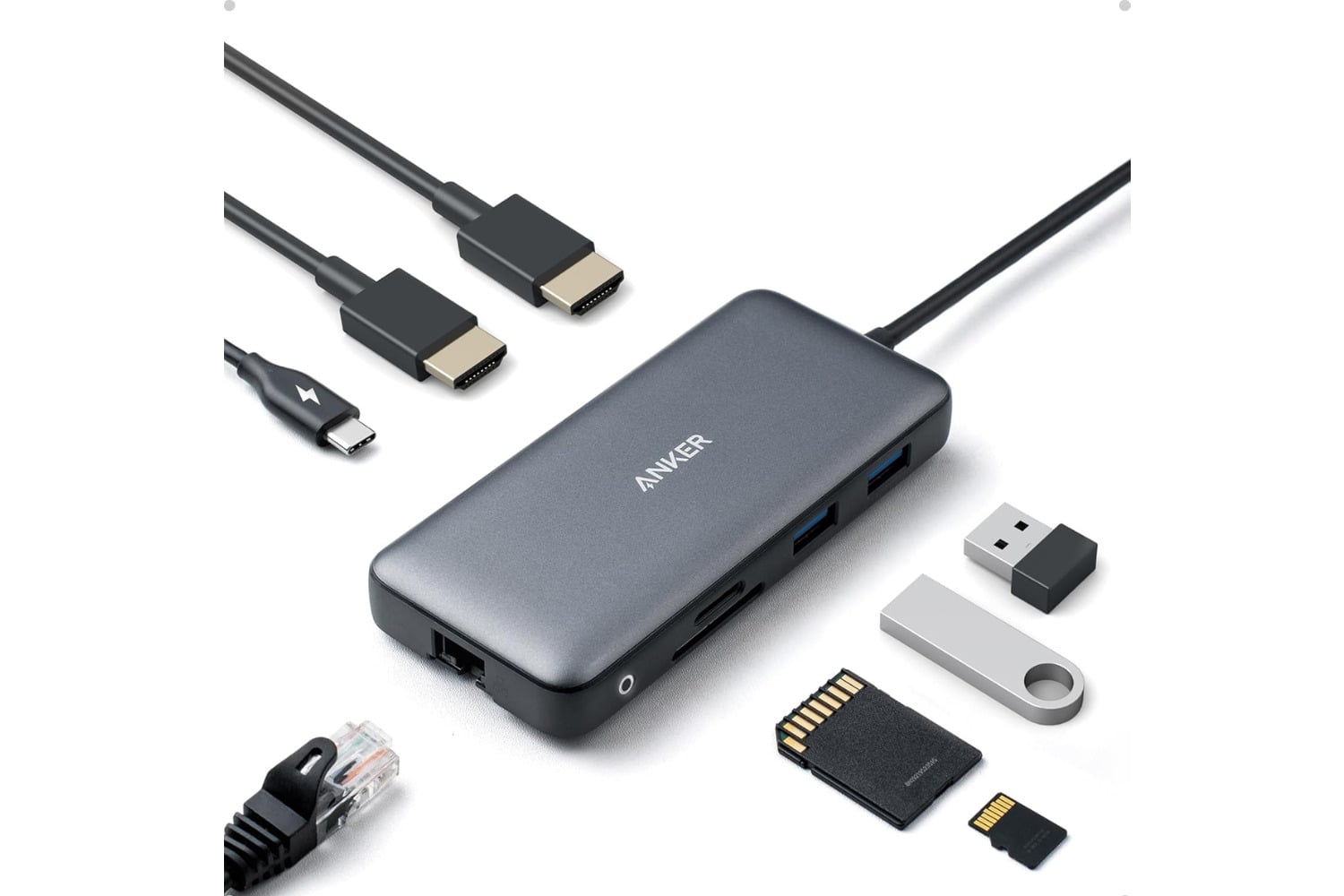
The Anker Laptop Dual Monitor Docking Station is a 9-in-1 USB-C hub that turns a single USB-C port on a laptop into two external monitors and seven other connections via a single cable. The dock’s HDMI and DisplayPort outputs support dual 4K displays at 30Hz simultaneously, or a single 4K at 60Hz on either port alone. USB Power Delivery delivers up to 60W to the laptop, so a single cable charges the laptop while powering the peripherals. A 100W wall adapter comes in the box.
A simple way to connect all your additional peripherals with one useful docking station
Dual monitor support is a major advantage, allowing you to connect two additional monitors to your laptop using a single USB-C connector. In extended desktop mode, the two monitors display separate content by default when using a Windows-based computer. However, using this product with a computer running macOS will mirror the screens rather than extend them due to restrictions in Apple’s operating system.
The Power Delivery passes up to 60W of power to your laptop via the same USB-C connector used for carrying data, video, and peripherals. This is sufficient to charge a MacBook Air or 13-inch MacBook Pro at wall-brick speed, and enough to power most Windows laptops without discrete GPUs. There is also a second USB-C PD port on the dock for charging an additional device, such as a phone or tablet, with a maximum output of 20W. The included 100W power adapter provides both the 60W draw of the laptop and the 40W shared across other ports.
Around the sides and back, three USB-A ports accept peripherals and drives. One USB-A 3.0 port on the front supports 5 Gbps speeds for external SSDs and thumb drives, and two USB-A 2.0 ports on the back connect a keyboard, mouse, or older accessories at 480 Mbps. Gigabit Ethernet on the back gives a wired network connection at 1 Gbps for video calls or large file transfers. A 3.5mm audio jack outputs to wired headphones or external speakers on the desk.
Compatibility applies to any laptop with a USB-C port that supports DisplayPort Alt Mode and Power Delivery, including MacBooks from 2016 onward, Dell XPS, ThinkPads, Surface Books, and most current-generation Windows laptops. Setup is essentially plug-and-play. Plug the included power adapter into the wall, plug the USB-C cable into your laptop, and everything on the dock activates automatically. A Kensington lock slot on the side also secures the dock to a desk in shared workspaces, useful for hot-desking setups or open office environments.
Anker’s docking station line spans from basic single-port USB-C to HDMI adapters up to the Nano 13-in-1 with a removable travel hub. The 9-in-1 Dual Monitor Docking Station shown here is the sweet spot for a home office desk setup where two monitors plus wired peripherals are the daily configuration. Sale pricing at $40 includes the 18-month warranty and support that come with all Anker dock products.