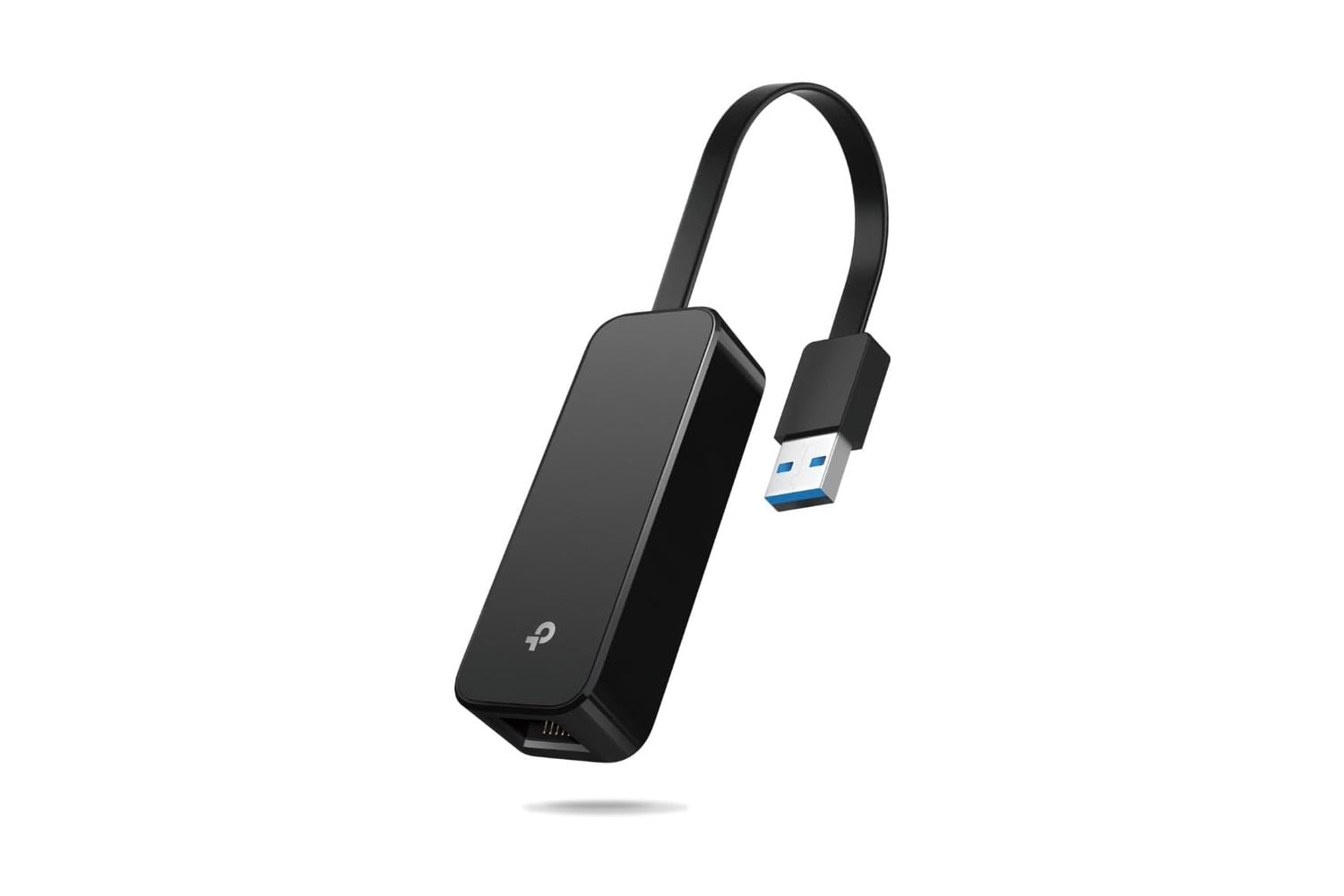
The TP-Link USB-to-Ethernet adapter is a small, foldable device that adds a wired Ethernet port to any device with a USB-A port. Speeds go up to Gigabit (1,000 Mbps), matching what most home internet plans deliver over a wired connection. The whole adapter is about the size of a car key, with a hinged USB plug that folds flat against the housing for travel. Plug-and-play on Windows, Mac, Linux, and Nintendo Switch.
A USB to Ethernet adapter you can use across multiple devices when the need arises
Newer laptops and mini-PCs skip the built-in Ethernet port to save chassis thickness, so a wired network connection requires either a docking station with an Ethernet port or a standalone USB adapter like this one. Working from home with lots of video calls benefits from the lower latency and reduced packet loss that a wired connection offers over Wi-Fi. The Nintendo Switch also supports faster online play and game downloads via wired Ethernet through the dock’s rear USB 3.0 port.
Wired network speed on this adapter reaches full Gigabit (1,000 Mbps), matching the bandwidth ceiling of most residential internet connections in the US. USB 3.0 on the input side supports up to 5 Gbps of throughput, so the adapter’s Ethernet side is the real bottleneck rather than the USB connection. Backward compatibility with USB 2.0 and 1.1 ports on older machines works too, but caps the maximum Ethernet speed at 100 Mbps due to the lower USB bandwidth.
The foldable design is the main update over the UE305 model. A hinged USB-A plug on one end swings down flat against the top of the aluminum housing for storage in a laptop bag or pocket, then flips out at a right angle when you plug in. Dimensions are 2.8 by 1.0 by 0.6 inches with the plug folded, and the weight is 0.7 ounces. Additionally, the cord is long enough to reach the rear USB 3.0 port on a Nintendo Switch dock without an extension.
Setup is essentially plugging the adapter into a USB port and plugging an Ethernet cable into the other end. Windows 11, Windows 10, Windows 8.1, Linux, macOS 10.11 to 10.15, and Nintendo Switch all automatically recognize the adapter without requiring a driver download. Older Windows 7 or newer macOS setups need to grab the driver from TP-Link’s website first. An LED on the top of the housing lights up when the connection is active, giving you a quick visual check that data is flowing.
TP-Link sells a full range of USB Ethernet adapters at different capacities, from basic USB-A to Gigabit up to USB-C to 2.5 Gigabit models for newer laptops and desktops. The UE306 shown here is the entry-level USB-A version, priced accordingly. At under $10, down from $14, the current sale takes 29% off the list price. For a Nintendo Switch, a travel laptop that needs wired backup, or a mini-PC without a built-in Ethernet port, this is the cheapest way to add wired networking.