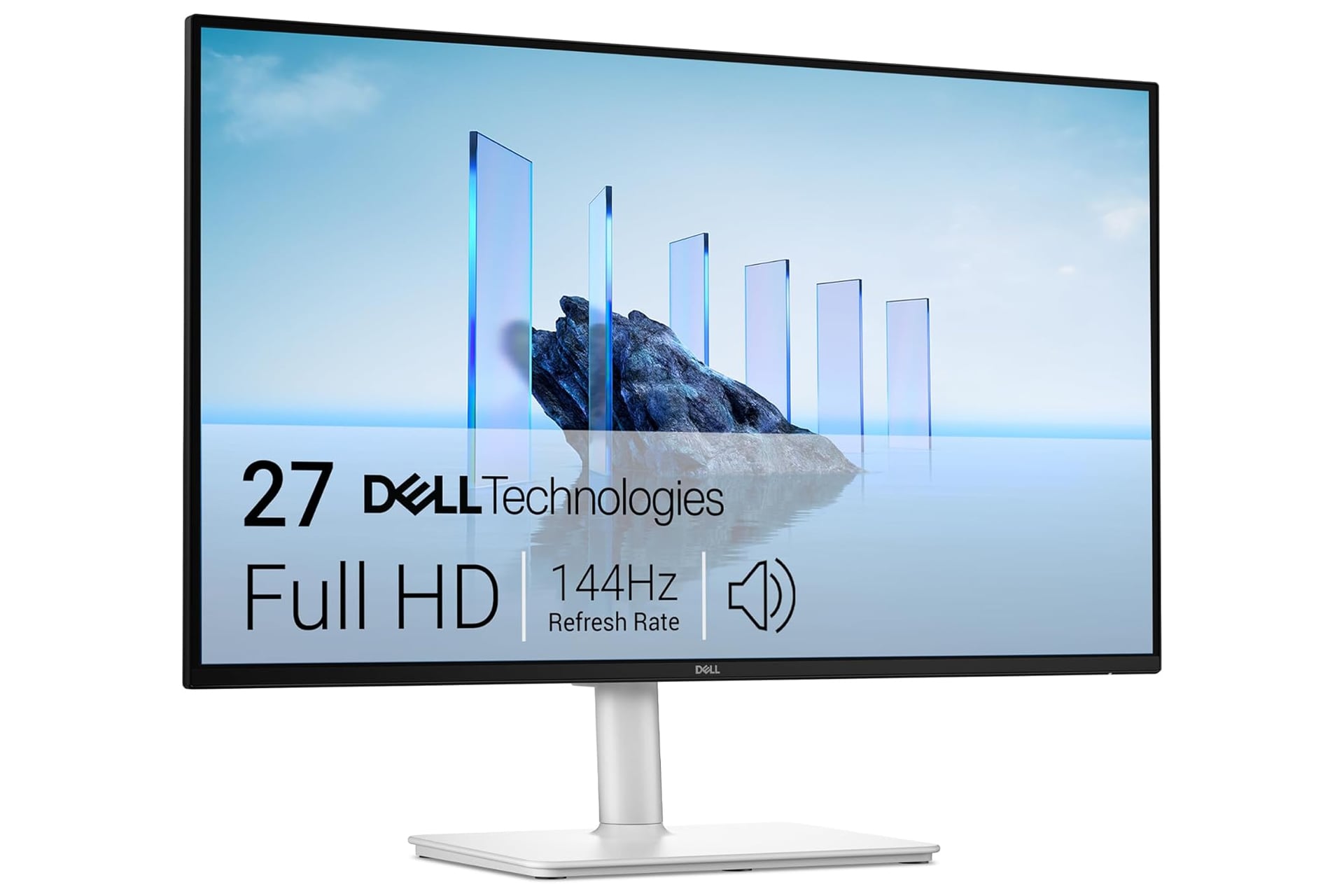
You can get yourself a super-up OLED monitor, that’s over 40 inches across, workings in 4K, curved, and 300Hz refresh rate, but those specs won’t matter too much if you don’t have a PC that can fire off on all cylinders like that. For most, something much more humble and more less expensive will do the trick just fine. These Dell Plus monitors cover all the basics and are now even more affordable than usual thanks to an Amazon discount. The Dell 27 Plus has been reduced to just $140 (down from $175) while the Dell 24 Plus has dropped to just $120 (down from $150).
With the Dell 27 Plus monitor, we’re working with a 27-inch screen capable of running resolutions up to 1080p HD. With the Dell 24 Plus, you’re still getting 1080p resolution but just at 24 inches instead. The monitors each have a fast refresh rate of 144Hz and a response time of just 1ms. Movements on-screen feel quick and responsive at that speed and the monitors are able to display it smoothly with no screen tearing.
The monitors are made for long-term, consecutive use. The displays are four-star TÜV-certified for eye comfort and have a reduced amount of blue light emission which can otherwise cause discomfort over time. It’s able to reduce the harmful light without compromising on colors, too.
Audio is supported on these monitors by default. The screens have integrated dual 3W speakers that can produce a wide range of frequencies. It’s not the most powerful sound in the world or anything, but plenty of monitors don’t even have speakers in them at all. You can still of course connect to external speakers if you’d prefer that instead.
Adjust to Your Liking
The stand the monitor is held up on is fully adjustable, so you can cater it to your own preferences or make quick adjustments throughout the day as you shift in your seat. It can swivel up to 30 degrees to either side, be raised up or down within a 110mm window, be tilted forward up to -5 degrees or back up to 21 degrees, and even be rotated to display in either portrait or landscape. If you’re using this as a secondary monitor and not your main display, don’t underestimate just how useful a vertical screen can be. It’s perfect for catching up on email or for use with messaging apps like Discord or Slack.
You can connect to the monitor from two different sources over either of its HDMI slots and then easily swap between them. The stand also has a built-in cable management loop so you can keep everything tidy.