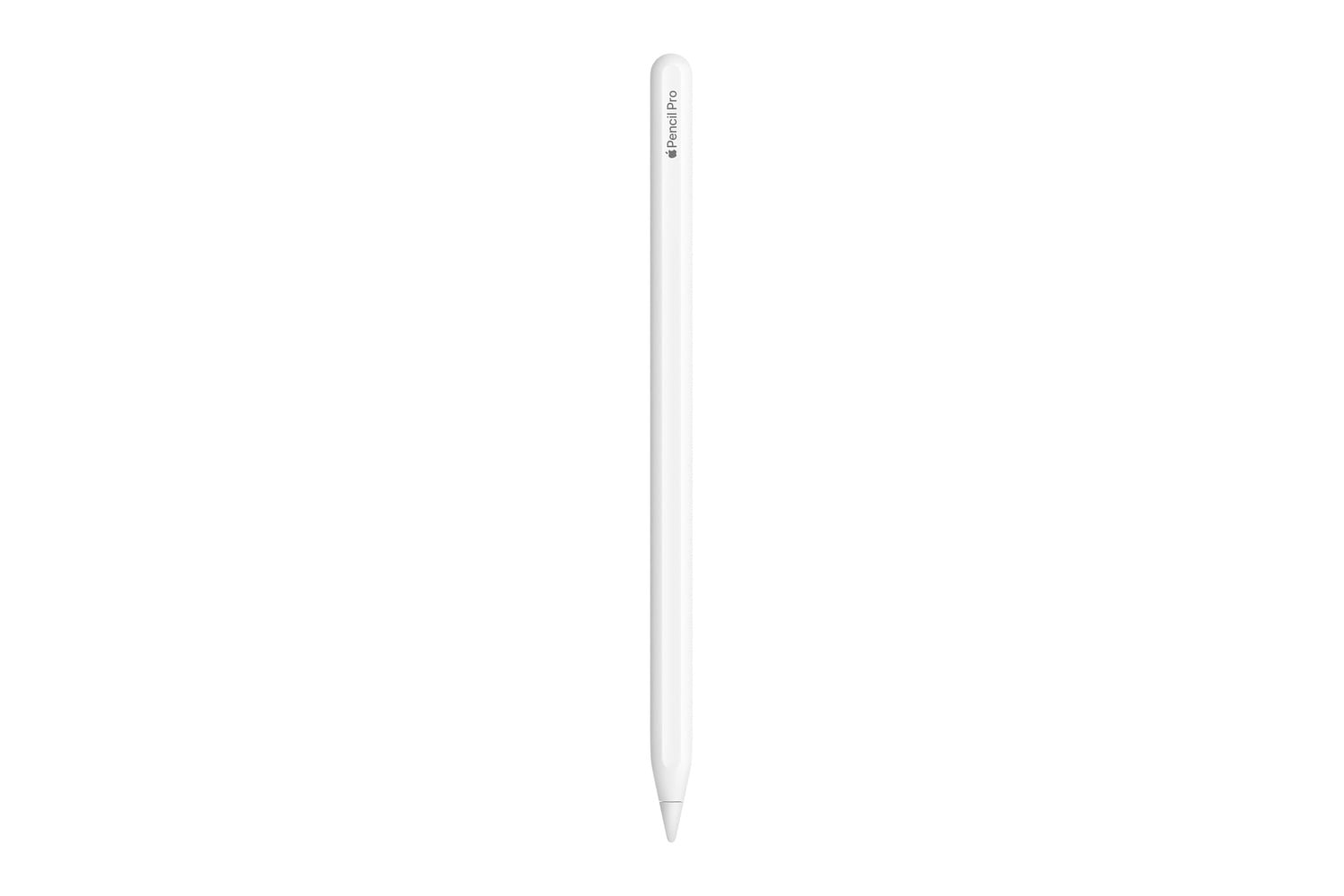
The Apple Pencil Pro is Apple’s top stylus for the iPad, adding a squeeze gesture, barrel roll, and haptic feedback to what the previous Pencil could do. Squeezing the barrel opens a tool palette so you can switch tools, line weights, and colors without lifting your hand off the screen. An internal gyroscope handles the barrel roll, which rotates shaped pen and brush tools as you turn the Pencil. Find My support is built in, so a misplaced Pencil shows up in the app. It attaches, pairs, and charges magnetically on the side of your iPad.
Head over to Amazon to get the Apple Pencil Pro for just $97, down from its usual price of $129. That’s a $32 discount and 25% off.
An accurate peripheral that lets you sketch, write, and doodle on your iPad
Artists will likely use the squeeze gesture most often, and it solves a problem that has existed since the introduction of the original Apple Pencil. To change brushes or colors, an artist previously had to reach across to a menu with their opposite hand, which would break their flow. By squeezing the barrel of the stylus, a palette is presented directly where the Pencil is. Developers can assign this gesture to whatever is relevant in their application. In Procreate, that means a squeeze can bring up the Eyedropper, the QuickMenu, or Layer Select, depending on how you’ve configured the gestures in your preferences.
Barrel roll is the second feature artists typically notice. Every Pencil has a gyroscopic sensor. This lets it track how you’re positioning and moving the Pencil, as well as its rotation. Tools that have a shape, like a calligraphy pen or a flat brush, will adjust their orientation as you rotate the barrel of the Pencil, just as a real-world brush does when you move it between your fingers.
In older versions of the Pencil, drawing a fine line with a tool designed to be shaped meant you had to redraw the entire stroke at a new angle. Haptic feedback links all of these features together. Inside is a custom haptic engine, and when you squeeze the barrel, double-tap the stylus, or snap a Smart Shape into position, you get a small pulse. That provides tactile confirmation for each action instead of you simply seeing it happen on screen.
Apple Pencil hover shows you a preview of exactly where the tip will land before it touches the glass, along with a virtual shadow of whatever tool you’re holding, and double-tapping still switches between a pen and an eraser the way it did on the previous generation.
Compatibility is the one thing to sort out before you order. The Apple Pencil Pro works only with the iPad Pro with an M4 or M5 chip, the iPad Air with M2 or M3, and the iPad mini with the A17 Pro. Older iPads can’t pair with it at all, and the second-generation Pencil won’t work on the newer models either, so there’s no mixing and matching across generations. Whichever iPad you have, it’ll need iPadOS 17.5 or later installed. At $97 instead of $129, the Apple Pencil Pro is about a third off from Apple’s price, which is unusual for an Apple accessory that hasn’t been replaced yet.