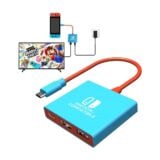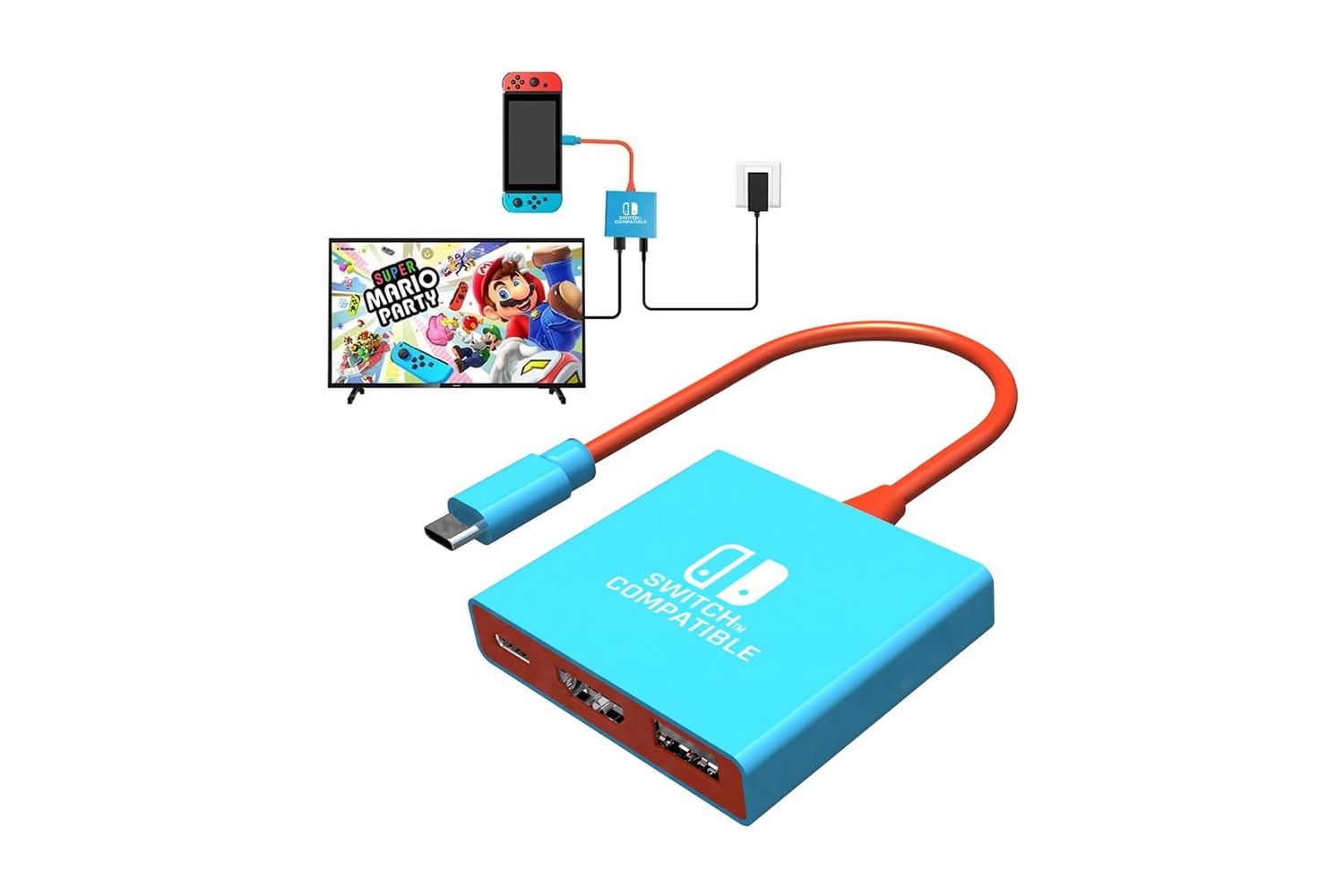
Pdobq’s Switch Docking Station lets you take the Switch docking experience on the go. This compact, portable docking station eliminates the need for a large, cumbersome docking station. Instead, this small, lightweight docking station includes an HDMI 2.0 port, a USB 3.0 port, and a USB-C charging input to connect your Switch to your TV or monitor. Simply insert your Switch into the docking station, connect an HDMI cable from the dock to your TV, and your game appears on your TV.
A pocket-sized Switch dock with HDMI, USB 3.0, and pass-through charging
The Pdobq docking station was made for families, traveling gamers, and anyone who wants a secondary dock for a second TV. The Pdobq docking station works with multiple versions of the Nintendo Switch, including the Nintendo Switch, Nintendo Switch OLED, and Nintendo Switch 2, as well as the Steam Deck. Your game appears on the big screen via the HDMI 2.0 video output, and a USB 3.0 port lets you connect other accessories, such as controllers. A USB-C PD charging port lets you charge your console while you play in TV mode using your existing Switch charger.
With HDMI 2.0 video output, you can view 4K at 60Hz on compatible hardware like the Steam Deck, and the Nintendo Switch outputs at 1080p. Whether you play at home, at a friend’s house, or in a hotel room, the dock’s high-quality image should display clearly.
The USB-C charging port uses your current Switch charger, so your console stays charged while you play in TV mode. The dock supports several standard PD charging profiles, including 15V and 20V, and includes a built-in protection chip to prevent damage to your console during charging. The USB 3.0 port supports speeds up to 5Gbps, so you can easily connect a wired controller or keyboard and create local multiplayer gaming experiences with friends and family on the couch.
Setting up the dock requires no software, drivers, or apps. Connect your dock to your TV with an HDMI cable, then attach your charger to power the dock. Then, simply insert your Switch into the dock. HDMI cables and chargers aren’t included, but you can use the ones you’re most likely to have on hand. Once everything is hooked up, switching between handheld mode and TV mode is as simple as removing your console from the dock.
Because it’s so light and compact, you can easily pack it in your travel bag with your console, connect it to any TV with an HDMI port, and start playing in TV mode. The Pdobq Switch Docking Station is a cost-effective way to enjoy TV mode while away from home. It’s a great addition for vacation travel and weekend getaways, and a solid alternative docking option for a bedroom, home theater, or game room TV.