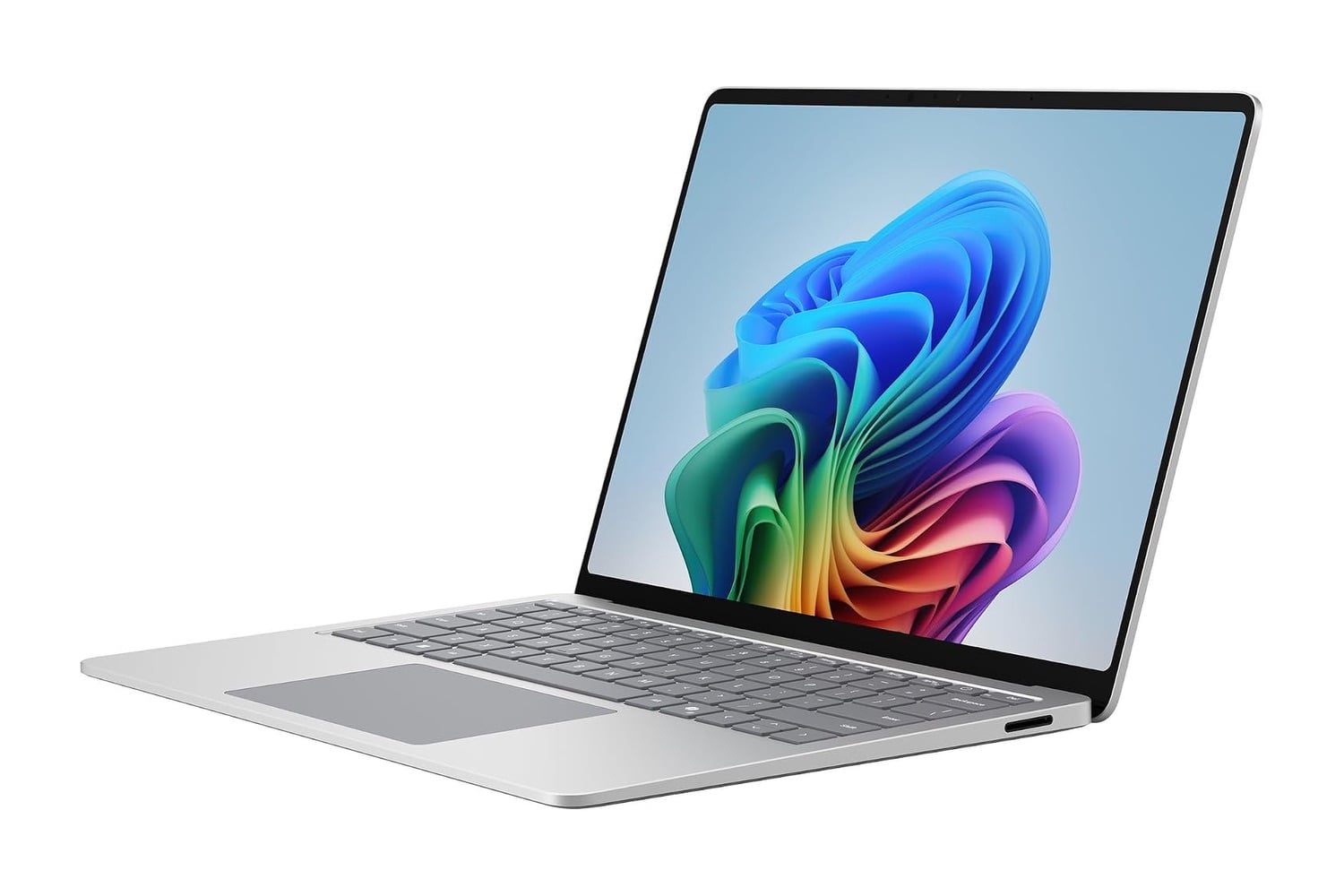
The Microsoft Surface Laptop contains a Snapdragon processor rather than an Intel or AMD one. The Snapdragon processor is based on Arm architecture, which lets it deliver a full day of use in a very thin computer. The 13.8-inch touchscreen with PixelSense has both touch and stylus capabilities. The Neural Processing Unit performs all local Copilot+ functions instead of sending those operations to a remote server. Windows 11 is preinstalled, and the aluminum design maintains structural integrity while minimizing the overall weight.
Head over to Amazon to get the Microsoft Surface Laptop for just $1,350, down from its usual price of $1,700. That’s a $350 discount and 21% off.
A thin aluminum Windows laptop with a touchscreen and Copilot+ features
Because the Surface uses Arm-based silicon, which consumes much less power than the majority of silicon currently found in computers, you can expect to run all day on a single charge. Power consumption adds up quickly after a series of video calls, document review, and web browsing, and Arm silicon lets you stop worrying about depletion. Leaving the charger behind becomes less risky each time you go away.
Rather than sending data to a remote server via the internet, the Neural Processing Unit processes Copilot+ functions locally on your device. Examples include real-time translations using Live Captions to translate spoken language from any source to English, automatic background blur and eye contact adjustment through Windows Studio Effects, and Cocreator, which generates original artwork based on hand-drawn sketches or descriptive text. Because they work whether or not they’re connected to Wi-Fi, none of these features stop working without an internet connection.
Beyond touch and stylus input, the 13.8-inch PixelSense touchscreen also delivers exceptional brightness when viewed near windows. Its tall aspect ratio also reduces scrolling when viewing vertically formatted content. Anyone who spends extended periods reviewing lengthy documents or writing code recognizes how beneficial having extra vertical space is.
Typically, Surface customers comment on their keyboard first. Its greater-than-average key travel distance compared to most ultra-thin keyboards, retention of the standard layout without shrinking the arrow keys, and a relatively large trackpad all allow gesture navigation without running out of room. While typing all day on an ultrathin laptop almost always requires some form of sacrifice elsewhere in the design, this is one of the rare instances where it’s avoided.
Build quality is another important part of what you’re paying for when you buy a Surface product. The aluminum shell resists flexing better than the typical plastics used in laptops, so it doesn’t bend under load, and neither the keyboard deck nor the lid twists when you lift the device one-handed. Over several years in a bag, that build quality is the main reason some laptops still feel like new products while others rattle around.
Three ports support charging and connecting older devices: USB-C, USB-A, and Surface Connect. The continued availability of a USB-A port means older peripherals such as a wireless mouse dongle or an older flash drive connect without requiring an additional adapter, which most machines in this class lost over previous generations. All Copilot+ features included with Windows 11 are already built in and don’t require an upgrade.