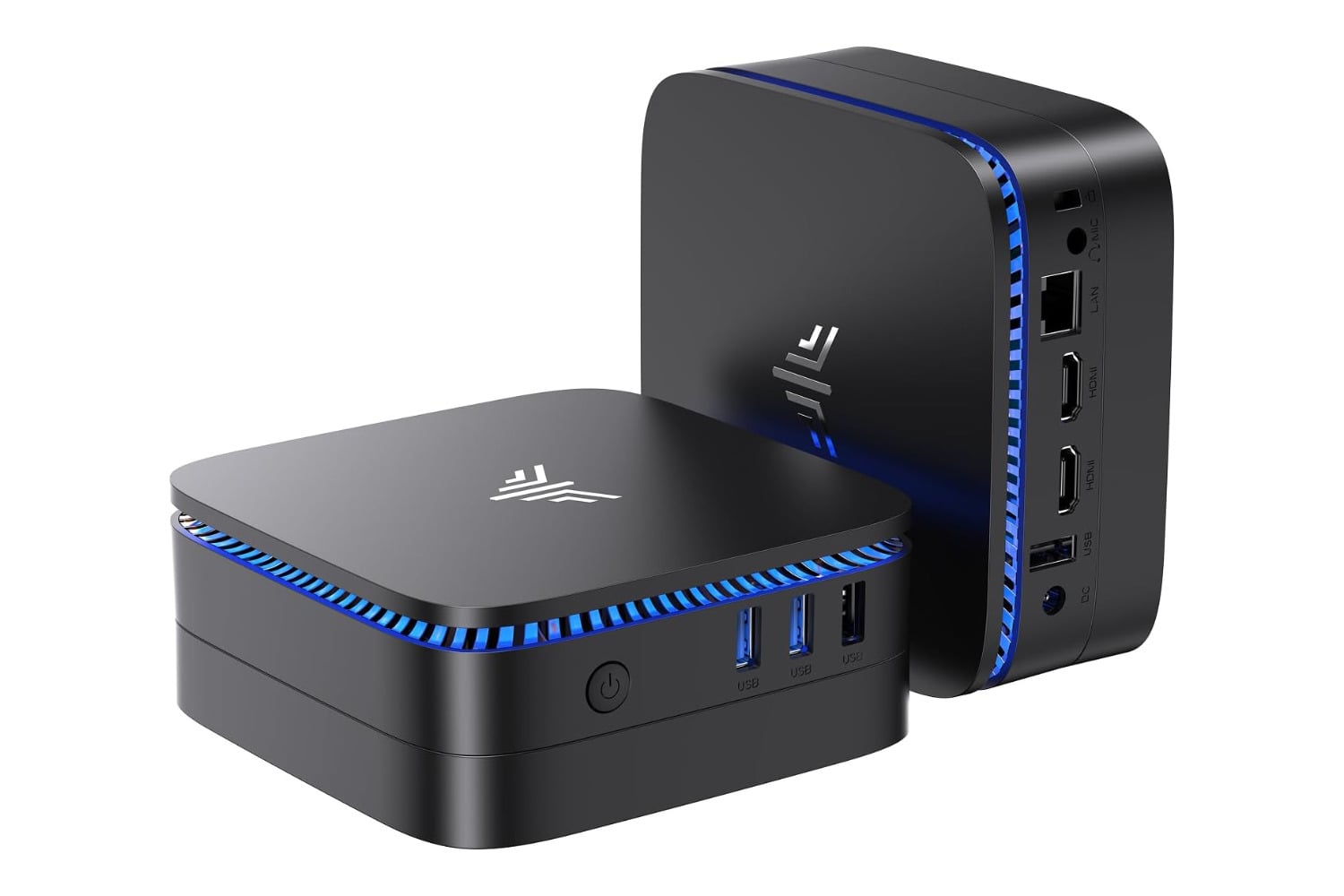
The KAMRUI Mini PC N5030 packs the productivity of a full-sized tower desktop into a case that fits comfortably in one hand. This is accomplished using an Intel N5030 processor along with 16GB of DDR4 memory and a 512GB M.2 SSD, both of which are easily upgradable, plus Windows 11 Pro preinstalled. The dual HDMI outputs let you use two monitors independently at 4K resolution. VESA mounting brackets are included, allowing you to attach the entire unit to the back of a monitor.
A palm-sized Windows desktop with upgradable memory and storage
16GB of memory is twice as much as many similarly priced units. When running multiple applications such as a video conference call, a spreadsheet program, and a web browser simultaneously, the computer will run smoothly without needing to page to hard drive storage. Many budget mini PCs start to slow noticeably the moment they need to page data to their drives under heavy use, and that stall is what you feel most during a workday.
Two 4K displays via dual HDMI outputs allow you to view two different windows on two different monitors at once, rather than being limited to a single window mirrored across both monitors, or alternatively having the ability to use one monitor and turn off the other, something common among competing mini PC models.
The N5030 has connectivity options available for every item typically found on a work desk. The USB-A ports can easily accommodate multiple items, such as a keyboard, mouse, printer, and external hard drive, simultaneously. The USB-C ports support USB-C devices. Along with the USB-A and USB-C ports, the device includes a traditional analog headphone jack. It also includes a Gigabit Ethernet port for wired networking, so you can avoid relying on wireless signals for computer communications. Wired networks tend to be much faster and deliver far more reliable data transfer results during large file transfers and video conferencing.
It’s also easy to upgrade the system. Removing a bottom panel from the N5030 gives you easy access to the RAM and storage. To add new memory or replace the existing disk with a larger unit, remove the panel, add your new hardware with a few screws, then reinstall the panel. Since most systems this size don’t give you direct access to these components, the configuration you buy is generally the configuration you’ll keep.
The VESA mounting brackets let you mount the entire desktop system on the back of your display, freeing up a large area on your desk. Installation is quick with the supplied hardware, and once mounted on the back of the monitor, the entire system is completely out of sight. Because the system uses much less energy than a tower unit, you’ll see lower utility bills if you use it year-round and run it eight hours a day. It also runs so quietly that you can place it right next to you on your desk rather than under one where you could easily kick it.