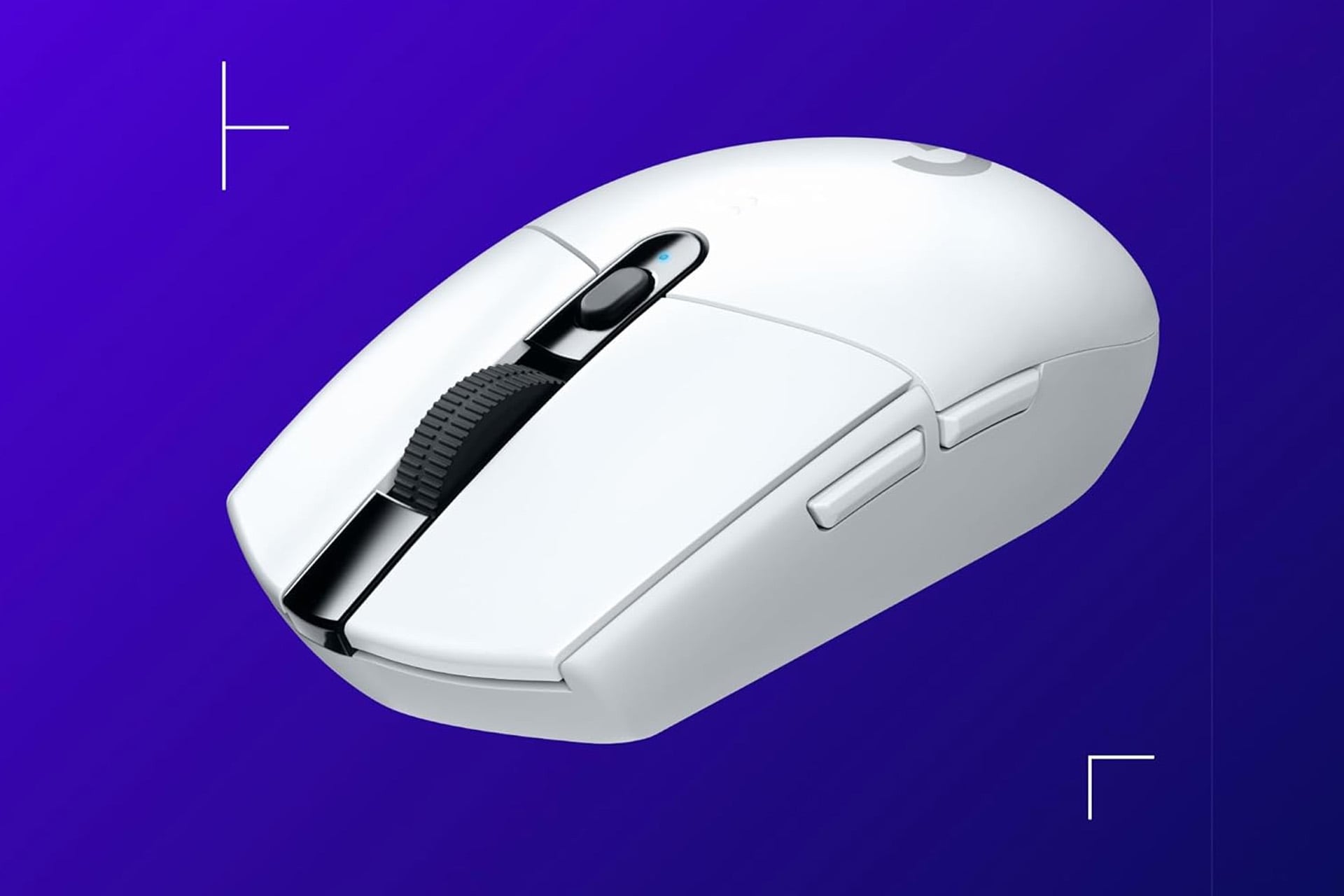
You want to improve your PC gaming experience? You might think you need some top-of-the-line graphics card or a monitor with 4K resolution and 300Hz refresh rate. All those things are great, but mighty expensive. The truth is you can find measurable improvements for a much lower cost. Let’s start with the mouse. If you are still just using some bargain bin mouse you got 10 years ago in the checkout line of Staples, then the bar is on the floor, my friend. You can greatly elevate your experience in front of the computer with a dedicated gaming mouse, and a solid one doesn’t even cost all too much.
Look here at the Lightspeed G305 from Logitech. This gaming mouse is modest, but does its job well and is currently on sale. It normally only sells for between $50 and $60, but right now, you can grab one for as low as $30 thanks to some Amazon deals.
The Logitech Lightspeed gmaing mouse comes in a handful of color options, each with different prices at the moment. For the best value, pick yourself up the black model. This one is down to just $30. You can also opt for the white model for $35, a cool mint colorway for $42, lilac for $45, or blue for $47. That extra cash might be worth it to you if you really like the way those colors pop.
Reliable Low-Latency Connection
This mouse from Logitech is able to quickly react to your movements. It has a response time of just 1ms and that’s for when you are using it wirelessly.
You’ll also be privy to a next generation 12,000 DPI HERO optical sensor. This allows for unrivaled gaming performance, accuracy, and power efficiency. This level of control is almost double what you could expect on most non-gaming mice and it doesn’t use any acceleration or smoothing.
Battery life is super reliable. At full battery, you can expect the Lightspeed G305 gaming mouse to last you for up to 250 hours. the mouse is in design and balanced comfort with agility well, making it easy to keep playing for hours at a time.
Take even more control of your Logitech Lightspeed G305 gaming mouse when you download and install the Logitech G Hub software. Within this app, you’ll be able to personalize and optimize your performance. Make adjustments to settings like DPI as well as configure buttons with pre-programmed actions via custom macros to really push your gaming experience to its limit.