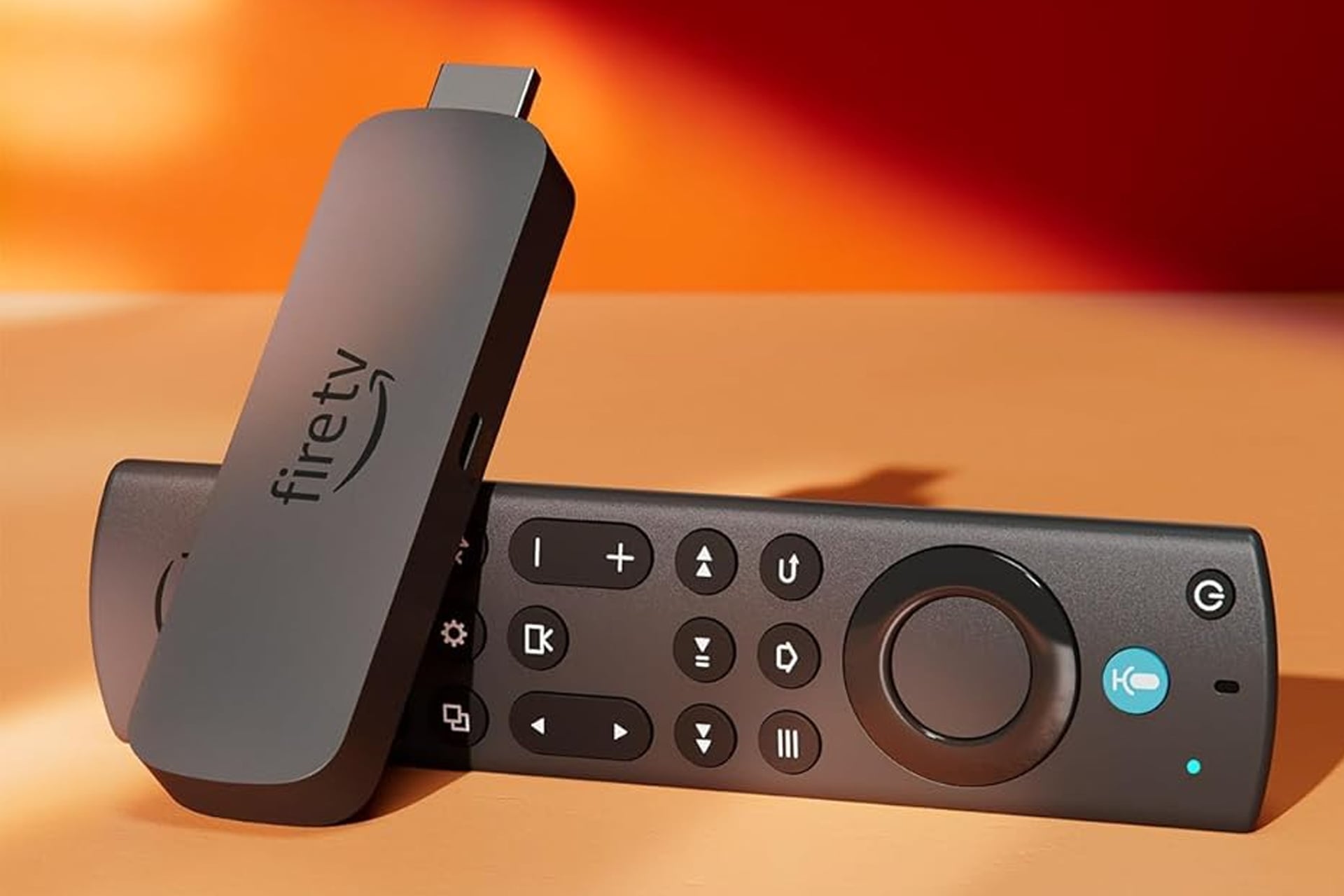
Pretty much any TV that’s been available to purchase in the last decade has been a smart TV. TVs are more than displays now, they are the whole media center itself. You can load up a movie or show from a variety of different apps right on the TV itself, but even though that’s possible out of the box, you might be better off using a Fire TV Stick for that instead. For a limited time, Amazon has its latest model of the Fire TV Stick 4K Max selling at a steep 41% discount. The list price of these is now $85, but Amazon has lowered the price to just $50, saving you $35.
So why get a Fire TV Stick when your TV is already capable of streaming from Netflix, HBO Max, and wherever the heck else you want to watch something? The answer is performance and usability.
Performance and Usability
For starters, while many smart TVs are capable of streaming media directly, they’re not all very good at it. Manufacturers tend to use less powerful processors with less RAM in their systems as something like the Fire TV Stick 4K Max uses. When using just your TV, you ever feel like the remote isn’t responding, with whatever is selected lagging behind your directional inputs? Or you ever feel like your apps take ages to load? You’re not imagining that. It’s the processor and memory. With the Fire TV Stick 4K Max, you can enjoy much smoother navigation with apps starting up near-instantaneously.
The other end of the story is usability. A lot about UIs come down to personal preference, so I’ll just walk though my take. I have an LG OLED evo C5 that I absolutely adore, but cannot stand the interface. I had been used to using Fire TV before I got it, so sure some of this is just about what I’m used to, but the user experience just makes way more sense to me with the Fire TV and I’ll happily choose it over LG’s UI.
The Fire TV Stick 4K Max is also feature-rich, having support for 4K Ultra HD, Dolby Vision, HDR10+, and Dolby Audio.
What you also get with the Fire TV Stick 4K Max is the Alexa remote. This makes finding the show or movie you want to watch a breeze. Instead of having to type out the title of what you want to find with the directional pad one letter at a time, you can just speak the title aloud.