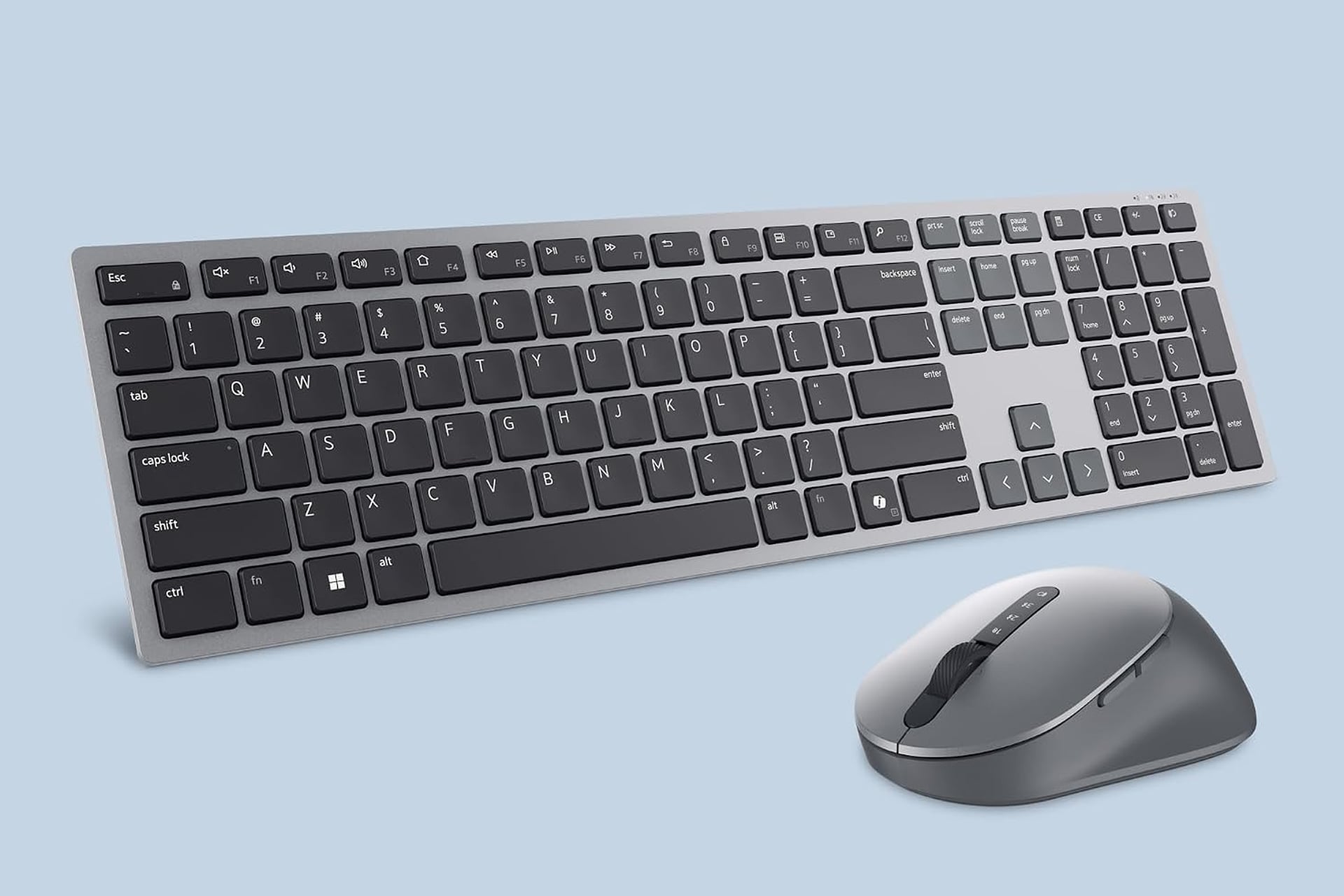
This is a tough product to write about because the person this is for would never be me. For my PC setup, I personally use a mechanical keyboard—one of the ones that’s super clicky and clacky with a long travel distance. That’s what feels comfortable for me when typing. I feel my productivity dip when I need to type on a laptop with its minimalist keypad. However, there are some people that prefer the feel of tying on a low profile keyboard. I am not one of you, but you do exist. If you are one of these people, you might fancy upgrading your setup to this Dell premium wireless keyboard that can bring that laptop feel to your desktop. The keyboard also comes with a mouse and, right now, the combo has gone down to 25% off. The set normally sells for $80, but the sale has brought it down to just $60, saving your $20 for a limited time.
This Dell keyboard is slim, fitted out with a sleek titanium gray finish, and has a low travel distance and a premium feel when you type. Each keystroke is quiet so you don’t have to worry about disturbing co-workers or roommates with your typing. The included mouse is ergonomic, sculpted to fit perfectly in your hand.
Connect to Multiple Devices at Once
Something kind of crazy about this keyboard and mouse is that the setup can be paired with more than one system at a time. It uses a dual RF 2.4GHz signal as well as Bluetooth 5.0 which can connect to multiple devices simultaneously. The connection mode key on the keyboard and the button on the mouse let you hop between which device you’re controlling.
The mouse allows for precise control over your devices. If using with a Windows OS device, you can set the mouse speed to different DPI presets of either 1,000, 1,600, 2,400, or 4,000.
Also included with the mouse is two different programmable buttons on the side that you can assign to different shortcuts, keystrokes, or macros to help increase your productivity. With my job, I tend to have to take a lot of screenshots, so I find assigning one of my extra mouse buttons to the snipping tool to be quite handy.
Along with that, the keys across the top of the keyboard can also be individually assigned for different tasks, giving you full customizability in how you interact with your PC or other connected device.