
The best VPN for gaming is one you forget is running: it adds so little ping that you won’t feel it in a match, and your downloads barely slow down. NordVPN, Proton VPN, ExpressVPN, and Surfshark all clear that bar easily. On top of that, each one hides your IP address from other players, which shuts down DDoS attacks in peer-to-peer lobbies, and stops your internet provider from seeing and slowing down game traffic, and each one suits a different kind of player.
Best VPN for Gaming: Our Picks
- NordVPN: Best Overall. Barely any added ping on nearby servers, the best results on distant ones, and very little speed loss.
- Proton VPN: Best for Privacy. Port forwarding for hosting game servers, and a free plan with no data cap.
- ExpressVPN: Best for Easy Setup. It picks the protocol for you and disguises VPN traffic on networks that block it.
- Surfshark: Best for Big Households. No device limit on any plan, so every PC and console in the house fits on one subscription.
What Does a Gaming VPN Actually Do?
A VPN sends your traffic through its own server before it reaches the game, so other players and your internet provider see the VPN’s IP address instead of yours. In games that connect players directly to each other, your IP address is all someone needs to flood your connection and drop you from a match. With a VPN on, that attack hits the VPN company’s network instead.
The same tunnel hides what kind of traffic you’re sending, so a provider that slows down gaming traffic can’t pick it out. Changing the country the game sees also gets you into servers that only accept local players, and into games that launch in some regions before others. Buying games through another country’s store is a different matter, since Steam, PlayStation Network, and Xbox all treat that as a breach of their terms.
A VPN can’t lower your ping, though, because the distance between you and the game’s data center decides that. What a good one does is add as little as possible on top, and the four VPNs here are all extremely good at it, with very little speed loss. To keep it that way, connect to a VPN server close to wherever your game is hosted.
Best VPN for Gaming: Features Compared
| VPN | Devices | Console setup | Port forwarding | Free plan | Best gaming feature |
|---|---|---|---|---|---|
| NordVPN | 10 | Router or Smart DNS | No | No | Low ping, even on distant servers |
| Proton VPN | 10 | Router | Yes | Yes, no data cap | Port forwarding and Profiles |
| ExpressVPN | 10 (Basic plan) | Router, Aircove, or MediaStreamer | No | No | Automatic obfuscation |
| Surfshark | Unlimited | Router or Smart DNS | No | No | No device limit |
Does the Best VPN for Gaming Slow You Down?
Very little with any of these four. On a server in the same region as the game, the extra ping is a matter of milliseconds, small enough that you won’t notice it between shots, and download speeds stay close to what your connection gets without a VPN, so patches and new installs don’t drag. The gaps between the four are smaller still: NordVPN and ExpressVPN sit at the top on nearby servers, NordVPN pulls ahead when the game server is on another continent, and Proton VPN and Surfshark trail by margins a casual player won’t feel.
The Best VPNs for Gaming, Ranked
1. NordVPN: Best VPN for Gaming Overall
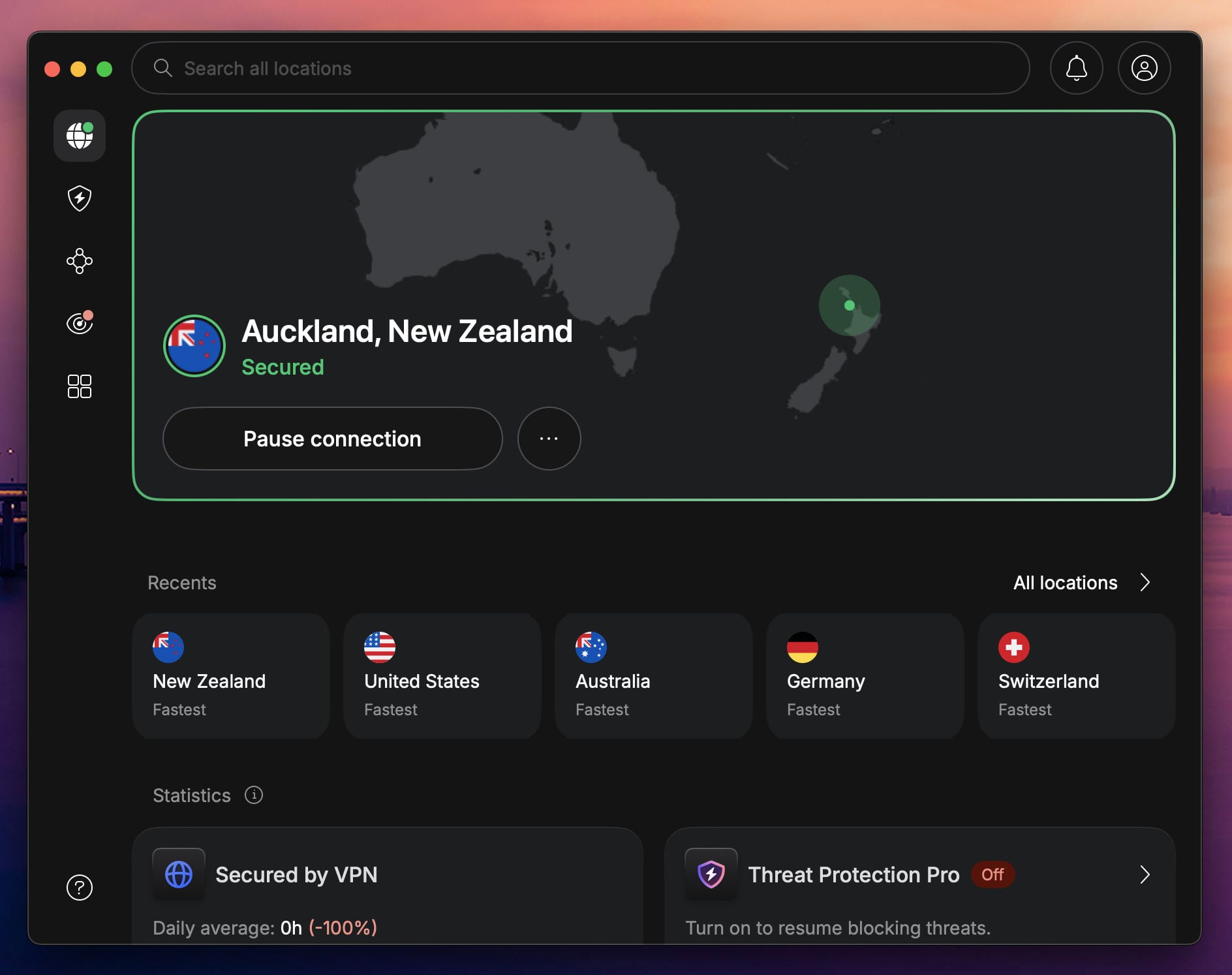
NordVPN is the best VPN for gaming because it costs you almost nothing in speed. On nearby servers, the ping it adds is too small to notice in a match, and download speeds barely drop, so a 100 GB game installs at close to full speed with the VPN on. Where it really pulls ahead is distance: when the game server is on another continent, NordVPN keeps ping lower than any of the other three, which matters if you play on American servers from Europe, or with friends on the other side of the world.
A lot of that comes from NordLynx, the protocol NordVPN built on WireGuard, which the app uses by default. NordVPN’s server network also covers a long list of countries, so there’s usually a VPN server near the data center your game runs on, which is the single thing that decides how much ping you add.
Protection is set up well for games too. The kill switch cuts your internet if the VPN drops, so your real IP address never shows up in the middle of a match, and split tunneling lets the game go through the VPN while a launcher’s patch downloads stay outside it. Threat Protection Pro blocks malware and malicious sites, which is useful if you download mods or custom maps from smaller community sites.
Meshnet is a bonus for players who still like LAN games. It links up to 60 devices, yours and your friends’, into an encrypted network that games treat as a local one, so an older co-op game with LAN play works between two houses without anyone opening ports on a router.
Consoles are covered through a VPN router or NordVPN’s Smart DNS, and one subscription covers 10 devices. The Basic plan starts at $3.49 a month with a 30-day money-back guarantee, though its renewal price after the first term is higher than the other three.
2. Proton VPN: Best for Privacy and Hosting
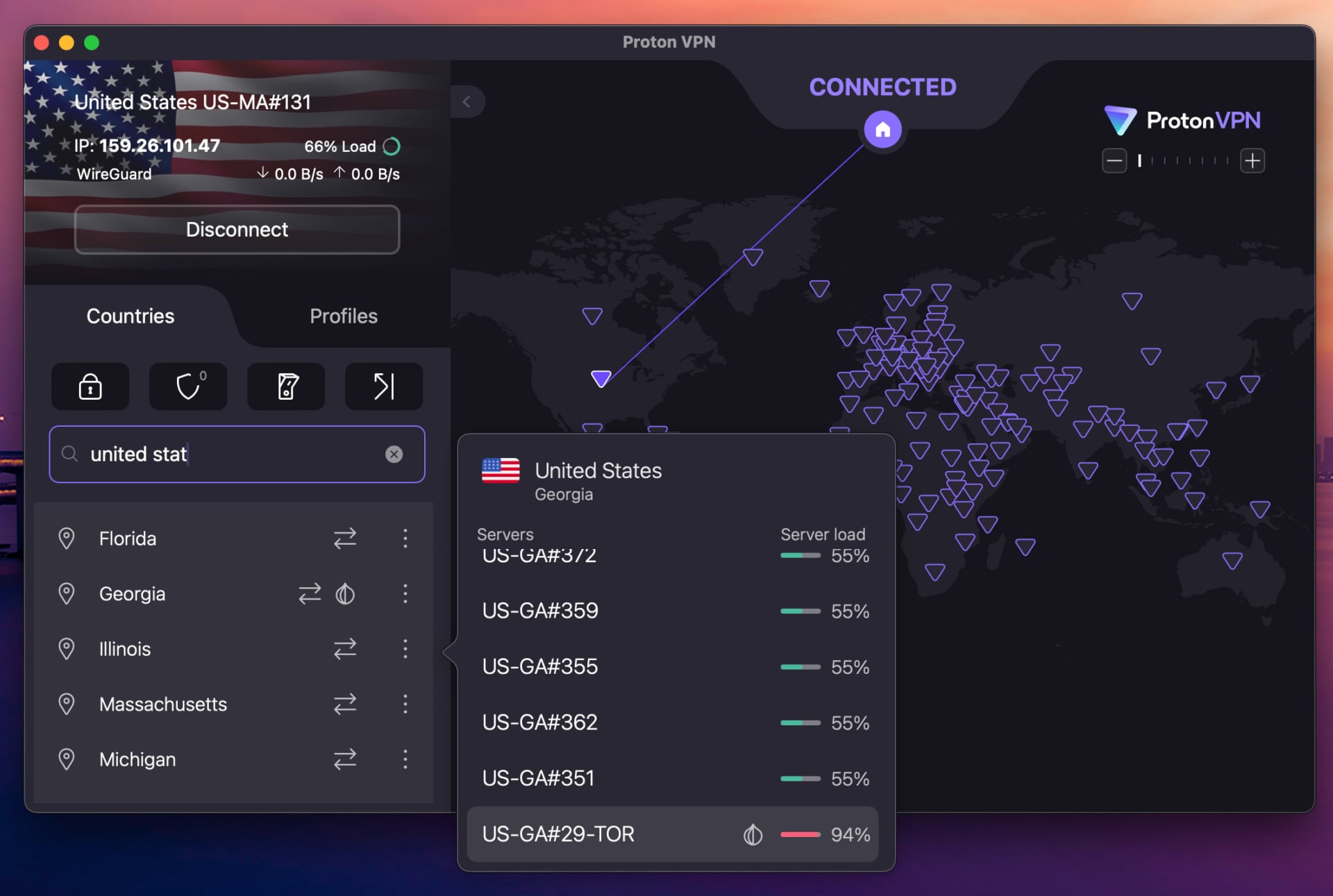
Proton VPN is the best VPN for gaming if you run your own servers. It’s the only one of these four with port forwarding, which you need to host a Minecraft or Valheim server for friends while the VPN is on, because without it, other players can’t reach your machine. Port forwarding works on Proton’s P2P servers, and you switch it on in the app, with no router configuration involved.
Its ping holds up well on long-distance servers too, and Profiles is the feature players will use every day. You save a server and protocol combination once, then switch to it in two clicks, which makes jumping between a European and an American game server a lot quicker than scrolling the location list.
The privacy side is why many people pick Proton in the first place: the company is based in Switzerland, its apps are open source, and NetShield blocks ads and malware.
Its free plan has no data cap and no ads, which makes it the only free VPN worth installing for games, although it picks the country for you. The paid plan costs $2.99 a month and covers 10 devices. There’s no Smart DNS, so PS5 and Xbox players need a VPN router.
3. ExpressVPN: Best for Easy Setup
ExpressVPN matches NordVPN for low ping on nearby servers, and it stays the steadiest of the four when your connection is busy. It also takes the most decisions off your hands. Leave the protocol on Automatic and the app picks one for you, and its own protocol, Lightway, applies obfuscation to every connection. Obfuscation disguises VPN traffic as ordinary web traffic, which gets you connected on campus and office networks that try to block VPNs, without hunting for a hidden setting first.
The app is simple to use, and switching regions takes a couple of taps.
Consoles get more options here than on any other VPN in this list. You can install ExpressVPN on a compatible router, buy its Aircove router with the VPN already built in, or use MediaStreamer, its Smart DNS service, which comes with setup guides for consoles.
The Basic plan covers 10 devices and costs $2.99 a month on the two-year plan, which includes four extra months and a 30-day refund window.
4. Surfshark: Best for Big Households
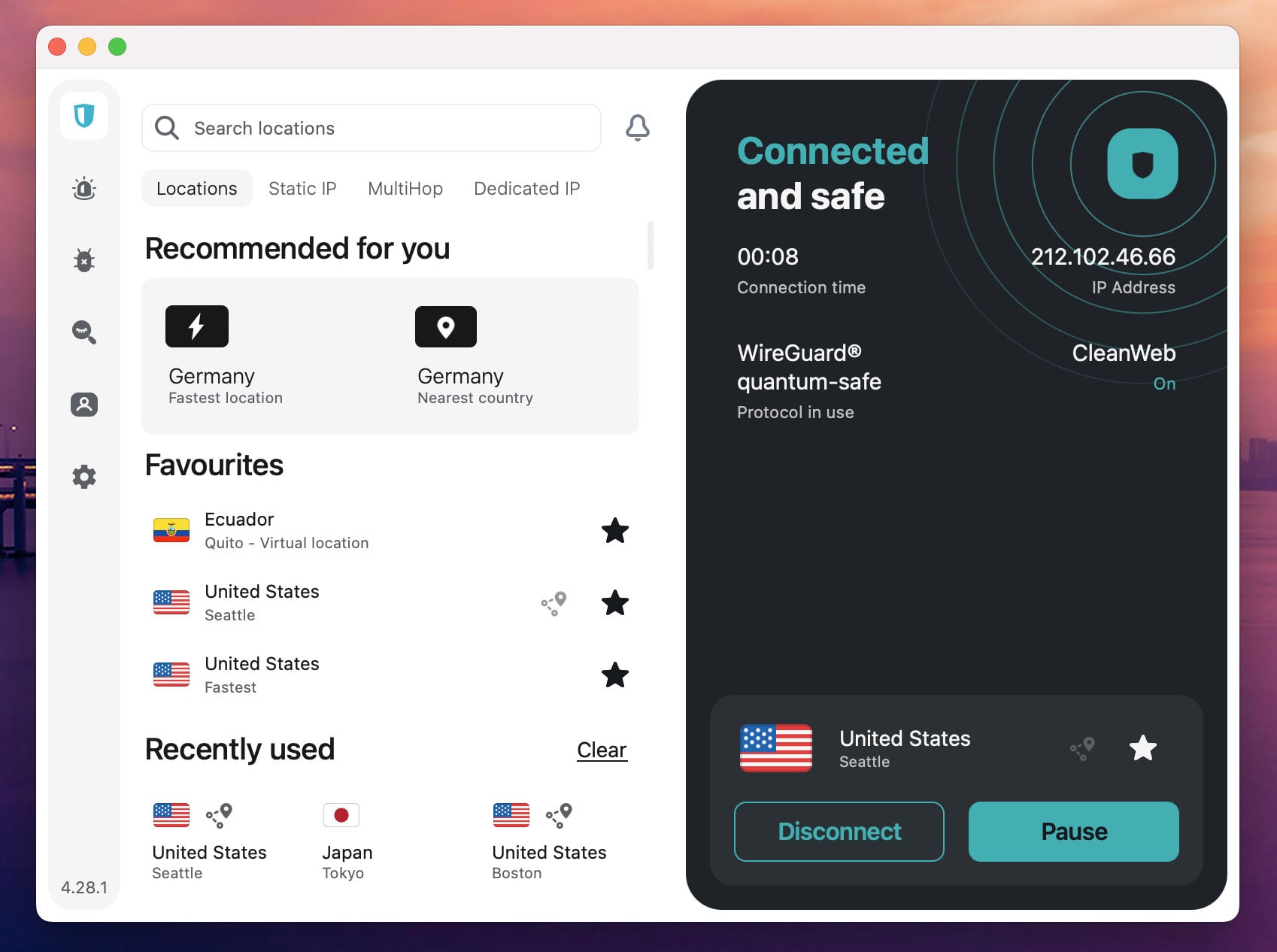
Surfshark has no device limit on any plan, and that’s the reason to pick it. A house with two gaming PCs, a console on a VPN router, a Steam Deck, and a few phones pays for one subscription.
Download speeds stay high on nearby servers, and its ping is close enough to the others that only a competitive player chasing every millisecond will care. Bypasser, Surfshark’s split tunneling, lets you choose which apps skip the VPN. Most players will want the game going through the tunnel and a launcher’s patch downloads staying outside it, so an update doesn’t compete with the match.
Consoles can use Surfshark’s Smart DNS or a VPN router, and a Dedicated IP option is available for players who keep hitting captchas on shared addresses. The One plan adds antivirus for about 30 cents more a month.
The Starter plan costs $2.49 a month, the cheapest way into this list, and that price stays the same however many devices you add.
Best VPN for Gaming on PS5, Xbox, and Switch
PS5, Xbox Series X|S, and Nintendo Switch don’t run VPN apps, so the VPN has to sit on something else. A VPN router covers every device in the house, consoles included, and a Windows PC can share its VPN connection with a console over Ethernet or its mobile hotspot.
Smart DNS, which NordVPN, ExpressVPN, and Surfshark all have, is quicker to set up and changes the region your console sees, but it doesn’t hide your IP address, so it won’t stop DDoS attacks.
How to Set Up a VPN for Gaming
Use WireGuard or a protocol built on it, like NordLynx, or Lightway on ExpressVPN, since OpenVPN connects more slowly and adds more delay. Pick the VPN server closest to the game’s servers, which isn’t always the one closest to you.
Turn the kill switch on, because some apps leave it off until you enable it, and it’s what keeps your real IP address hidden if the VPN drops mid-match. Then put your game launcher’s downloads outside the VPN with split tunneling, so a Steam or Battle.net patch doesn’t share the tunnel with your match.
Call of Duty players looking for easier lobbies have a more specific problem, and our guide to the best VPN for Modern Warfare 4 covers which VPN locations can actually change who you play against.
Is a Free VPN Good Enough for Gaming?
Mostly not. Free VPNs run small networks with crowded servers, and crowded servers cause the ping spikes you notice in a firefight. Most of them also cap data. Proton VPN’s free plan is the exception, with no data cap and no ads, but it chooses the country for you, so you can’t pick a server near the game.
Verdict
NordVPN is the best VPN for gaming for most players in 2026: it adds almost no ping on nearby servers, keeps it lowest on distant ones, and barely touches your download speed, with Smart DNS and router support for consoles. Proton VPN is the one to get if you host game servers or want a free plan, ExpressVPN suits players on networks that block VPNs, and Surfshark covers a whole house of devices for one price.
Try NordVPN Risk-Free for 30 Days
Frequently Asked Questions
What is the best VPN for gaming?
NordVPN, for most players. It adds almost no ping on nearby servers, keeps ping lowest on distant ones, and loses very little download speed. Proton VPN is the better pick if you host game servers.
Does a VPN lower ping for gaming?
No. A VPN adds a stop between you and the game server, so it adds a little ping, though with a good VPN it’s only a few milliseconds on a nearby server. The exception is an internet provider that slows down gaming traffic, which a VPN can get around because the provider can no longer see what you’re doing.
Can you use a VPN for gaming on PS5, Xbox, or Switch?
Yes, through a VPN router or a PC sharing its connection, since consoles don’t run VPN apps. NordVPN, ExpressVPN, and Surfshark also have Smart DNS, which changes your region but doesn’t hide your IP address.
Is a free VPN good for gaming?
Rarely. Free VPNs run crowded servers that cause ping spikes, and most cap data. Proton VPN’s free plan is the exception, with no data cap and no ads, though it picks the country for you.
Can a VPN get your gaming account banned?
Using a VPN isn’t against the rules on Steam, PlayStation Network, or Xbox, but buying games through a cheaper regional store breaches their terms, so check before you switch regions.