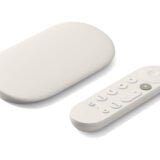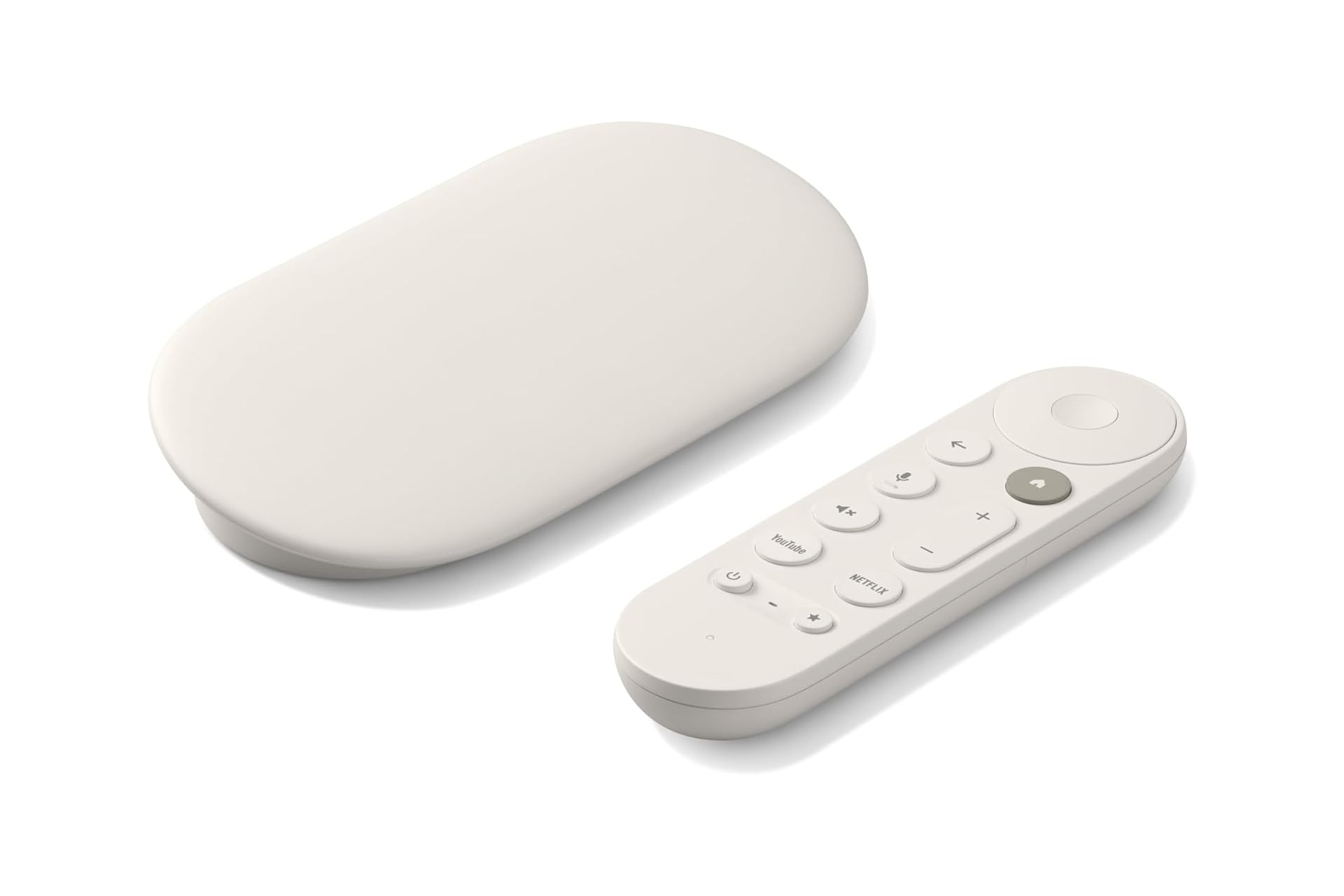
Streaming media players like what you find with Amazon’s Fire TV Stick or a Roku TV are a great way to add some smart features to an older TV that is absent of these modern conveniences. They also are great to put on a newer display that already has smart TV functionality. Why? Not all smart TVs are as intuitive as they market themselves to be. If you love the way your TV looks, but find navigating its menus cumbersome, upgrading to a media streamer like one of these can be a quick and affordable way to change to something better without replacing a TV outright. Right now, Amazon has the Google TV Streamer on sale for $20 off. Normally sold for $100, it’s now down to just $80 for a limited time.
The Google TV Streamer can deliver you all your favorite content in up to 4K resolution. It supports HDR as well as Dolby Vision, bringing out high quality detail in everything you watch. Dolby Atmos support does the same but for the high quality detail on the audio front.
This latest model of the Google TV Streamer has a new processor that is 22% faster than the previous one as well as twice the memory. This allows for even smoother navigation and fast loading app.
Watch Anything You Want
With a Google TV Streamer, you’ll be able to watch content across all the big players in the streaming space. Watch shows and movies through Netflix, HBO Max, Disney Plus, Hulu, and more. Google also offers a number of apps with free content to keep you entertained at no additional cost. Access over 800 free channels via apps like Pluto TV, Tubi, and more.
Finding it hard to keep up with everything coming out? Often forgetting what you told yourself you were going to watch when you finally have some downtime? The Google TV Streamer pairs seamlessly with your own Google account. When you search for a movie or show on Google, you can then add it to your watchlist directly and access later at your TV.
The Google TV Streamer remote supports voice search. One of my biggest pet peeves is having to manually search for a long title on one of those on-screen keypads, one letter at a time. I find it particularly annoying when the app designers for some reason thinks its a good idea to make their keypad just the alphabet in one long line across the top of the screen, probably the most unintuitive way to type something. The voice button on the remote saves you the trouble. Just speak you title aloud and you’ll be good to go.